
Last updated on April 25th, 2026 at 11:06 am
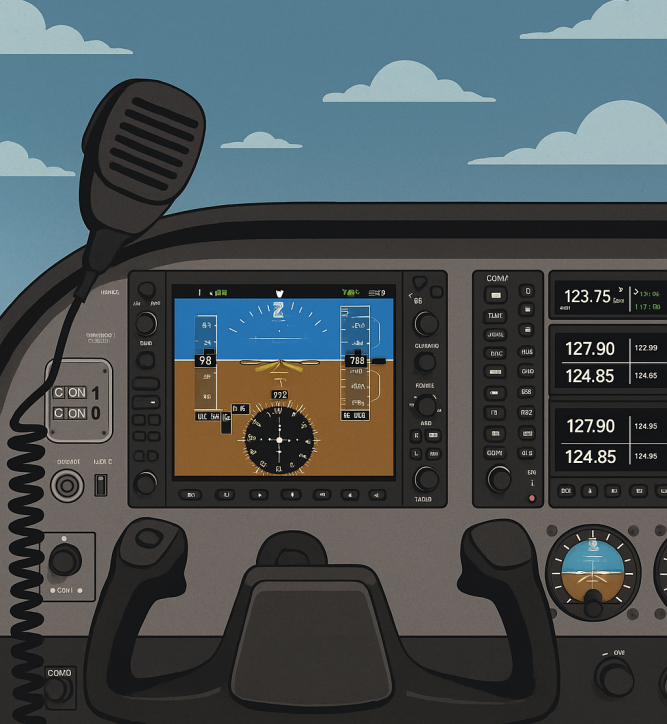
Implementing ATC in your flight sim isn’t just about ticking a realism box—it’s about stepping into the mindset of a real pilot. For a deeper sense of realism in your entire setup, check out Achieving Ultimate Realism With Custom Equipment. Suddenly, those once-quiet skies come alive with instructions, decisions, and a rhythm that mirrors actual aviation.
When you integrate ATC communication, you’re not just practicing takeoffs and landings; you’re getting a taste of real aviation processes like picking up clearances, understanding taxi instructions, and navigating landing sequences. This level of immersion forces you to think, plan, and respond more actively throughout the flight.
✈️ My Experience Using Built-In ATC in X-Plane 11
🛫 First Time Using Built-In ATC
The first time I used built-in ATC was in older simulators like Microsoft Flight Simulator 2002 and 2006, and later in X-Plane 11. At that time, I expected it to feel similar to real-world communication.
My goal was to learn how to communicate with ATC during different phases of flight—requesting taxi clearance, takeoff clearance, climb, descent, and landing instructions. The system was simple to use since everything was menu-based. I could press numbers to respond, repeat instructions, or tune into different frequencies when leaving an airspace.
At the beginning, this simplicity helped me understand how communication works without feeling overwhelmed.
⚠️ Issues I Experienced With Built-In ATC
As I continued using it, I started noticing some limitations, especially in X-Plane 11:
- ATC sometimes repeated the same instructions, such as squawk codes or descent commands
- During IFR flights, instructions continued even after I followed them correctly
- I wasn’t sure if it was a reminder system or a bug
- Compared to Microsoft Flight Simulator, the repetition felt more noticeable
These situations made me realize that built-in ATC is helpful for learning, but not always realistic or consistent.
🎥 Real ATC Example – New York to Boston
Description:
In this video, I’m flying from New York to Boston using the built-in ATC system in X-Plane 11.
During the flight, I noticed that ATC kept repeating instructions such as squawk codes and descent commands—even after I followed them correctly. This made the communication feel less realistic and sometimes confusing during the flight.
This example shows one of the limitations of built-in ATC. While it’s useful for learning basic communication, it may not always behave like real-world air traffic control.
In my experience, I use built-in ATC mainly for practice, but I don’t rely on it completely—especially during descent and approach.
🎯 What I Learned From Using Built-In ATC
After several flights, I adjusted how I use ATC:
- I don’t rely 100% on default ATC
- I focus on maintaining correct altitude and heading manually
- Before approach, I manage descent using autopilot instead of depending fully on ATC
- I double-check instructions to avoid missing responses
One mistake I made early on was forgetting to respond to ATC (like checking in with the next controller). When that happens, the flight plan can get disrupted, or you might miss important instructions and lose awareness of your route. I go into more detail about handling these phases in my guide on takeoff and landing in flight simulators, especially for beginners trying to stay aligned with ATC instructions.
🔄 Built-In ATC vs Real ATC Networks (My Perspective)
Based on my experience:
Built-in ATC (X-Plane 11):
- Good for learning communication basics
- Easy to use and beginner-friendly
- Limited realism and sometimes repetitive
Live ATC networks like VATSIM:
- More realistic with human controllers
- Dynamic and less predictable
- Requires more confidence and proper communication
💡 My Recommendation For Beginners
If you’re just starting, built-in ATC is a good way to learn communication flow and basic procedures. However, don’t expect full realism. Once you’re comfortable, switching to live ATC networks will provide a much more realistic and engaging experience.
Choosing the Right ATC Simulation: Built-In vs. Real-World
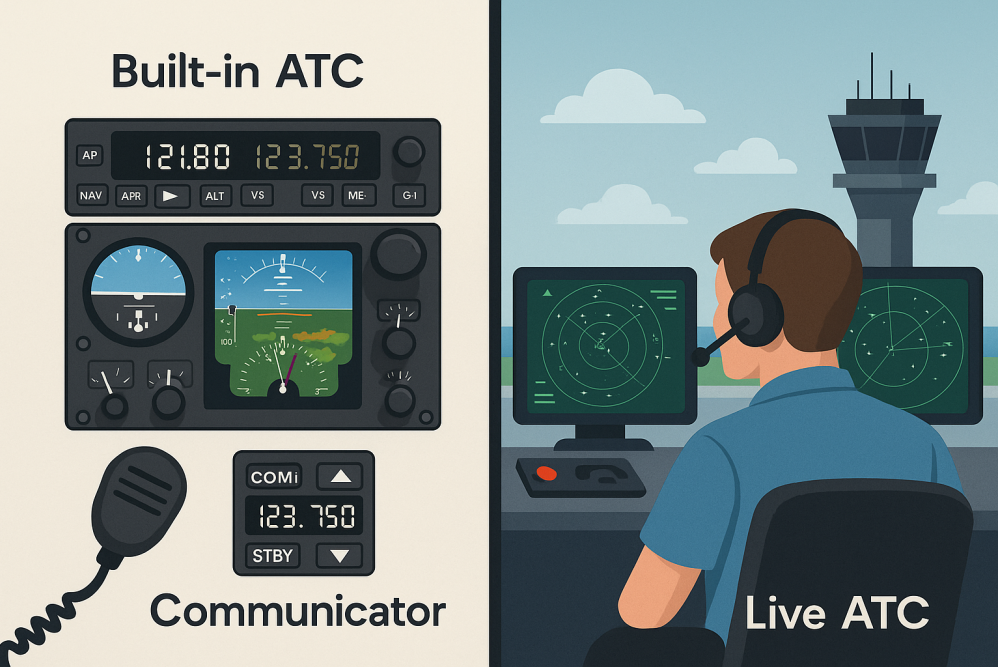
Most flight sims like Microsoft Flight Simulator and X-Plane come with built-in ATC systems. These are a great starting point, especially for beginners.
In my experience using built-in ATC in X-Plane 11, I noticed that while it helps with learning, it sometimes repeats instructions or gives less realistic timing compared to live environments.
For those looking for more realism, networks like VATSIM, IVAO, and PilotEdge provide live human interaction. These platforms create a more immersive and unpredictable experience.
If you want to explore the different tools and platforms available, check out my guide on Top Software for Air Traffic Control Simulation, where I break down the best options for both beginners and advanced users.
The choice depends on your comfort level. Built-in ATC is ideal for learning, while live networks are better for realism and challenge.
What You’ll Need for Realistic ATC Communication
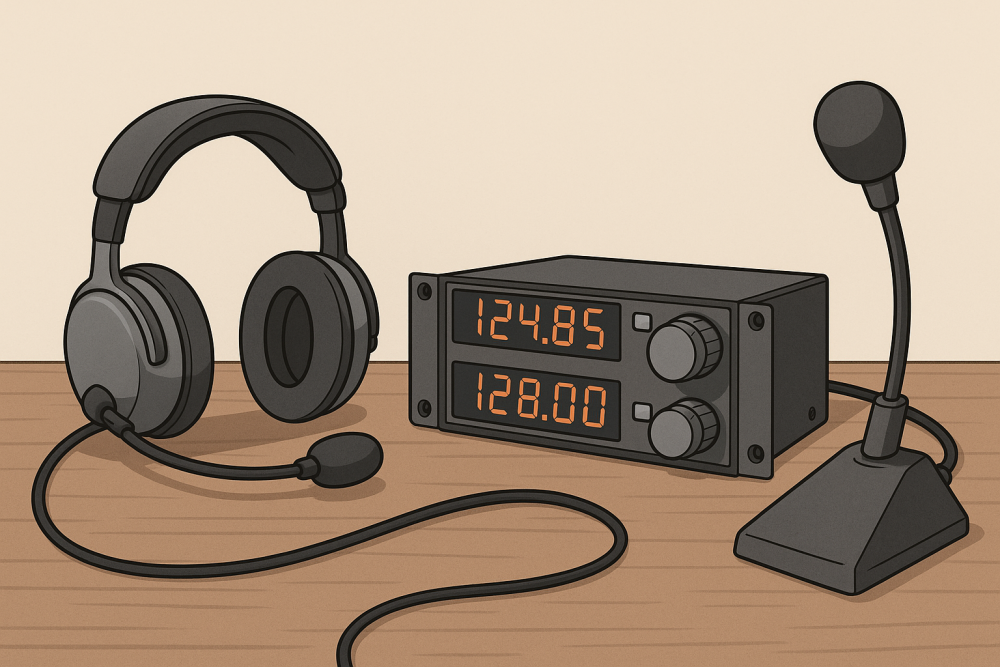
Having the right gear can improve your experience, especially when moving to live ATC.
In my setup, I didn’t use a headset at first—I was using my laptop speakers while learning the built-in ATC system in X-Plane 11. Since the communication is menu-based, this worked fine for understanding instructions and getting familiar with how ATC works.
However, when moving to live ATC networks, clear audio becomes much more important. That’s where using a proper headset can make a noticeable difference, especially for understanding fast or complex instructions. If you’re considering upgrading your setup, you can check out my guide on Top Headsets for Flight Simulation for options that improve clarity and comfort.
Headsets like the Bose A30 Aviation Headset or Lightspeed Zulu 3 offer excellent sound quality, but beginners don’t need premium equipment right away. Starting with basic audio setup is enough while learning the fundamentals.
Mastering ATC Phraseology and Community Resources
Getting familiar with ATC phraseology improves both clarity and realism.
When I first started, I relied mostly on menu-based responses instead of memorizing phraseology. This helped me understand the flow of communication before focusing on more realistic interactions.
Resources like the Aeronautical Information Manual can help you learn proper terminology, but practice is what really builds confidence.
Why ATC Makes Every Flight Feel Like a Real Mission

Including ATC communication adds structure and purpose to your flights.
In my experience, ATC made flights more engaging, but it also required more attention—especially when managing altitude, headings, and timing of instructions. Missing a call or responding late can affect the entire flow of the flight.
This adds a layer of responsibility that makes each flight feel more like a real mission rather than just free flying.
🛬 Wrapping Up
Implementing ATC communication into your flight simulator isn’t just an upgrade—it’s a mindset shift. Whether you’re using built-in systems or exploring live networks, each step helps you understand how real-world aviation communication works.
From my experience, built-in ATC is a great starting point, even with its limitations. It teaches the basics and prepares you for more advanced environments. As you gain confidence, moving to live ATC networks will make your flights feel even more realistic and rewarding.