
Last updated on April 18th, 2026 at 12:35 pm
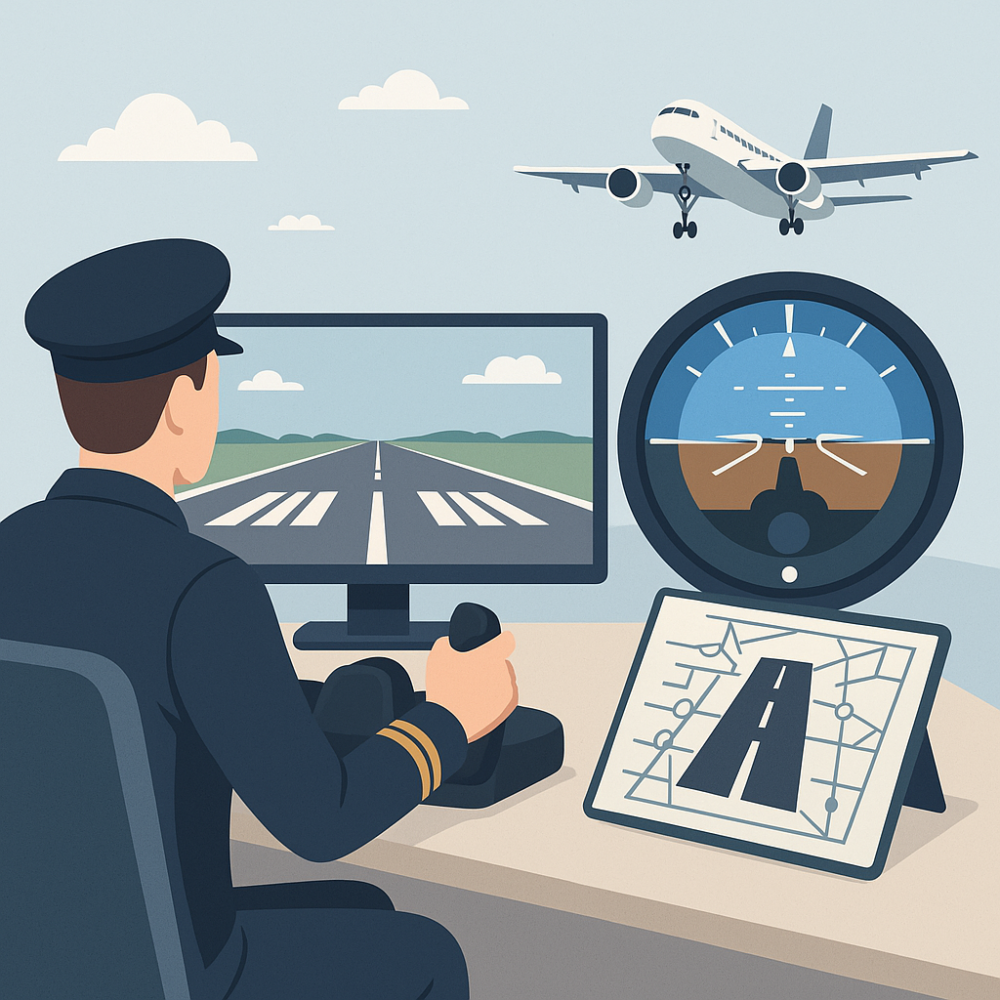
A good landing begins long before the wheels touch the runway. It’s all about foundation—getting that stable approach right. Think of it as setting the mood for the rest of the landing experience. When you’re coming in, maintaining a steady descent rate is key. You don’t want the plane wobbling about or coming down too fast. A smooth, controlled approach keeps you in charge. 👉 If you’re still working on the basics, check out our Beginner’s Step-by-Step Flight Sim Guide.
In flight simulators like X-Plane 11 and Microsoft Flight Simulator, improving your landings comes down to maintaining a stable approach, managing airspeed precisely, and practicing consistently across different conditions.
Let’s chat about speed. Getting the airspeed spot on is a game-changer. Coming in too fast? You’re going to float down the runway like a butterfly. Too slow? Well, that can end with a bang. Aiming for that sweet spot, the correct landing speed, keeps everything balanced and predictable. 👉 To learn how landing speeds like Vref are calculated, see the FAA’s Pilot’s Handbook of Aeronautical Knowledge – Chapter 11 (Flight Operations).
Alignment with the runway is your next big ticket item. It’s a bit like threading a needle—tricky, but super satisfying when you nail it. Being lined up perfectly as you approach keeps things steady and makes the whole landing sequence smoother.
So, why is all this important? When you’ve got a stable approach, you’re set up for success. It’s like laying down tracks for a train—you just need to follow them down to a silky-smooth touchdown. 👉 Learn how this fits into a complete landing process in our Virtual Takeoff and Landing Confidence Guide. Building this stable approach is your way of saying, ‘I’ve got this under control,’ no matter what challenges the airport throws your way.
Precision in Flight: Airspeed Management and Configuration
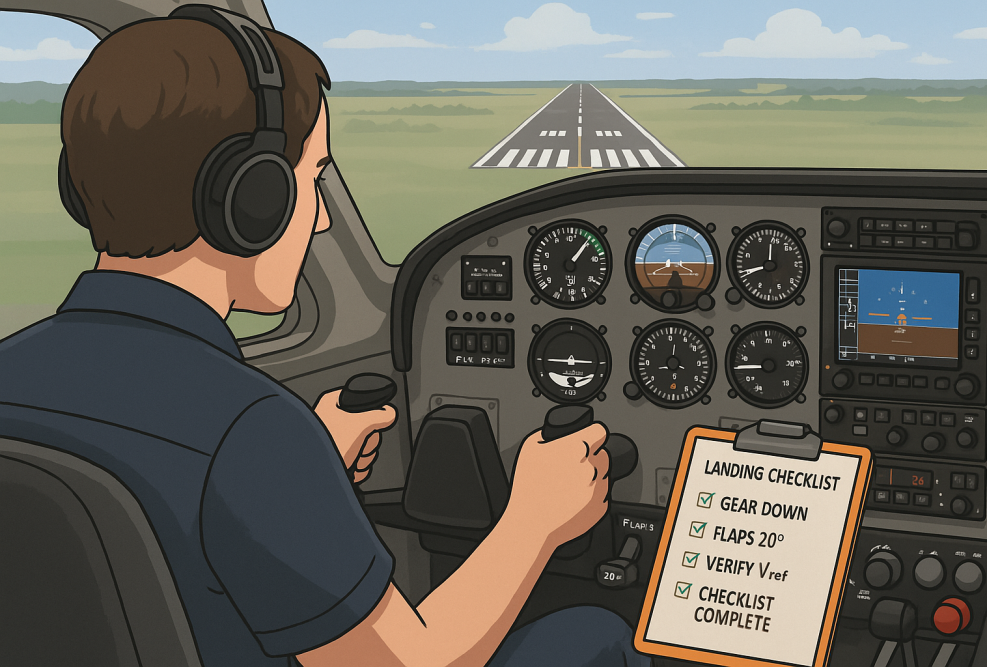
Let’s talk airspeed — it’s the secret sauce that can make or break your landing. Hitting your Vref isn’t just a good idea; it’s the heartbeat of a smooth touchdown. Nail the speed, and everything else just falls into place. Too fast? Expect some unwanted runway surfing. Too slow? That can be even more nail-biting. Getting it just right? That’s where you want to be.
Managing your speed isn’t guesswork — it’s a mix of instinct and precision. You’ll be watching your instruments, feeling the aircraft’s response, and making tiny course-correcting tweaks that bring you in just right. You don’t want surprises, so keep your eyes peeled on your dials and make tiny adjustments as you go.
Flaps and gear are your best buddies at this stage. They’re like the supporting cast in a play—quietly doing their thing, but absolutely crucial. Deploy those flaps to increase drag and control your descent more finely. And timing the landing gear right isn’t just about looking cool; it’s about safe, sound landings every time.
Now, about checklist discipline. Ever heard the saying ‘an ounce of prevention is worth a pound of cure’? That’s checklist discipline for you. 👉 This is especially true when flying complex aircraft like the PMDG 737 — check out our FMC Programming Tutorial. Run through it, tick every box. Missing out on these small checks could spiral into a bigger headache down the line. Discipline here means fewer surprises when you’re coming in for that big finish.
Touchdown Execution: Roundout, Flare, and Targeting the Zone
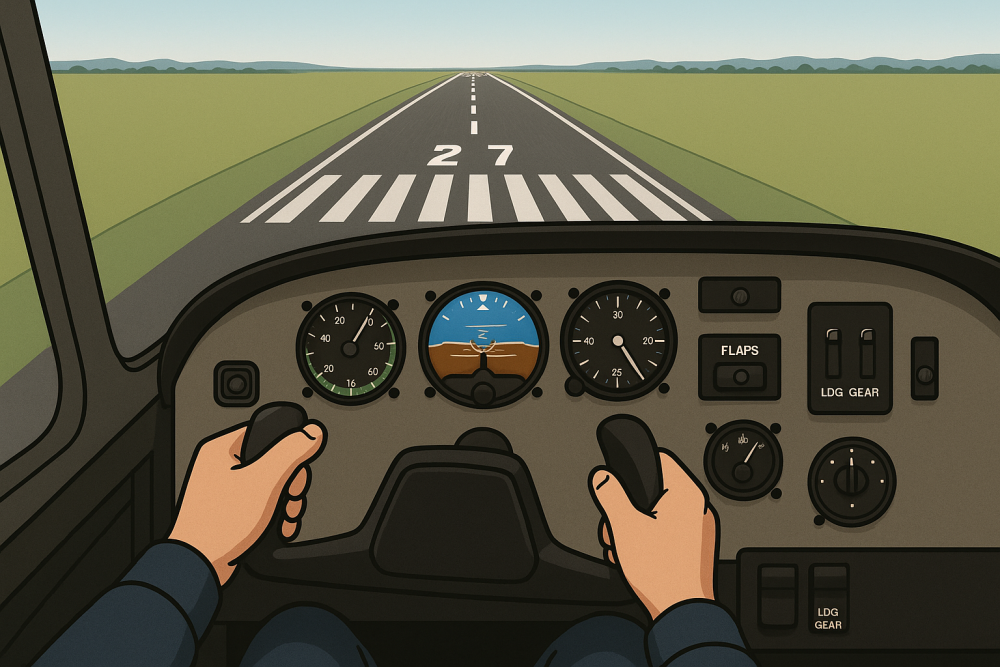
So you’re on the final stretch, and it’s time for the real show—the roundout and flare. This transition phase is all about finesse. Think of it as the art part of landing, where you smoothly shift from descending to gliding inches above the runway. Get it right, and touchdown feels as smooth as butter.
The key here is timing. As you approach the runway, gently pull back on the controls to arrest your descent rate. With practice, you’ll feel when the aircraft is ready to flare, just before it kisses the ground.
Targeting the touchdown zone sounds like hitting a bullseye, and in many ways, it is. Setting your sights on the first third of the runway gives you plenty of space to stop safely. It’s like aiming for that sweet spot where everything just clicks together.
Why the first third? It’s your safety buffer. It makes sure you’re not pulling a fast one and overshooting the runway. Nobody wants that drama. 👉 Practicing this consistently can help you avoid one of the Top Mistakes New Flight Sim Users Make. Getting this down pat means being methodical and precise. Make runway targets your go-to spot for every flight, and you’re setting yourself up for success.
Consistency is where the magic happens. The more you aim for that touchdown zone, the more natural it feels. It’s all about repetition, awareness, and keeping your cool every time the wheels meet the runway. Get those right, and you’ll nail it more times than not.
Mastering Adverse Conditions: Crosswind Landings and Post-Touchdown Control

Let’s talk about crosswinds, the tricky beasts that they are. You never know when they’ll decide to test your skills. But having a couple of tricks up your sleeve can turn these challenges into just another day at the office. 👉 Want to test your crosswind technique in real time? Try flying online with VATSIM or PilotEdge.
One technique to tame those stubborn winds is the crab method. Here, you point the nose into the wind to keep your path aligned with the runway. Just before touchdown, straighten the nose to reduce sideways movement. Sounds mysterious? It’s all about timing and balance, making it feel like second nature after some practice.
Ever heard of the sideslip? It’s a bit of an art form. Use the rudder to align with the runway while the opposite aileron counters the drift. With this under your belt, you can handle any crosswind Mother Nature throws your way.
Touching down isn’t the end of the show — it’s just the next act. Once you’re rolling, your rudder keeps you tracking straight, and braking should be smooth and steady, not a stomp-and-hope situation. Ease into them, feathering to keep your speed in check.
Spoilers and reverse thrust are your allies now. Spoilers pop up to decrease lift and put more weight on the wheels, aiding in braking efficiency. And don’t forget reverse thrust—it’s like throwing your own personal anchor out the back. Utilize all these tools the right way, and you’ve got the rollout under control.
Enhancing Skills through Simulation: Practice, Feedback, and Adaptability
Simulators are like the Swiss army knife of flight training—a full toolkit for building well-rounded landing skills. They’re your best shot at trying everything without breaking the bank or pushing limits in real flights.
Practicing go-arounds is crucial. If the landing feels wrong, don’t hesitate—power up and try again. 👉 You can learn more about go-arounds and IFR procedures in FAA Instrument Flying Handbook – Chapter 5. A simulator allows you to rehearse this till it becomes instinctive. Expect the unexpected and be ready to react—valuable traits out in the real skies.
See the Video:
I recently landed a Cessna 172 Skyhawk at Tyendinaga Mohawk Airfield, and it turned into a useful learning moment. On final approach, the aircraft was slightly higher than ideal, so I increased my descent rate to correct the profile. While the correction was a bit aggressive, the landing itself remained smooth.
This shows that while a stable approach is always the goal, being able to recognize and correct deviations—without losing control or alignment—is just as important when practicing in a flight simulator.
From My Experience:
When I first started practicing landings in FSX, especially with larger aircraft, I struggled quite a bit. Many of my early attempts didn’t go well because I came in too high, too fast, or completely unstable. At that stage, I didn’t fully understand how important speed and descent control were during the approach.
When I later switched to X-Plane 11, I still had a few failed landings at first—but it became much clearer what I was doing wrong. I started correcting my speed earlier and managing my descent more carefully, which made a big difference. The aircraft began lining up properly on final, and after a few attempts, I finally achieved a controlled touchdown.
That moment was rewarding, but more importantly, it showed me that improvement comes from recognizing mistakes and adjusting early. Simulators give you the freedom to repeat approaches, fix errors, and build consistency over time.
What Helped Me Improve:
During my practice in X-Plane 11, I noticed a clear improvement in my landings after adjusting a few key settings and techniques. Increasing the stability augmentation to around 40% made the aircraft much easier to control on final, especially when using a joystick. It reduced overcorrections and helped keep the approach more stable.
I also started reducing my speed earlier and deploying flaps sooner during the approach. This allowed the aircraft to settle into a more controlled descent, rather than making aggressive corrections close to the runway. These small adjustments made a noticeable difference and helped me achieve smoother, more consistent landings.
Most good simulators are packed with tools to help you get better. Add-ons and plugins can track your approach, speed, descent rate, and even tell you how smooth (or not) your landing was — kind of like having a no-nonsense instructor riding shotgun. They’re like having an instructor with unlimited patience.
Common Flight Simulator Landing Mistakes (and How to Fix Them)
One of the most common mistakes is approaching too high or too fast, which often leads to unstable landings. Another issue is delaying flap deployment or failing to reduce speed early enough on final.
The best way to fix this is to stabilize your approach earlier—adjust your speed, descent rate, and alignment before reaching short final. Small corrections early are much easier than aggressive fixes close to the runway.
Final Approach: Bringing It All Together
landing in a flight simulator might be the last part of the flight, but it’s where everything comes together — your planning, your control, your confidence. From managing airspeed and descent rate to handling crosswinds and nailing the touchdown zone, it’s all about building habits that stick.
Flight simulators give you the perfect environment to make mistakes, learn from them, and turn shaky approaches into smooth, satisfying landings. Whether you’re flying a small Cessna or a heavy jet, each landing is a chance to level up.
👉 Ready to sharpen your skills even further?
Explore Mastering Aerial Maneuvers in Flight Simulators for the next step in refining your control — or revisit Getting Started With Flight Simulation if you’re still building your foundation.
Practice smart, land smooth, and fly with confidence — every time. ✈️