
Last updated on February 20th, 2026 at 01:45 pm

Choosing the right flight simulator is one of the biggest decisions you’ll make as a new virtual pilot. Each platform offers different strengths—realism, hardware performance, learning tools, aircraft options—and the choice you make can shape your entire flying experience.
When I first got into flight simulation, I didn’t know which one to pick either. I tried both small GA aircraft and larger jets, and it didn’t take long to realize smaller aircraft felt much easier to control and far less overwhelming as a beginner. That early experience taught me that the right simulator depends heavily on your goals, hardware, and flying style.
This guide breaks everything down so you can match the best simulator to your needs—without confusion or trial-and-error.
Understanding Flight Simulators and Their Benefits
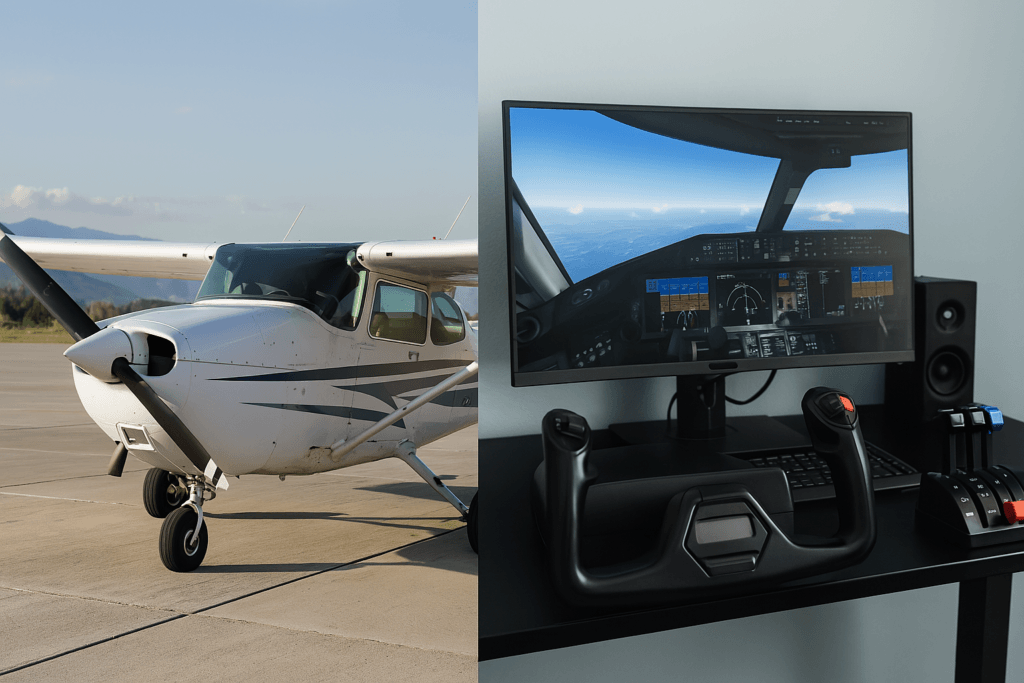
Flight simulators let you take control of anything from a light trainer to a heavy jetliner, all from your PC. They’re more than just games — they offer a practical way to learn the basics of flight, navigation, and cockpit management. The realism and flexibility they offer make them valuable for both new users and seasoned hobbyists.
For beginners, the learning curve might feel steep at first — but the right simulator eases you in gradually. You’ll build confidence as you learn how aircraft respond to inputs, basic flight dynamics, how navigation works, and how different weather conditions affect your flight. It’s this mix of learning and enjoyment that keeps people coming back. This happened to me too when I started flight simulation. I experimented with both large and small aircraft but found the smaller ones easier to control and less complicated. Starting with something simple helped me gain confidence and really enjoy the experience.
Simulator software has also kept pace with technology. As computer systems continue to improve, the realism of these simulations increases, offering detailed graphics and lifelike controls. The result is an immersive environment that feels both intuitive and challenging, regardless of your skill level.
Getting Started with Flight Simulators
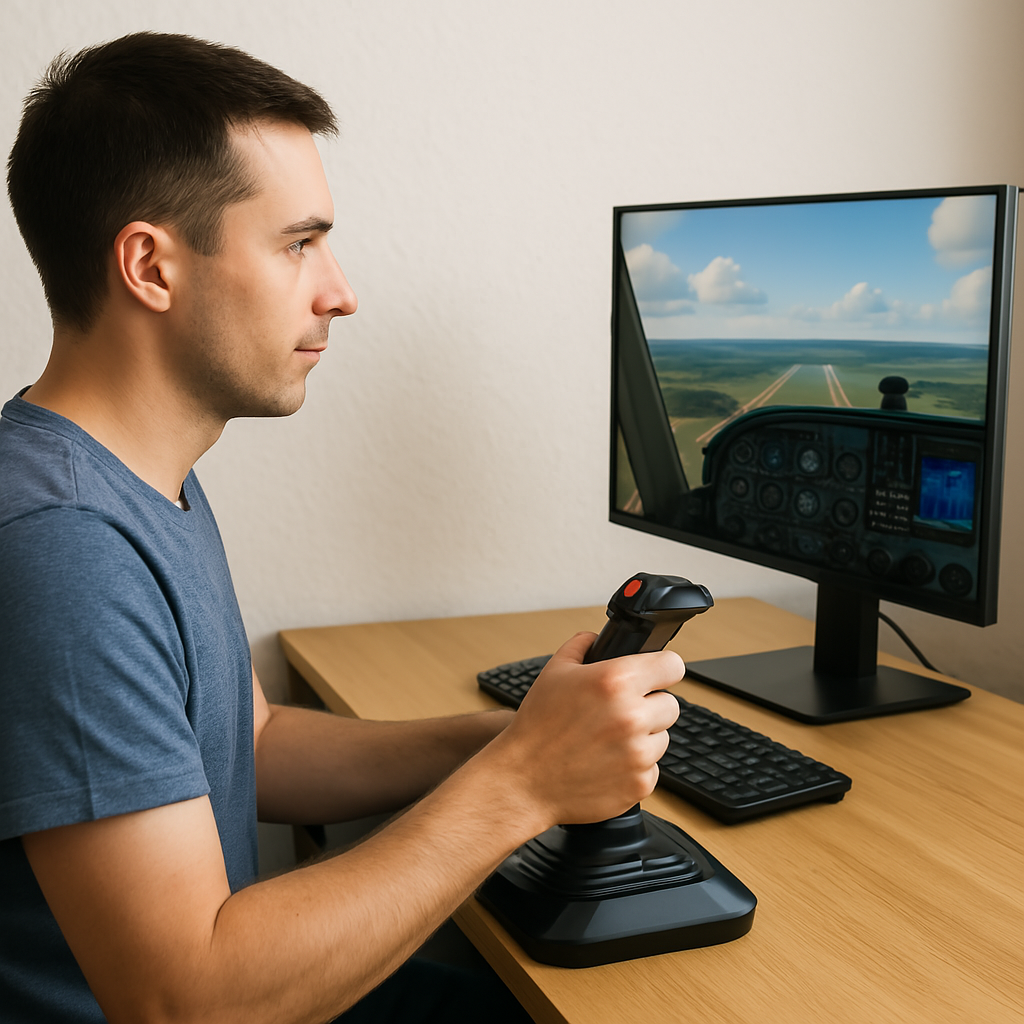
Before you jump into the virtual cockpit, it’s worth getting familiar with the basics. Simulators come in all shapes and sizes — some are designed with simplicity in mind, while others aim to mimic real-world systems closely.
If you’re just starting out, follow our step by step guide that includes tutorials, training missions, and straightforward controls. This gives you room to explore at your own pace while building a solid foundation for more advanced flying later on. You can also learn the basic cockpit layout by starting with a smaller aircraft. As explained by Microsoft’s built-in tutorial resources, most flight simulators include step-by-step lessons that walk you through cockpit instruments. Watching tutorial videos on YouTube can also help reinforce what you learn in the sim.
Some key terms to know include:
- Realism: The degree to which the simulator mimics real-world flying dynamics and visuals.
- User Interface: The ease of navigating and using the simulator’s controls, menus, and settings.
- Hardware Integration: The compatibility of the software with various peripherals like joysticks, throttle quadrants, and rudder pedals.
Factors to Consider Before Picking Your Flight Simulator
There are several aspects to weigh when choosing a simulator. Understanding these factors can help tailor your selection to match your expectations and budget.
- Graphics and Realism: High-quality graphics are more than just eye candy. They play a role in understanding terrain, weather conditions, and other visual cues. Some simulators are renowned for their photorealistic environments, which can step up your overall experience.
- System Requirements and Performance: Not all simulators run smoothly on every computer. Before committing, check the official hardware requirements to ensure your setup is up to the task. According to Microsoft Flight Simulator’s 2024 specs, these requirements provide a good benchmark for modern simulators. If your system is older, you may want to choose a simulator that’s lighter on performance demands but still delivers a solid experience.
- Control Customization: A good simulator should let you tailor your experience with the hardware you prefer. Whether you’re flying with a keyboard and mouse or using a dedicated yoke and rudder pedals, compatibility matters. Industry practice suggests that entry-level gear like the Logitech G Flight Yoke System is a favorite for beginners and works well with most platforms right out of the box.
- Learning Materials and Tutorials: Especially if you’re completely new to flying, built-in tutorials and training modes are extremely helpful. Look for simulators that offer step-by-step guides to help you progress gradually.
- Community and Support: It is widely accepted that a strong support community plays a major role in helping users grow their skills and confidence. From troubleshooting help to shared flight plans, being part of a welcoming forum can make a huge difference as you grow your skills. If you’re looking for the best places to connect with fellow simmers check out Top Forums And Communities For Flight Sim Enthusiasts.
This mix of technical and practical considerations ensures you select a flight simulator that both meets your current needs and allows room for future growth. A simulator suited to beginners might not offer deep complexities, which is fine if you’re just starting out. Later on, upgrading to a more detailed scenario can provide the advanced features you might require.
Quick Guide to Getting Your Virtual Flight Simulator Running

Jumping into the world of flight simulation can be as straightforward as pie if you take a structured approach. Here are some simple steps to ensure you get off the ground quickly with your chosen simulator:
- Select the Right Simulator Edition: Many programs offer beginner-friendly versions alongside more advanced editions. Start with the top 5 beginner-friendly simulators that covers core functionalities.
- Review Your Computer’s Specifications: Check that your hardware meets the simulator’s system requirements. Running the simulator on a machine without sufficient power can seriously hamper your experience.
- Familiarize Yourself With Controls: Most simulators offer a demo or tutorial session. Spend some time learning how to use key controls like throttles, yokes, and rudders before you start a full flight.
- Understand Flight Mechanics: Every cockpit system, from control surfaces to weather simulations, has its learning curve. A slow, methodical approach early on reduces frustration and builds fluency in operating your chosen simulator.
- Experiment With Settings: Take time to explore different settings such as realism options, weather patterns, and time of day. Experimentation allows you to tailor the simulation to what you find engaging and challenging.
This list isn’t meant to be exhaustive, but it helps emphasize that patience and consistent practice lead to better mastery of flight simulation. In addition, spending extra time exploring different software options and setup configurations can provide new insights into your flying abilities and encourage you to experiment further. Many users find that gradually expanding their simulator’s features and adjusting settings over time results in a much more satisfying and personalized virtual flying adventure.
Challenges and Considerations With Flight Simulators
Like any simulation or gaming platform, flight simulators come with their own set of challenges. Knowing these potential hurdles in advance can help you enjoy the experience while making informed decisions.
- System Demands: The best simulators offer outstanding detail, but they can also demand top-notch hardware. Upgrading your system may be necessary if you want to run the simulator at high settings.
- Learning Curve: Flight mechanics and controls are not always intuitive, especially for those with little prior flying knowledge. Investing time in learning the basics will pay off as you progress to more complex aircraft and scenarios.
- Cost: While many basic simulators are free or inexpensive, high-end versions with advanced graphics and realism can be pricey. Consider your budget when deciding which version fits your needs.
- Software Updates: Frequent updates may be required to maintain realism and fix bugs. Staying current with updates can require additional time and possibly extra cost for add-ons.
System Demands
Some flight simulators push the limits of even modern computers. If you notice lag or graphic errors, it might be time to adjust some of the visual settings or consider a hardware upgrade. Well-optimized settings help maintain smooth, uninterrupted flights, ensuring you enjoy the simulation to its fullest potential.
Learning Curve
Even though many simulators simplify the controls, expect that it might take a while before you feel entirely comfortable. Patience and using guided tutorials are essential steps in overcoming the technical and procedural aspects of the simulation environment.
Cost
Flight simulation software can range from free trials to fully featured professional-grade packages. Evaluate the benefits of investing a bit more against starting with a free version or demo. Your progress and interest might guide you in choosing whether to upgrade later.
Software Updates
Like any complex program, flight simulators evolve. Staying updated not only offers you new functionalities but also enhances the overall performance. Being flexible and ready to adjust settings or learn new features is part of the overall experience. 👉 For step-by-step help, check out How To Update And Install New Flight Sim Software.
These challenges shouldn’t discourage you. Each hurdle can be a learning opportunity that makes your simulation sessions more rewarding over time. Taking the time to research and prepare for these challenges can turn potential frustrations into milestones along your path to mastering virtual flight.
Advanced Tips and Tricks for Flight Simulation Enthusiasts
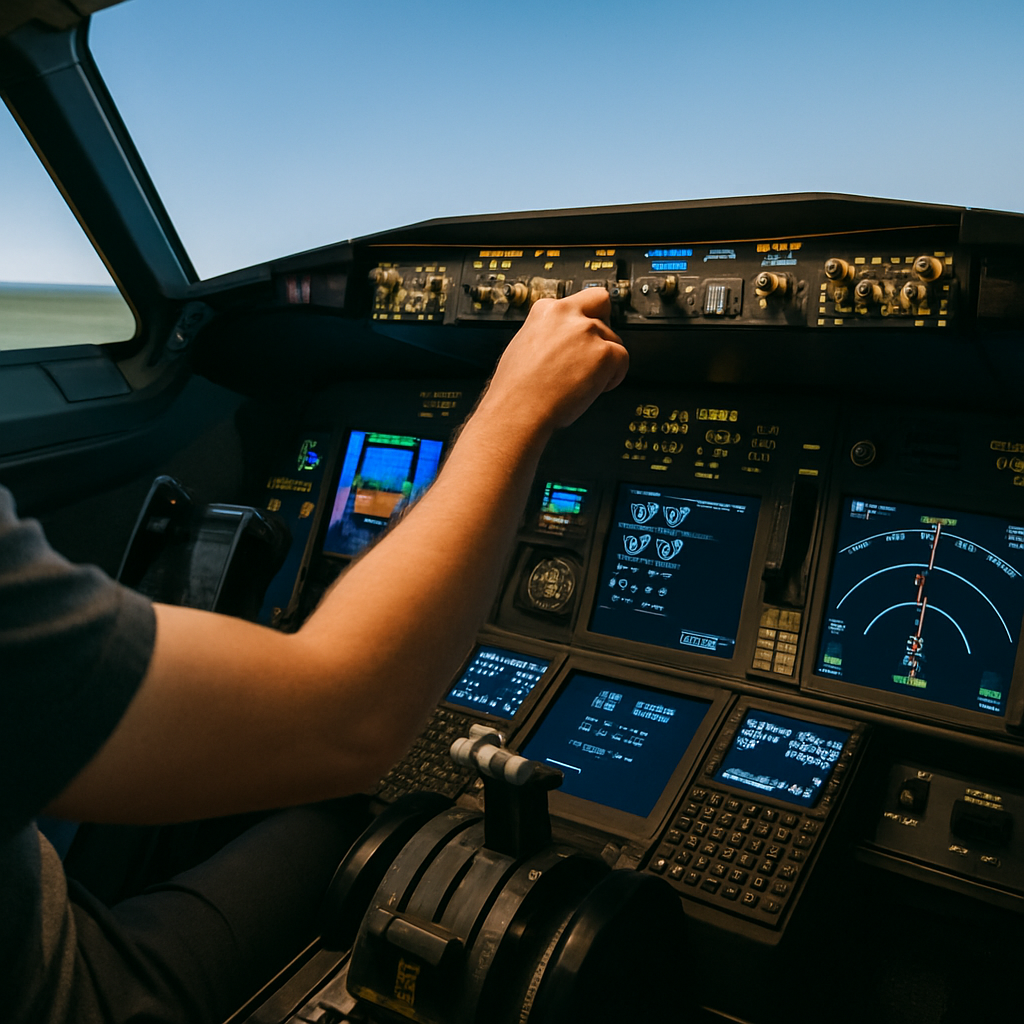
Once you’ve mastered the fundamentals, the next step is to push the boundaries of your experience. Advanced users can explore several techniques to get even more out of their flight simulators.
Master Instrument Navigation: Spending extra time to familiarize yourself with every instrument and indicator in the cockpit will improve your overall control. Advanced users often customize their control layouts so that the most critical elements are easily accessible.
Step Up Realism with Add-Ons:Once you’re comfortable with the basics, you might want to enhance your setup. Many simulators support third-party add-ons that introduce realistic scenery, aircraft models, or detailed airports. In practice, trusted marketplaces like SimMarket make it easy to browse and install add-ons that expand a simulator’s potential. For a deeper dive, check out our guide on Understanding Add-Ons: Must-Have Software Enhancements and how they can transform your flight experience.
Log and Reflect on Your Flights: Keeping a record of your flight sessions allows you to monitor your progress and identify areas for improvement. Some simulators even provide built-in tracking tools. Using this data to refine your technique makes your virtual flying both practical and enjoyable.
In addition to these methods, advanced enthusiasts may find value in joining online communities where members exchange flight strategies and troubleshooting tips. Sharing your experiences and learning from others can open up new horizons and add depth to your simulated flying sessions. This kind of collaboration not only helps you refine your techniques but also keeps the excitement alive as you continually discover fresh ways to challenge yourself.
Essential Hardware and Software for Flight Simulation
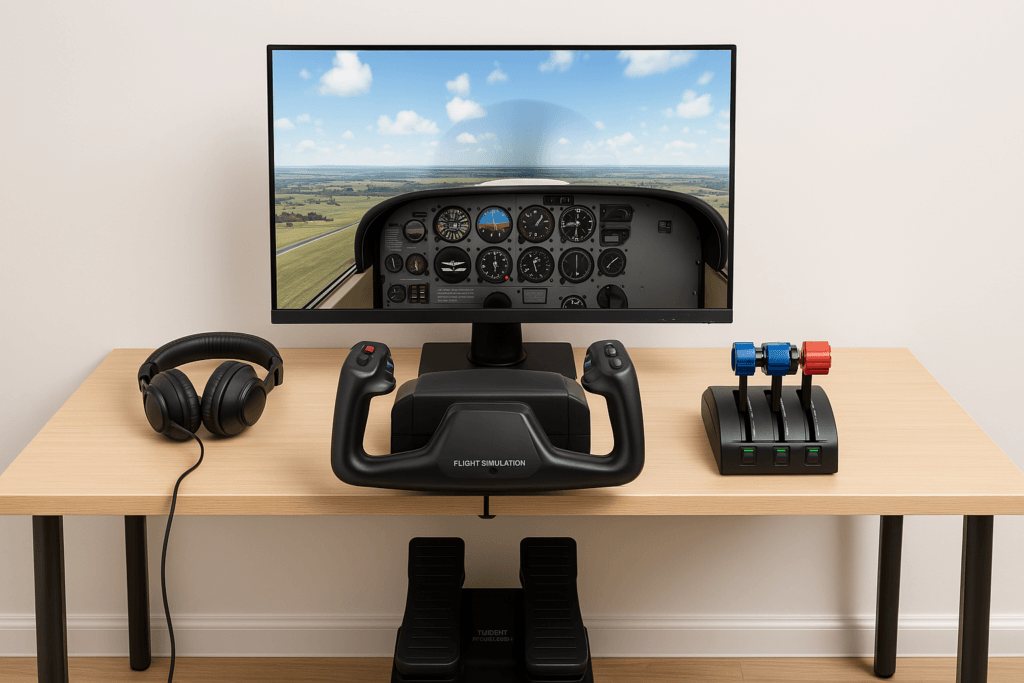
A successful flight simulation setup is more than just the software itself. The peripheral devices and additional hardware components play a key role in creating an immersive experience.
For a more hands-on feel, a joystick, throttle quadrant, and rudder pedals can help simulate realistic flight dynamics. Based on guidance from Sporty’s Flight Simulator Shop beginners can find trusted home-simulator options that balance quality and value. Even a good throttle control and rudder pedals can offer a sensation closer to real-life flying. Some enthusiasts invest in multi-monitor setups to expand the field of view, making the cockpit feel more true-to-life.
When choosing hardware, remember that comfort and compatibility with your chosen simulator matter the most. It’s not solely about having the latest gear, but about having equipment that improves your control and understanding of simulated flights. In many cases, starting simple and upgrading as your skills improve is the wisest strategy.
- Joysticks and Yokes: Help replicate the natural movement of an aircraft’s controls, making the simulation feel more authentic.
- Throttle Quadrants: Allow smoother control over speed and engine power, giving you better command of take-offs and landings.
- Pedals: Enhance the experience by enabling realistic rudder control during turns and crosswind landings.
Beyond the basics, consider investing in additional accessories such as headset audio systems and instrument panels that can further refine your simulation experience. Detailed peripherals can make a significant difference by providing tactile feedback and improving reaction times. Many users find that a well-integrated hardware setup not only makes flight simulation more engaging but also helps them build a more confident and skilled virtual piloting ability over time.
Exploring different hardware options and reading user reviews can provide valuable insights into which devices are a very important investment for your unique setup. Setting up your own custom simulator can help you tailor your gear to your goals, whether you’re flying casually or training seriously. Keeping an eye on emerging technologies in the simulator market further ensures you remain updated with performance improvements and innovative features.
Frequently Asked Questions
Below are some common questions that might come up when you’re choosing a flight simulator:
Question: Which simulator is the easiest for complete beginners?
Answer: Microsoft Flight Simulator is often the easiest starting point due to its built-in lessons, visual clarity, and beginner-friendly assistance options.
Question: What if my computer is not powerful enough?
Answer:Aerofly FS 2, X-Plane 11, or Infinite Flight (mobile) provide smoother performance on mid-range or older systems.
Question: Is MSFS too heavy for laptops?
For many older laptops, yes. MSFS benefits most from modern CPUs and GPUs. If you experience stutters, try a lighter simulator first.
Question: Do I need special hardware like a joystick or yoke?
Answer: Not at first. A joystick is enough for beginners, and many users start with simple controls before upgrading to yokes, throttles, and pedals.
Question: Which simulator feels most realistic for aircraft handling?
Answer: X-Plane 12 is widely praised for its flight model and physics, while MSFS offers unmatched visuals and world detail.
Question: Can flight simulators help with real pilot training?
Answer: Yes—while they don’t replace real flying, simulators help with navigation, procedures, instrument awareness, and cockpit familiarity.
Wrapping Up
Choosing the right flight simulator ultimately depends on your goals and what you are comfortable with. From beginners seeking a fun introduction to aviation, to those looking to refine advanced techniques, the right simulator is out there waiting to be explored. Knowing what you need from your simulator – whether it is high-end graphics, hardware integration, or all-in-one learning tools – helps in making an informed decision.
The world of flight simulation is vast and varied, filled with opportunities to test your skill and ignite your passion for flying. I hope this guide helps clear up some of the complexities, making your ride toward a tailored simulator experience more accessible and enjoyable. Enjoy the virtual skies and keep exploring the possibilities that come with each flight session. As you continue to experiment and fine-tune your setup, remember that every flight is a step toward mastering the art of simulation. The journey may have its bumps, but each challenge prepares you for even greater adventures in the world of virtual aviation.
👉 Ready to take the next step? Explore Common Mistakes New Flight Simulator Users Make to avoid early frustrations, or dive into Top Forums And Communities For Flight Sim Enthusiasts to connect with other passionate virtual pilots. Your flight sim journey is just beginning!
Finding the right flight simulator can be a game-changer depending on your goals. I started with simpler platforms just to get a feel for virtual flying, but once I upgraded to a more advanced simulator with realistic controls and weather dynamics, the experience became incredibly immersive. In my opinion, the key is matching the simulator to your level of interest – casual users might not need all the bells and whistles, but for enthusiasts, investing in a detailed simulator with strong community support makes the hobby far more rewarding. The difference in realism and control precision between entry-level and professional-grade simulators is huge and definitely worth the upgrade if you’re serious about it.
Hi Slavisa, great insights!
You’re right — the best simulator depends on your goals. Starting simple helps you learn the basics, and upgrading later can make the experience far more immersive. For casual flying, entry-level sims are perfect, but for deeper realism, advanced platforms and strong community support make a big difference.
I have been in flight training for a while now. I have gone back and forth on the considerations of whether or not I should get a home flight simulator for the days that the weather is uncooperative. Choosing which brand, how much accessories you want/should have, can become overwhelming. At the same time, the thought of the amount of money could also be used to flight training in a real aircraft. Thank you for this article!
Hi Courtney, glad the article helped!
A home simulator can be useful for practicing on days when flying isn’t possible, and even a basic setup can reinforce skills. It doesn’t have to be expensive — starting with essentials and upgrading later is a smart approach, especially alongside real-world training.
I like how you did a great job of breaking down the important factors to consider when choosing the right simulator, from graphics and system requirements to control customization and learning materials. I particularly appreciate the focus on making the experience accessible for beginners, with helpful tips on starting slowly and gradually expanding your skills. The emphasis on understanding your hardware and selecting a simulator that fits your setup is invaluable, ensuring a smoother and more enjoyable experience
Hi Marion, glad you found the breakdown helpful!
Starting slowly and choosing a simulator that fits your hardware really does make the experience smoother for beginners. Building confidence with a simple setup first is the best way to grow into the hobby.
So you are saying that you can now learn to pilot a plane from the comfort of your own home. Technology is simply amazing and whether you want to learn or even just want to play dangerously, it seems that there is a flight simulator for everyone.
I wonder how difficult it is to learn as a beginner, as I would love to try one of these.
Hi Michel!
Today’s simulators do make it possible to learn the fundamentals from home. Most beginner-friendly sims include tutorials and adjustable difficulty settings, so getting started is easier than you’d think. If you’d like suggestions, I’m happy to help.
This is a fantastic breakdown—thanks for walking through all the key factors in choosing a flight simulator, from realism and hardware needs to community support. I’m curious on two points that mattered to me:
Software ecosystem: Do any simulators stand out for third-party add-ons—like custom aircraft or scenery? It sounds like some options support them better than others.
Learning curve for new pilots: For someone with no flight experience, is there a simulator that offers great introductory tools, like guided lessons or easy-to-follow cockpit tutorials?
Thanks again for this detailed guide—it’s already helping me plan my own setup! I’ll browse your beginner-friendly sim list next.
Hi Leahrae!
MSFS 2020/2024 has the strongest add-on ecosystem, with tons of aircraft and scenery options. X-Plane 12 also has excellent third-party support and a strong focus on flight dynamics.
For newcomers, MSFS is the most approachable — its built-in lessons and cockpit guides make learning much easier.
This was such a detailed and practical guide. I really liked how you balanced the technical aspects with real beginner-friendly advice. I agree that starting small makes the learning curve less intimidating, and the breakdown of hardware choices was super helpful. I also found the emphasis on community support refreshing, since that often gets overlooked in tech-heavy reviews. One thing I’m curious about. Do you think investing in add-ons early is worth it for beginners, or is it better to master the basics first before upgrading?
Hi Kavitha!
For beginners, it’s best to master the basics first before buying add-ons. Once you’re comfortable with aircraft control and navigation, add-ons become much more enjoyable and worth the investment.