
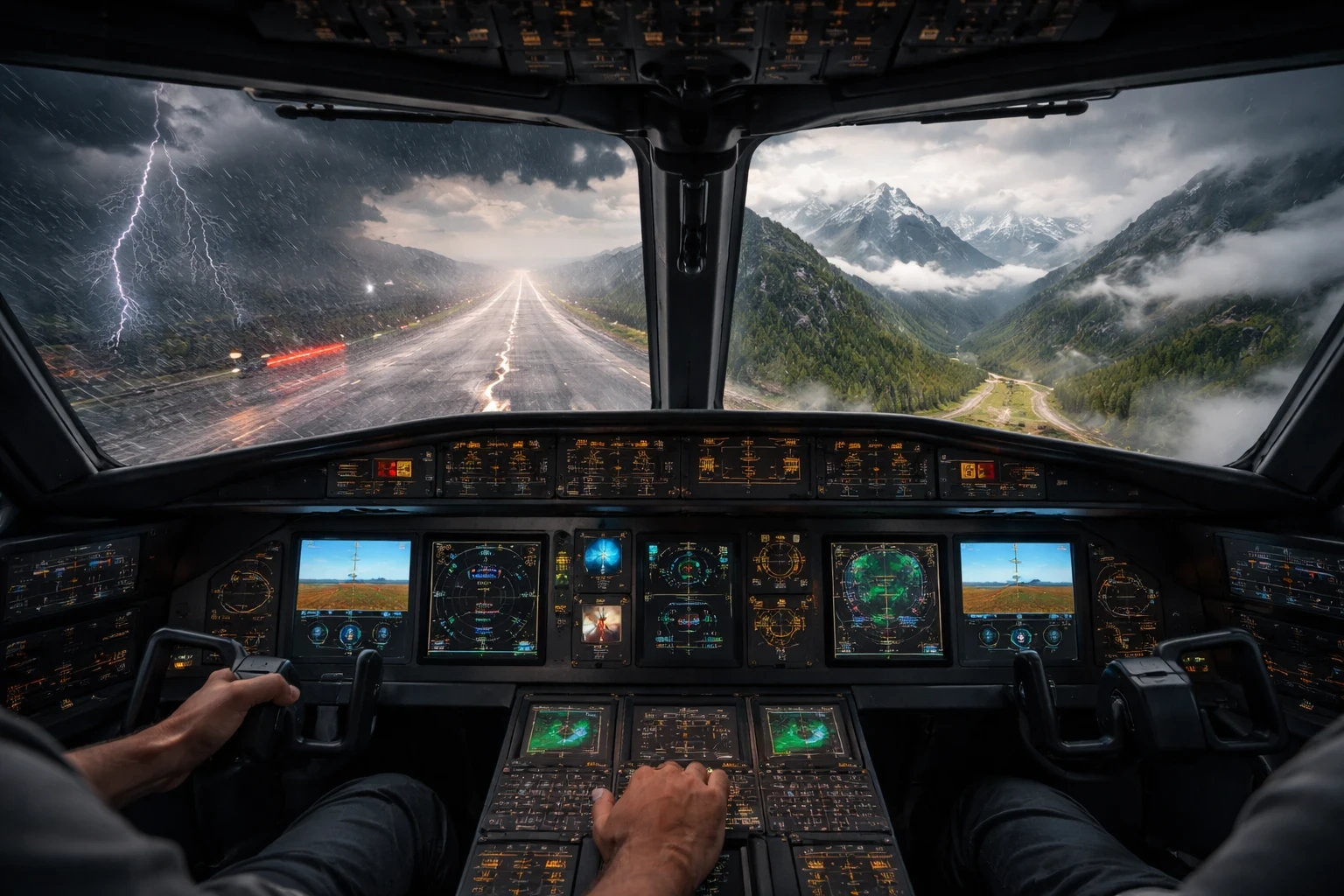
Right after takeoff, just as you start climbing, an engine failure can completely change the situation. This is one of the most realistic and challenging scenarios you can practice in a flight simulator. Setting up this scenario involves programming an engine failure at an altitude of roughly 500 feet. It’s a heart-pumping experience, letting you test your quick decision-making skills and reinforcement of emergency procedures.
The challenge isn’t just keeping the aircraft stable—it’s quickly assessing your options and deciding where you can land safely within seconds. The high-stakes decision-making underlines this scenario as one of the toughest challenges you can face as a pilot-in-training. As soon as that engine sputters and quits, you’re not just following protocol; you’re living it tirelessly and immersively.
What makes this setup crucial is the development of muscle memory and instinctive responses. You’ll build skills in handling engine failures calmly, identifying safe landing sites, and executing emergency landings. For a deeper look at handling these situations, Emergency Procedures: Advanced Sim Training Strategies goes into more detail. If you’re still building foundational skills, this ties closely with your beginner guide on learning flight simulation basics. You learn to trust yourself and your training, and the payoff is being better prepared for whatever the skies might throw at you.
To try this, tweak your simulator’s settings to introduce engine failure randomly after you’ve lifted off. You’ll want to simulate the failure shortly after rotation but before you reach the airport boundary limit. Familiarizing yourself with these emergency maneuvers equips you to act effectively under real pressure. For more structured planning before takeoff, tools like SimBrief can help you prepare routes and fuel in advance. It’s this preparation that turns uncertainty into sure-footed confidence, sharpening your aviation acumen immensely.
Mastering the Gust: Strong Crosswind Landing Practice
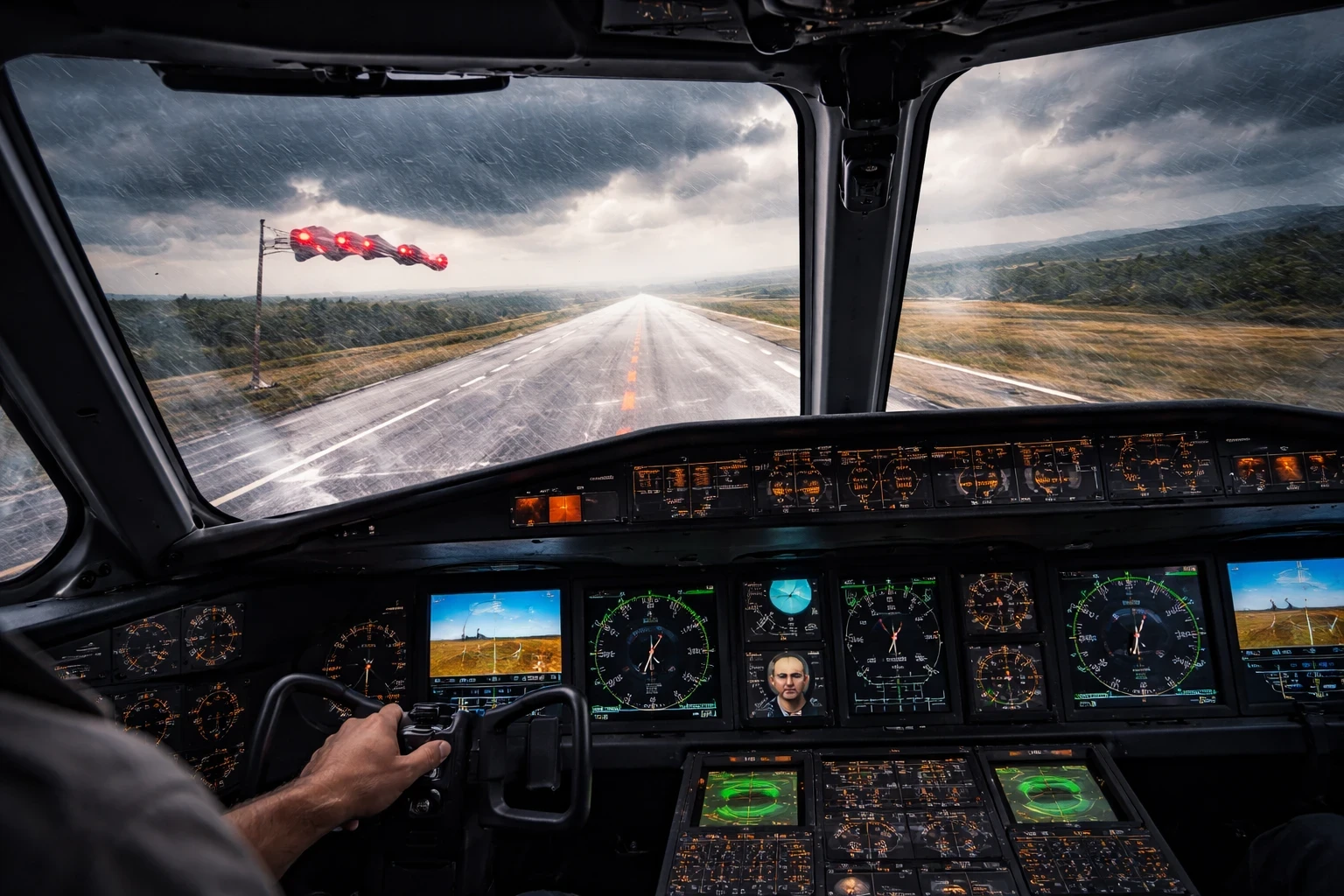
Crosswind landings are one of the most practical ways to test your control and coordination in a flight simulator. To set up this challenging scenario, adjust your flight simulator to introduce a crosswind of about 20-30 knots, ideally coming in at an angle during your final approach to landing. This simulates those perfect storm conditions every seasoned pilot talks about, where managing your craft becomes both an art and a science.
This exercise involves constant adjustments. You’re always balancing what feels like impossibilities – staying on course while the wind pushes you sideways. Each gust tests not just your control but your patience and adaptability. Strong crosswinds can push your aircraft off centerline, making the runway alignment harder to maintain during final approach.
Embracing the wind challenges you to refine your rudder control and quick-react adjustments. You get to learn how to execute the crab method properly or perform a slip to keep your aircraft aligned with the runway. If you’re working on improving landings overall, you might also find useful techniques in Improving Your Landings: Techniques & Simulator Practice. Overcoming these crosswinds enhances your ability not just to control but to anticipate shifts, teaching you to feel not just the pressure but the potential in every gust.
Setting up this scenario is straightforward. Pick an airport known for strong crosswinds, perhaps near a coastal area where the winds are more dynamic. From there, dial up the wind speed and direction in your simulator settings, so they are angled with your final approach. Practicing in these tricky conditions hones your ability to judge speed, trajectory, and execute precise landings, turning you from a capable pilot into a master of the touchdown.
Beyond the Clouds: IFR Flights With No Visual Reference
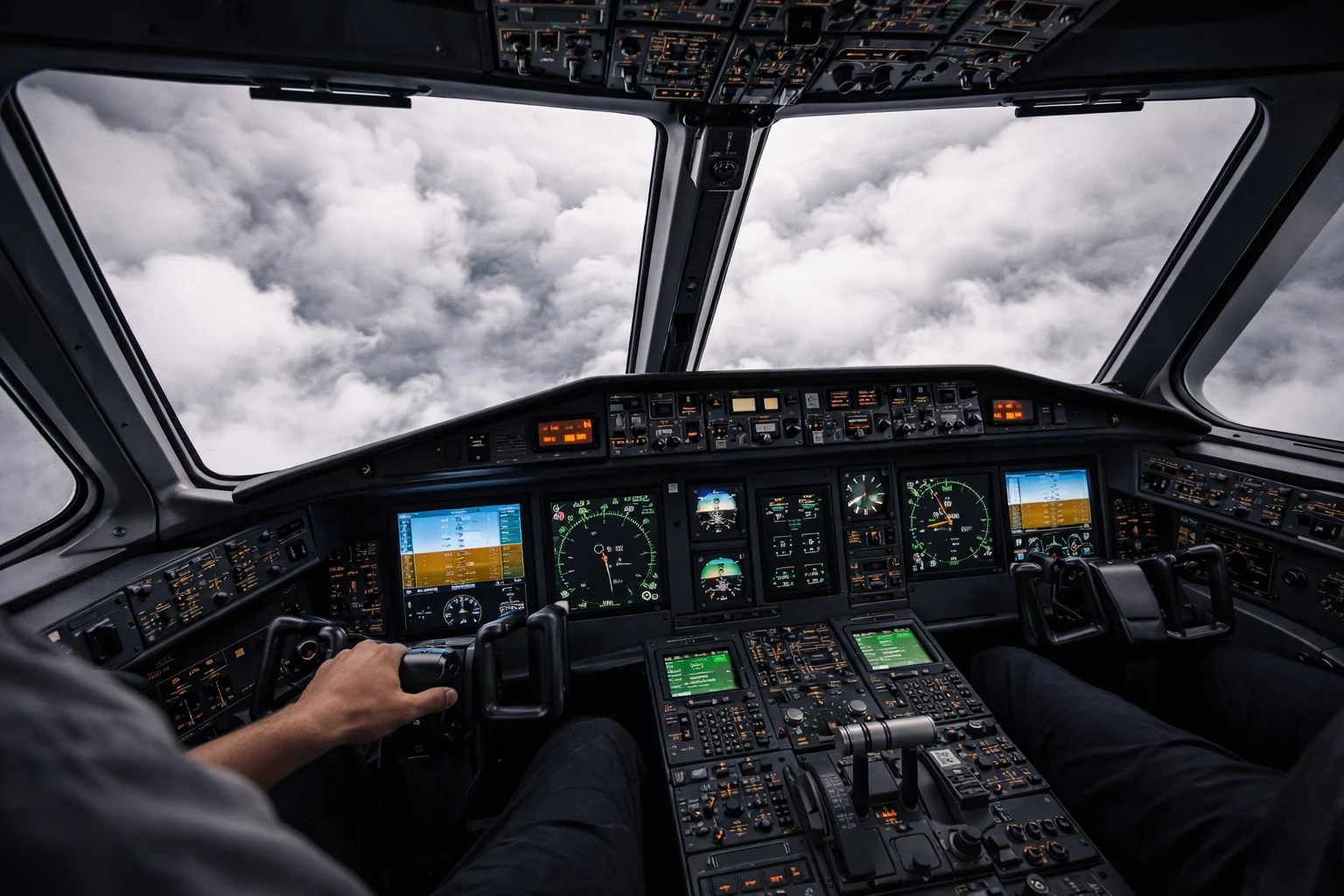
Flying in full IFR conditions means you lose all outside visual references and rely completely on your instruments. To set up this scenario, crank up your simulator settings to create an overcast sky that stretches as far as the eye—or instrument panel—can see. Disable external landmark visuals and dive into the deep end of instrument flying.
This is where you start to understand what “flying on instruments” really means in practice. With no visual cues, your reliance on instruments becomes paramount. Disorientation is a significant hurdle; the horizon is a mere memory, and trusting your instruments becomes your lifeline.
The challenge here centers on reading, understanding, and making decisions based on the readings from your gauges alone. Each instrument acts as a gateway to information like altitude, airspeed, and direction. Tools such as Little Navmap can help you visualize your route even when external visibility is limited. Embrace these tools to maintain stability and course as external reference points are taken out of the equation.
Setting up for a proper IFR exercise means selecting a flight route that takes you through varying airspace and potentially tricky weather fronts. Simulate different instrument failures to test your backup plan effectiveness. This scenario enlightens you on the importance of the cockpit instrument cluster and cultivates a more profound respect for procedural accuracy in what feels like the middle of nowhere.
To try it, modify your simulator settings so that you’re flying through layers of cloud where visibility is minimal. The exercise rewards you with a new level of confidence in deciphering and trusting your instrument readings, instilling precision, patience, and a noteworthy sense of controlled calm amidst unseen skies.
The Peak of Challenge: Mountain Terrain Navigation
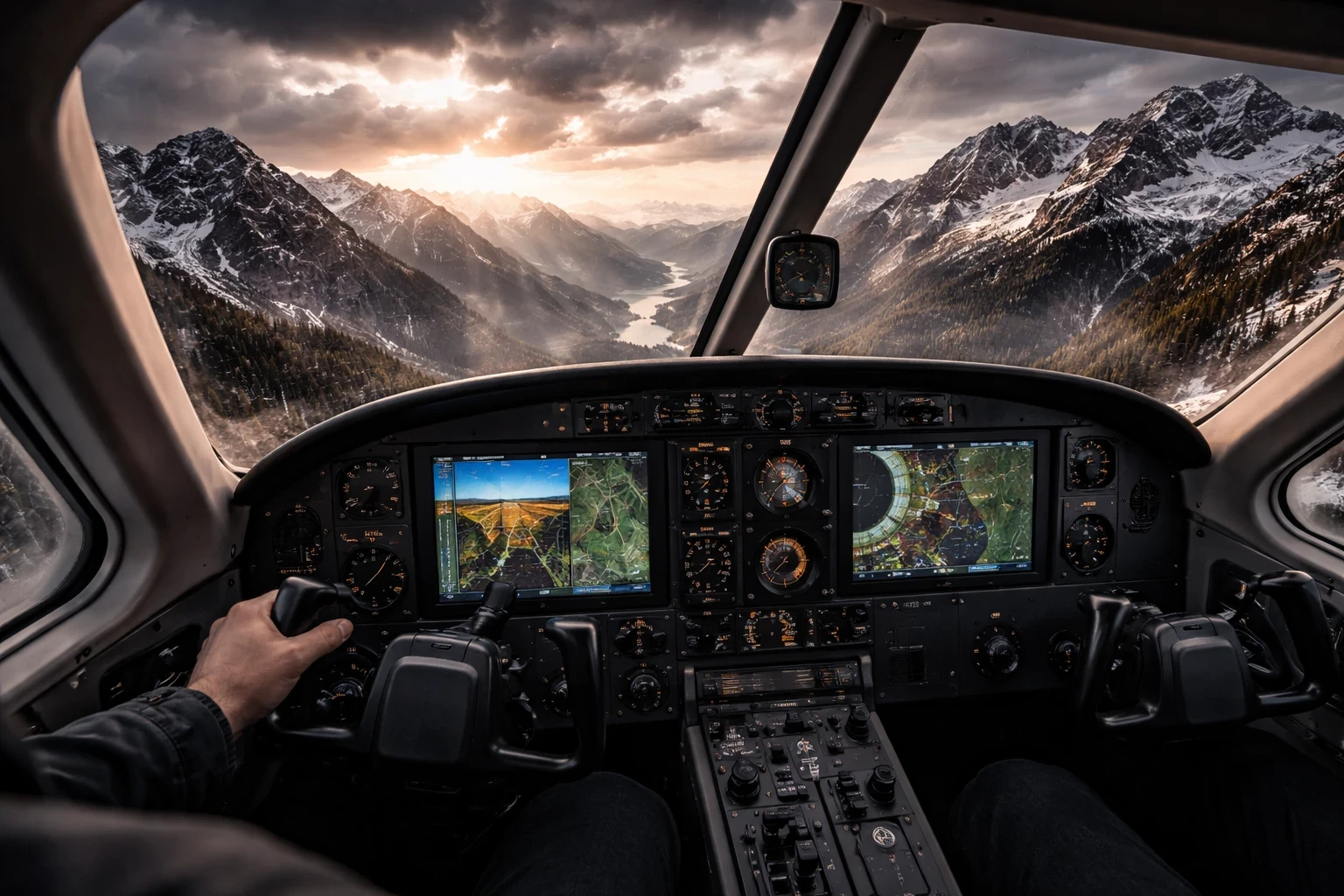
Mountain flying introduces a different level of challenge, especially when dealing with terrain, elevation changes, and limited maneuvering space. Setting up this scenario involves selecting mountainous regions and tossing in some adverse weather elements to up the stakes. Think brisk winds, sudden drops in temperature, and visibility that can shrink in the blink of an eye.
Conditions can change quickly, and terrain limits your ability to recover from mistakes. The terrain demands sharp attention to detail; navigation becomes a three-dimensional puzzle. Your path through the jagged rock faces and across ridge lines tests your ability to hold altitude and heading with precision.
What sets mountain navigation apart is the requirement for acute spatial awareness. Understanding how elevation and terrain affect flight performance is crucial. The shift from flatland ease to mountainous maze means refining your map-reading and contour interpretation skills as every summit and valley reshapes your flight dynamics.
To get started, choose a mountainous region in the simulator, perhaps the towering Rockies or the Swiss Alps. Set varied weather conditions—from snowy blizzards to driving rain—to reflect real-life uncertainty. This practice fine-tunes your ability to adapt to height changes and understand how geography can dictate your flight decisions. For more realistic navigation, you can also refer to real-world charts from platforms like SkyVector.
Trying this scenario imparts a new level of respect for the subtle interplay between nature and man-made flight. It’s an exploration of skill, where every maneuver feels earned, every view has been chased, and every successful passage fills your wings with hard-won experience.
Taming the Wilderness: Short Runway and Bush Flying Challenges
Bush flying focuses on operating from short or remote runways where precision becomes essential. To try this, select rural airstrips in your simulator—those nestled in remote landscapes where the runway ends almost as fast as it appears.
This scenario springs into a different league of flying where precision is king. Short runways demand more than just basic skills; they’re all about weight management, rapid deceleration, and approach accuracy. You’re pushing against the clock, and every inch of runway counts.
The core challenge lies in balancing speed and control with a backdrop of unpredictable variables. Whether it’s trees brushing your wingtips or a dirt strip that requires nerves of steel, the environment tests your ability to deliver pinpoint landings and smooth takeoffs.
Setting it up involves dialing down runway length, inserting natural obstacles, and decreasing visibility with weather variations. It’s not just about touching down; it’s about your finesse in tight spaces and fast decisions in environments far removed from typical flying routines.
Experiencing this means refining throttle control and mastering steep approaches. Short runways emphasize the need for sharp reflexes and the power of anticipation. Successful landings in these conditions come down to control, timing, and planning. It’s a practical way to improve precision and confidence in tighter environments.
✈️ Bringing It All Together
Flight simulation becomes a lot more engaging when you move beyond standard flights and start introducing real challenges. Scenarios like engine failures, crosswinds, IFR conditions, and mountain navigation don’t just make things harder—they make your flying more practical and rewarding.
Each of these situations pushes a different skill. You start to notice improvements in control, decision-making, and overall confidence, especially when dealing with unexpected changes during a flight.
The key is not to try everything at once. Start with one scenario, get comfortable with it, and then gradually increase the difficulty. Over time, these challenges begin to feel less like obstacles and more like part of your normal flying routine.
👉 If you want to keep improving, try combining a few of these scenarios in a single flight—for example, crosswinds with limited visibility or short runways with changing weather. It adds another layer of realism and helps you build stronger control and awareness in the simulator.