
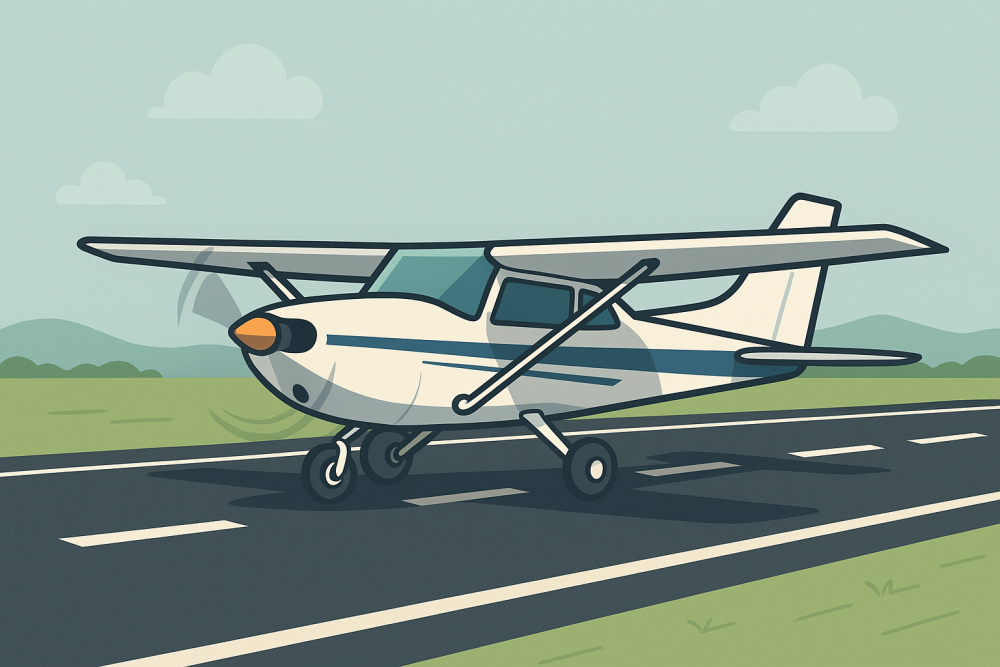
Getting the hang of short and soft-field takeoffs in your sim might feel a bit awkward at first, but once you understand the purpose behind each one, it all starts to click. If you’re just getting started, Building Confidence: Your First Virtual Takeoff And Landing is a great place to begin laying that foundation. Short-field takeoffs are your chance to beat gravity fast—think of squeezing every foot of runway to leap over that imaginary tree line and transition into a steep, efficient climb before obstacles become a problem.
Imagine you’re taking off from a lush grass field or dirt strip, conditions you might never face in your routine day-to-day simulator runs. These different surfaces bring out the best in your skills. Each presents its set of challenges. On a short-field, visualize the jump from the runway as brisk, precise, and straight into a steep ascent, whereas the soft-field requires that gentle lift-off where you build up speed in ground effect before climbing.
👉 Curious about how ground effect works? This Boldmethod video explains it clearly.
The beauty of using a simulator is that you can switch up the runway type and practice as much as you want. Grass strip? No problem. Wet dirt patch? Bring it on. These variations are perfect for testing your instincts and adjusting your reactions. You’ll be surprised how fast your confidence grows just by mixing it up and flying outside your usual comfort zone.
👉 Learn how to customize runway surfaces and weather in MSFS to make these practices even more realistic.
Preparing for Takeoff: Configuration Essentials
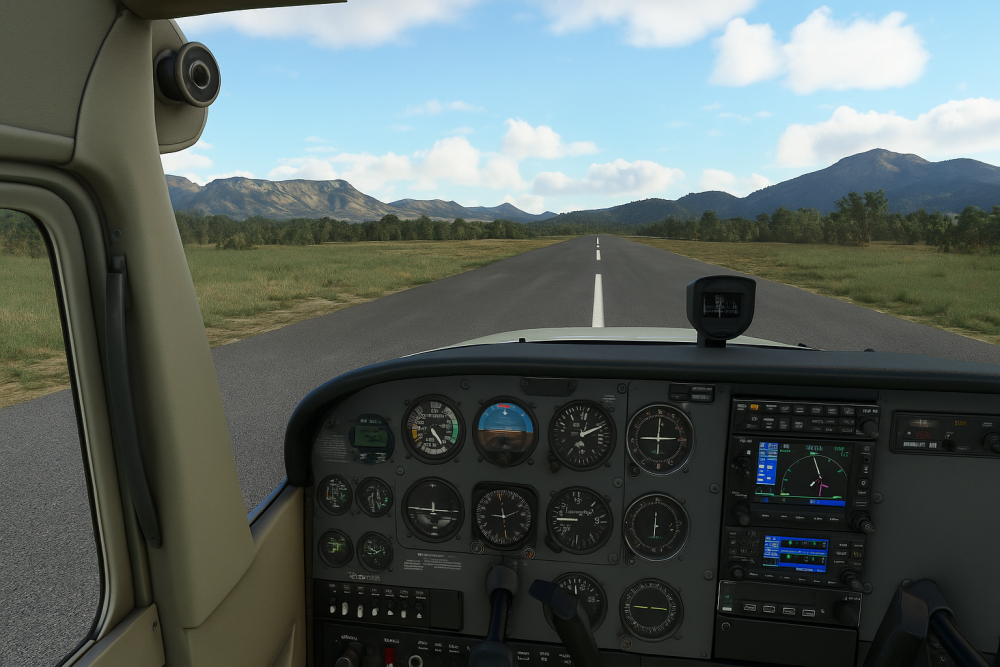
Before you even think about rolling down the runway, your takeoff setup needs to be dialed in. Flaps, trim, brakes—all of it matters. For short-field takeoffs, you’ll want the flaps set for lift and the brakes ready to hold until you unleash full throttle. On a soft-field? Skip the brakes and focus on staying light on the wheels. Trim settings also make a big difference—you don’t want to be wrestling the yoke while trying to lift off clean.
👉 New to flight configurations? Our beginner’s setup guide walks you through the basics.
Don’t forget about the brakes and trim. For short-field, having your brakes ready can help you hold position until you’re ready to roll, using all the available runway. On soft-field, skipping the brakes is wise to avoid sinking into the surface. And then there’s trim. Getting it set right can save you from fighting the plane on takeoff, setting yourself up for a smoother rotation.
A solid pre-flight checklist will keep you focused during the hustle. This isn’t just about ticking boxes; it’s about knowing your equipment works like a charm. Fuel levels, engine status, instrument setup – they all need a once-over. This discipline comes in handy whether it’s a simulator session or the real deal.
Think of your setup phase like laying the groundwork for a masterpiece takeoff. It’s the behind-the-scenes work that shines when it’s go-time. When the configuration’s perfect, you give yourself a massive advantage in nailing that takeoff, no matter what virtual scenario you’re thrown into.
Takeoff Technique: Positioning and Control Inputs
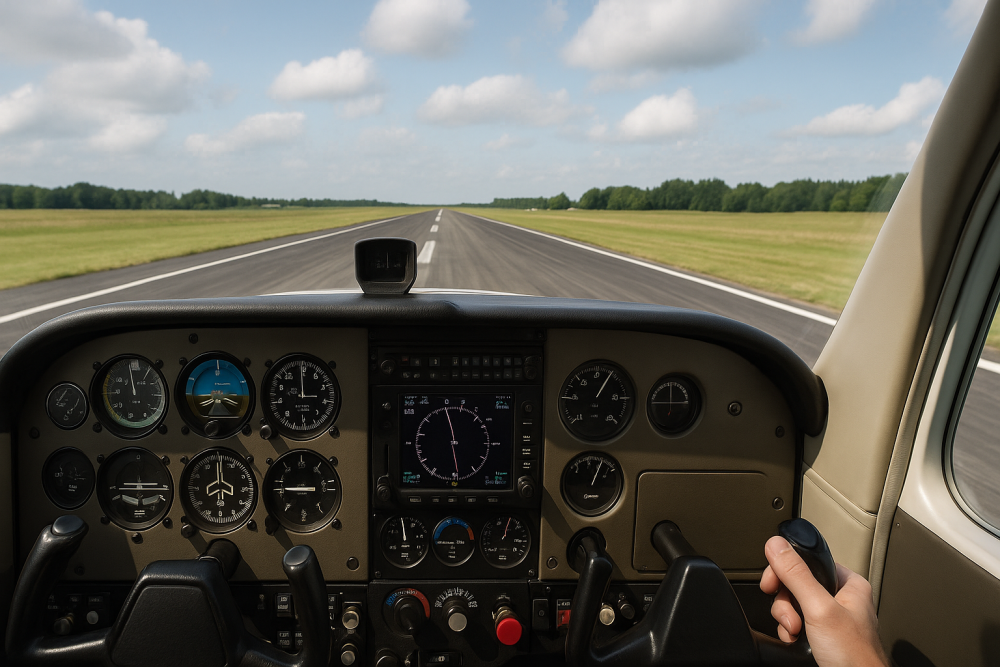
Where and how you start your roll makes all the difference. In the sim, you’ve got the luxury of experimenting—so take advantage of it. Start right at the end of the runway for short-fields and squeeze out every foot. For soft-fields, ease into the roll to avoid bogging down in virtual turf. Each little move teaches you something about how your aircraft responds under pressure.
👉 Want to learn from real-world pilots? This FAA takeoff briefing PDF is a great source.
Control inputs will vary based on your mission. On a short-field, keep the elevator neutral until you’re ready to rotate – it maximizes your initial acceleration. For soft-field, you might want to pull that elevator back slightly to get the nose up and decrease drag, aiding in a smoother lift-off. Each input matters in how your aircraft reacts during those first crucial moments.
Executing these techniques efficiently in simulated scenarios builds muscle memory and confidence. Consistent practice lets you try out different approaches and assess what works best for you. Take note of how the plane responds to each style and control input. Recognizing these patterns sharpens your ability in varied environments.
Think of these techniques as your takeoff playbook. Having a solid grasp on your positioning and control inputs prepares you for whatever comes next in your flight simulation, setting you up for successful takeoffs every time.
🎥 Watch It in Action: Short & Soft-Field Takeoffs in MSFS 2020
Here’s a great walkthrough that shows these takeoff styles in Microsoft Flight Simulator 2020. See how technique and setup make all the difference:
Tip: Try flying the same scenario after watching to see how your performance stacks up!
Executing Flight: V-Speeds and Ground Effect
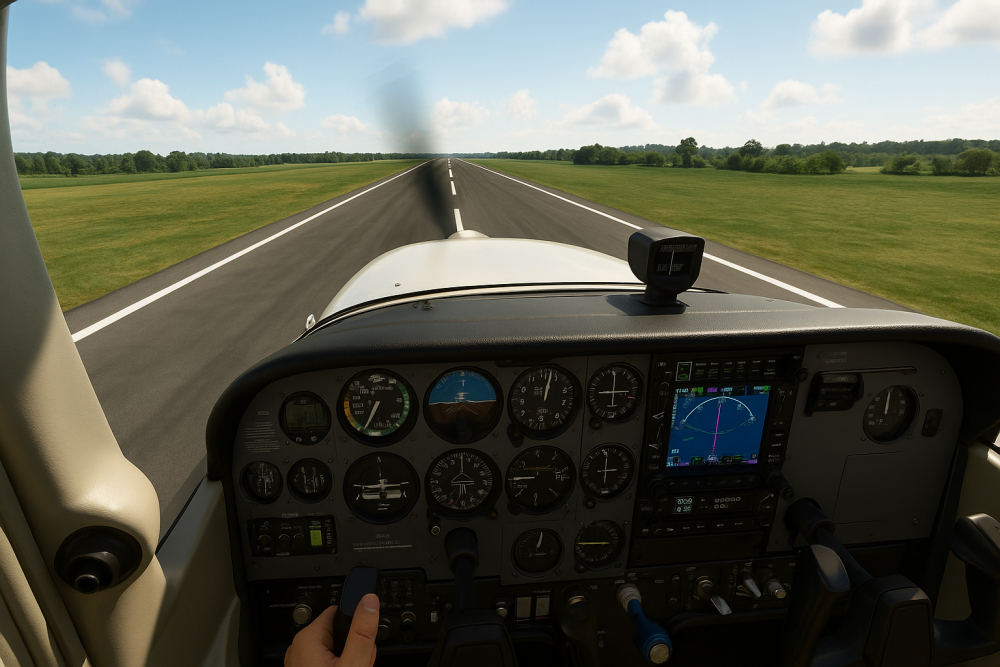
Once you’re rolling, knowing your V-speeds is your ticket to a successful climb. Rotate at Vr, where the aircraft gets just enough lift. For short-fields, climbing out at Vx is strategic because it gives you the steepest climb angle, great for obstacle clearance. On a softly cushioned field, Vy might prove better, as it offers the best rate of climb, ensuring you keep that energy up with minimal fuss.
👉 If you’re still learning the lingo, check out our Glossary Of Flight Simulator Terms.
Utilizing ground effect is a brilliant trick, particularly for soft-field takeoffs. By staying in that bubble of increased lift close to the ground, the airplane can speed up before starting a full climb. This nifty bit reduces drag and buys you time to gain valuable airspeed without overworking your engine too soon.
Don’t forget the fun part—throw in some wind, heavy fuel load, or even a wet turf strip to keep things interesting. These tweaks take your takeoff practice from routine to real challenge. Every little variable forces you to adapt, and that’s what builds real skill—one takeoff at a time.
👉 Want to go deeper? Practice your crosswind takeoffs with this detailed guide from FlightSimBooks on how to handle them in the simulator.
Mastering these elements turns your simulated takeoff into a smooth and controlled procedure, building confidence in each decision you make from rotation to climb. Tweak and adjust your process based on feedback from these factors to keep improving your virtual piloting skills.
Analyzing and Improving: Replay and Critique
After the rush of takeoff, the next step is digging into your performance. Simulators make it easy to replay events, letting you assess everything from how much runway you used to the stability of your liftoff. Watching the replay helps tease out those subtle issues, like whether you properly timed your rotation or maintained alignment to optimize your climb-out.
Break down each takeoff to highlight the strengths and spot the areas needing a tweak. Note where control inputs could be smoother, or if a fraction more flap would cut it better. How did wind or weight factors impact takeoff? Using these replays and critiques, you can make calculated adjustments to your technique.
Harness these insights to create a feedback loop, fueling improvement with every session. By consistently pinpointing and acting on areas of enhancement, you set a solid pace for progress. Whether it’s obstacle management or precise flap retraction, your detail-oriented approach strengthens your skillset.
Reviewing your takeoffs is where the magic happens. It’s not just about spotting mistakes—it’s about recognizing patterns, seeing what felt right, and where you hesitated. The sim gives you a free ticket to trial and error without consequences, so use that to your advantage. With every replay, you’re not just flying—you’re refining your pilot instincts.
Ready to Roll? Make Every Takeoff Count
Whether you’re lifting off from a bumpy virtual grass strip or pushing max power to clear a short runway, simulated takeoffs are where precision meets practice. The beauty is—you can keep experimenting, tweaking, and learning without burning a drop of fuel. So next time you fire up your sim, don’t just go through the motions. Dial in those V-speeds, rewatch your replays, and test yourself in new weather or surface conditions.
👉 Want to sharpen your early flying instincts even further? Start here with your first virtual takeoff and landing.
Let every takeoff be a new chance to fine-tune your pilot mindset.