
Last updated on February 21st, 2026 at 03:47 pm
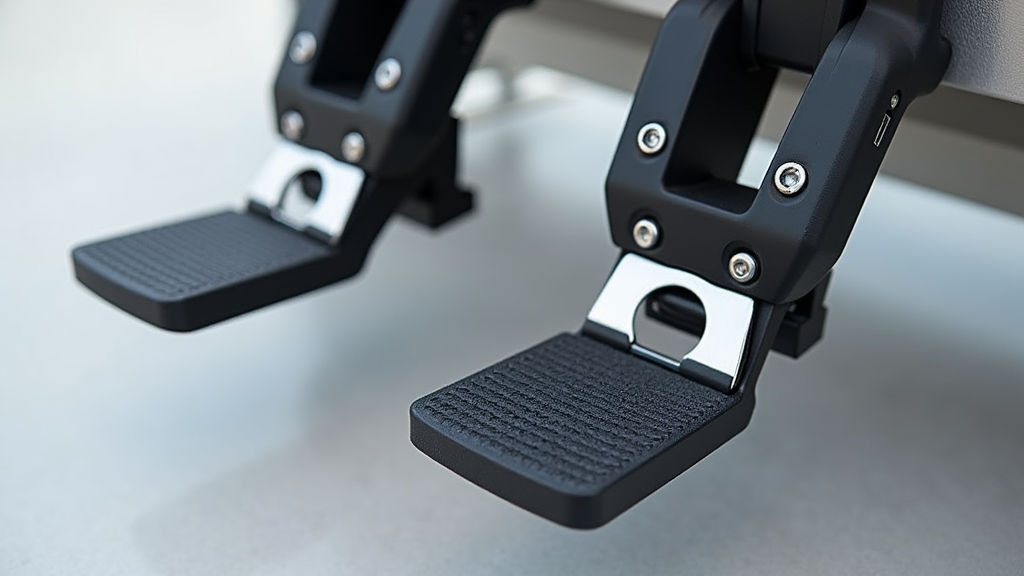
In my experience, selecting the right pedals is not simply a matter of preference. The pedals play an important role in controlling the yaw of the aircraft. They are essential during taxiing, coordinated turns, and crosswind landings. A well-chosen set of rudder pedals can dramatically improve ground handling, crosswind control, and overall realism—making them one of the most noticeable upgrades you can add to a flight simulator.
Why Rudder Pedals Matter in Flight Simulation

Rudder pedals give you control over an aircraft’s yaw—basically, its side-to-side motion. In real-world flying, they’re essential for things like taxiing, making coordinated turns, and handling crosswinds. In a simulator, they help recreate that same feeling. From my own experience, adding rudder pedals makes the whole setup feel more complete and gives your flying much more precision and realism.
The pedals are responsible for subtle movements that help coordinate turns and counteract adverse effects like crosswinds. In essence, they add a significant layer of depth to your flight simulator experience by imitating real-world controls. If you’re just beginning to explore flight simulation, be sure to check out our Getting Started With Flight Simulation: A Step-by-Step Guide.
Match Pedals to the Type of Aircraft You Fly

Aircraft differ in how they use rudder control. It is important to consider the type of aircraft you plan to simulate. Different aircraft require varying levels of sensitivity and control. My approach is to match the pedal type with the simulator type to achieve a more realistic feel.
General Aviation and Airliners
- The focus should be on smooth, linear movement.
- Responsiveness should be moderate to ensure realistic control during taxiing and gradual turns.
Combat or Fighter Jets
- Pilots usually appreciate pedals with fast response times.
- Precision in toe brake control is important, as it simulates the high demands of combat maneuvers.
Not all aircraft handle the same way—and your pedals shouldn’t either. If you’re flying general aviation or airliners, look for pedals with smooth, consistent motion. For fighter jets or military aircraft, quicker response and tighter control might be better. I’ve found that matching the feel of your pedals to your aircraft type really makes a difference, especially during turns or ground handling.
Compatibility with Your Simulator Setup
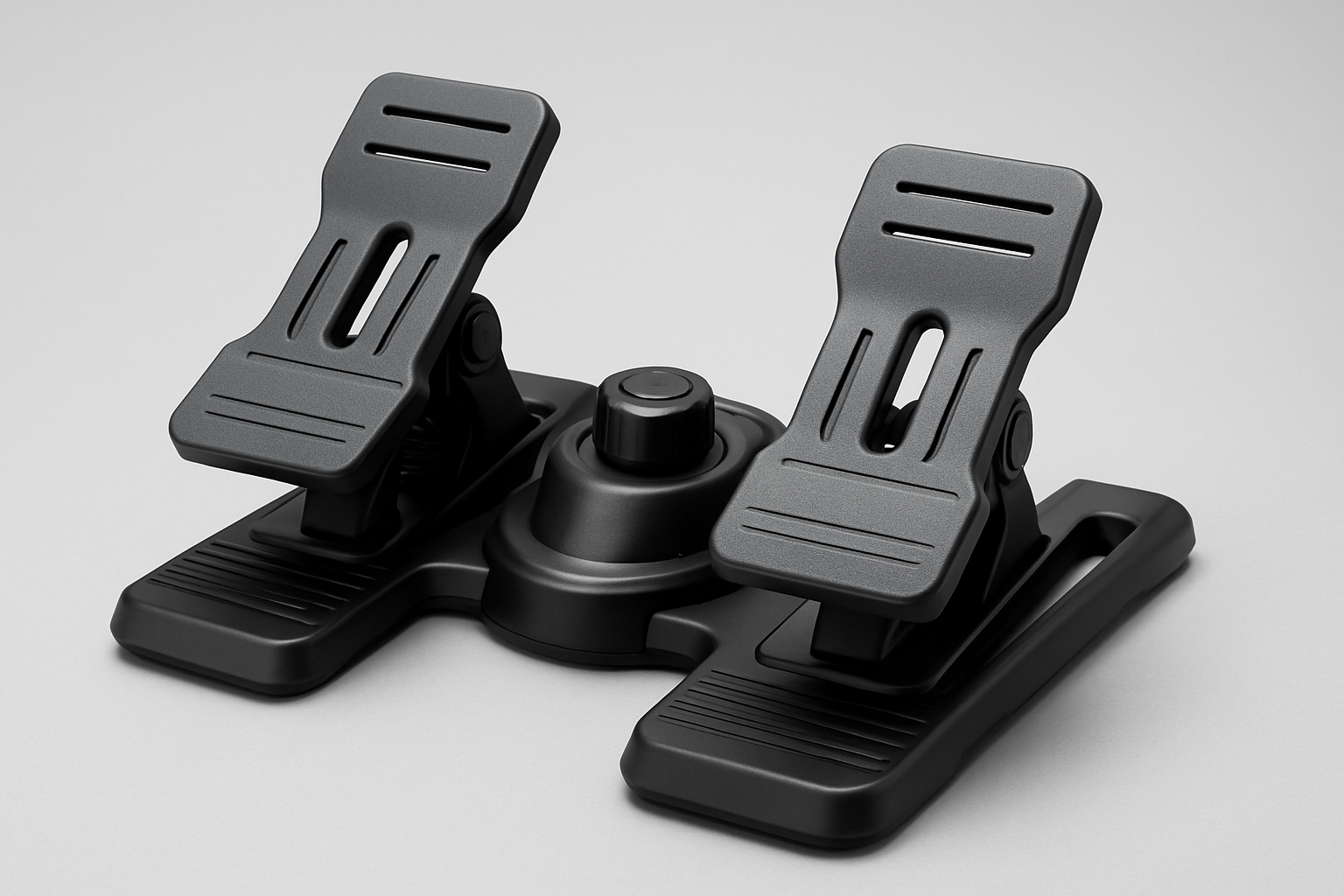
When researching rudder pedals, I always make sure to check their compatibility with various simulator platforms. Whether you’re using a PC, Mac, or a console like Xbox, it’s important that the pedals work smoothly with your setup. Compatibility details are usually listed in the product specs or mentioned in user reviews. Some rudder pedals are easily plug and play, while others might require driver installation or software adjustments. Most popular rudder pedals are compatible with simulators like Microsoft Flight Simulator, X-Plane, and Prepar3D.
It is also wise to review the supported simulator software. Options like Microsoft Flight Simulator, X-Plane, and Prepar3D each have their own requirements. Ensuring compatibility avoids potential technical issues and lets you focus on your flight experience right away. Not all simulators are created equal—learn more about choosing the right flight simulator for your needs.
Build Quality and Materials
Durability is an important aspect of any simulator component, especially rudder pedals that see heavy use. In my search, I often compare models made of metal versus those constructed with reinforced plastic. Metal pedals often offer long life and greater resistance to wear, while reinforced plastics can provide an option for those with budget constraints.
Key factors I consider include robust construction and stability. I also look for features such as an anti-slip base and adjustable tension. These features ensure the pedals remain secure during use and can adapt to different levels of force.
Adjustable Features for Comfort
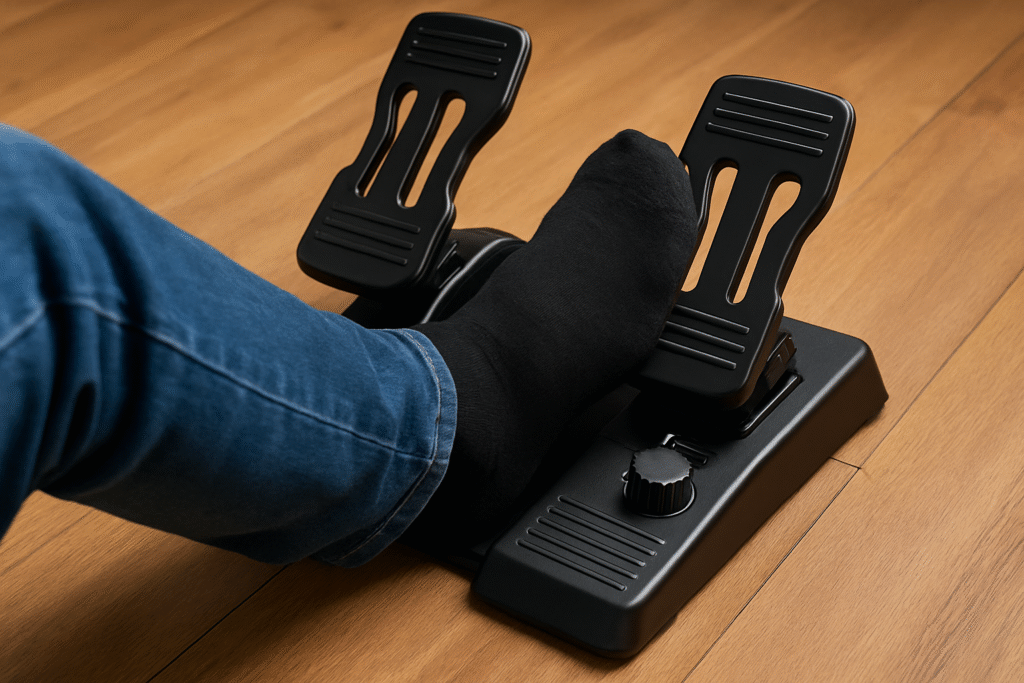
Comfort is key when investing in rudder pedals for extensive simulator sessions. I have learned that pedals with adjustable features can provide a better experience, particularly over long periods of use. These features help you find a posture that is less fatiguing, no matter your physical build or how long you fly.
Customization Options
- Adjustable pedal angles are essential for aligning controls with your seating position.
- Spacing customization helps accommodate different foot sizes.
- Tension adjusters allow you to set realistic resistance, mimicking the feel of real aircraft controls.
A setup that allows these customizable adjustments leads to both comfort and accuracy. It helps you enjoy longer sessions without discomfort and ensures you have the right level of responsiveness during flight.
Smoothness and Precision
Selecting pedals with smooth mechanical operation can greatly give a boost to your simulator experience. The difference between sensors influences performance. I tend to favor pedals that use hall-effect sensors instead of traditional potentiometers. Hall-effect sensors are known for their precision and reduced wear.
These sensors operate using magnetic fields and offer a smoother response. This means that even with extensive use, the performance remains consistent. The increased accuracy allows for tighter control during critical phases such as landing or executing sharp turns. Look for pedals that incorporate hall-effect sensor technology for smoother operation. These magnetic sensors offer precise and long-lasting performance compared to traditional potentiometers.
Precision in rudder control is very important for both beginner pilots and advanced users who value accuracy above all else. To understand how yaw control contributes to coordinated flight, explore the basics of aerodynamics in simulators.
Toe Brakes Integration
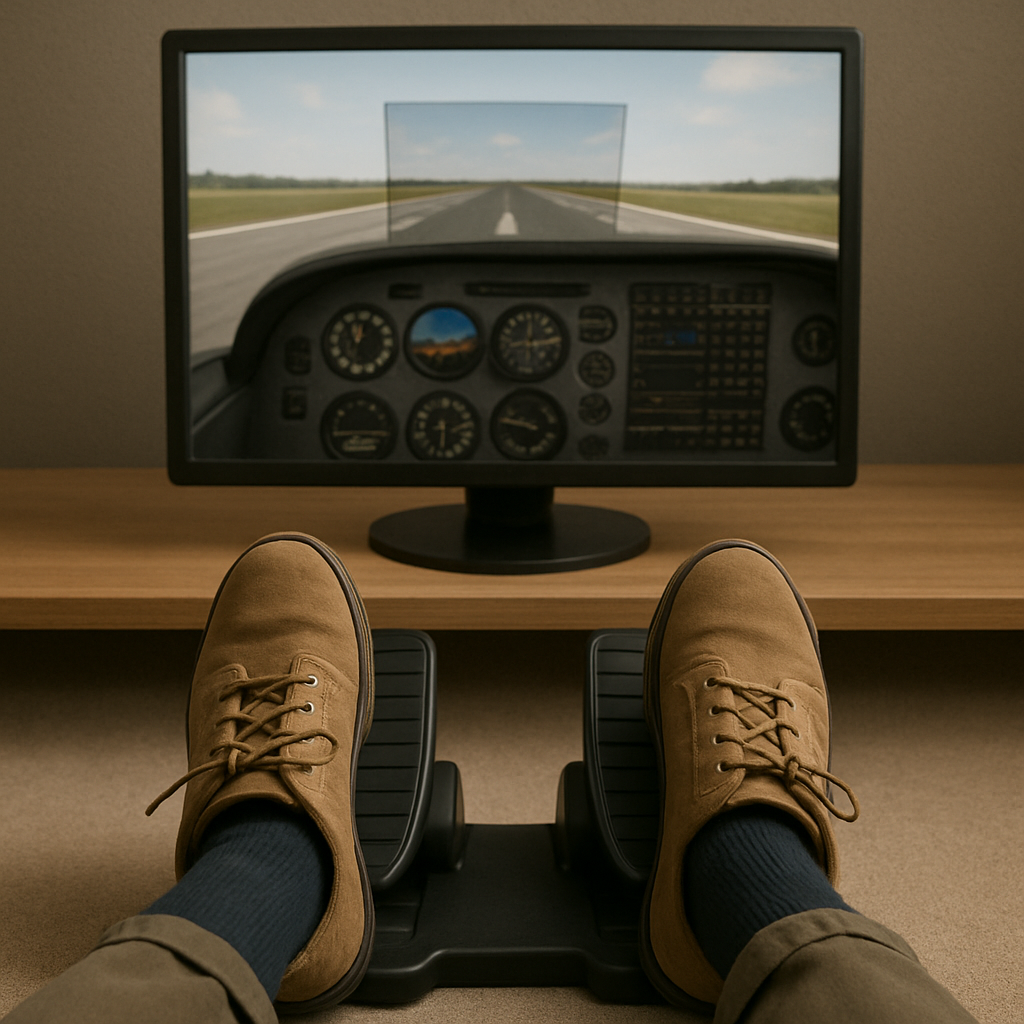
Many rudder pedals include toe brakes, which are very useful for simulating realistic taxiing and landing rolls. In my experience, pedals that offer analog toe brakes tend to perform better in a variety of scenarios. These provide independent control for each side and add to the realism, especially when simulating ground maneuvers.
When considering this feature, it is important to look at how well the pedal isolates brake function from rudder input. Pedals that separate these functions give you more control, making them ideal for flight modes where precise braking is essential.
For both general aviation and advanced flight training simulators, having a toe brake option can complete the realistic experience.
Think Long-Term Value, Not Just Price
Cost can vary widely when it comes to rudder pedals. It is very important for me to consider not just the sticker price, but the overall value. Rudder pedals come in a wide price range—from entry-level models to high-end, professional-grade setups. But it’s not just about price; it’s about what you’re getting for your money. In my experience, a more expensive set can often save you money in the long run by lasting longer and offering better performance. I always recommend looking at real user reviews and comparing features before hitting buy. If you’re just getting started, here are the top beginner-friendly simulators that pair well with entry-level rudder pedals.
Once you understand how aircraft type, sensor quality, and adjustability affect rudder control, choosing the right pedals becomes much easier—and helps you avoid spending money on hardware that doesn’t actually improve your flying experience.
Trusted Brands and Resources
** Please note: This post contains affiliate links. As an Amazon Associate, I earn from qualifying purchases at no extra cost to you.
Based on my experiences and research, a few brands frequently surface when discussing reliable rudder pedals. These manufacturers have built a reputation for quality and performance in the simulator community. Flight sim communities are often great for real-world feedback from other users, which can help you understand how these pedals perform in daily use.
Brand Options to Consider
- Thrustmaster TFRP Rudder Pedals
If you’re just getting into flight simulation, the TFRP pedals are a great starting point. They’re beginner-friendly, relatively affordable, and offer a solid introduction to rudder control. While they don’t have advanced features like high-end models, they’re responsive and smooth enough for casual flyers or anyone learning the ropes. - Logitech G Pro Flight Rudder Pedals
A solid mid-range choice, these pedals strike a nice balance between performance and price. The adjustable tension dial helps you customize how they feel, and the smooth sliding action makes them great for a wide range of aircraft types. They’re dependable, easy to set up, and offer good value for sim pilots who want more realism without going all in on a premium setup. - Thrustmaster TPR Rudder Pedals
Looking for professional-grade realism? The Thrustmaster TPR pedals are where things get serious. With HallEffect AccuRate Technology, adjustable pedal angles, and industrial-grade construction, these pedals deliver incredibly precise input and a solid, grounded feel. They’re ideal for serious sim pilots who want that authentic, cockpit-like control. It’s a big investment—but one that pays off in accuracy and immersion.
Before purchasing, it’s helpful to look at how different models perform in real-use scenarios. Product demonstration videos and user impressions can give you a clearer understanding of build quality, smoothness, and responsiveness. Feedback from other sim pilots is also valuable, as long-term users often highlight strengths or issues that aren’t obvious from product descriptions alone. This kind of insight can help you avoid potential problems and choose a pedal set that truly matches your flying goals.
To make things easier, here’s a quick comparison chart that highlights the key differences between these three popular rudder pedals. This way, you can see at a glance which set might best fit your flying style and setup.
| Feature | Thrustmaster TFRP | Logitech G Pro Flight | Thrustmaster TPR |
| Best For | Beginners, casual simmers | Intermediate sim pilots | Advanced/professional sim pilots |
| Build Quality | Reinforced plastic | Plastic frame with metal rails | Industrial-grade metal construction |
| Sensor Technology | Potentiometers | Potentiometers | HallEffect AccuRate (magnetic sensors) |
| Adjustability | Basic — limited customization | Tension dial for resistance adjustment | Fully adjustable: angles, spacing, and resistance |
| Toe Brakes | Integrated analog brakes | Integrated analog brakes | Independent, high-precision toe brakes |
| Comfort Features | Lightweight, compact footprint | Wider pedals with smooth sliding mechanism | Ergonomic layout for long sessions |
| Platform Compatibility | PC, Xbox (plug-and-play with most sims) | PC — MSFS, X-Plane, Prepar3D | PC — MSFS, X-Plane, Prepar3D |
Additional Accessories for an Immersive Experience
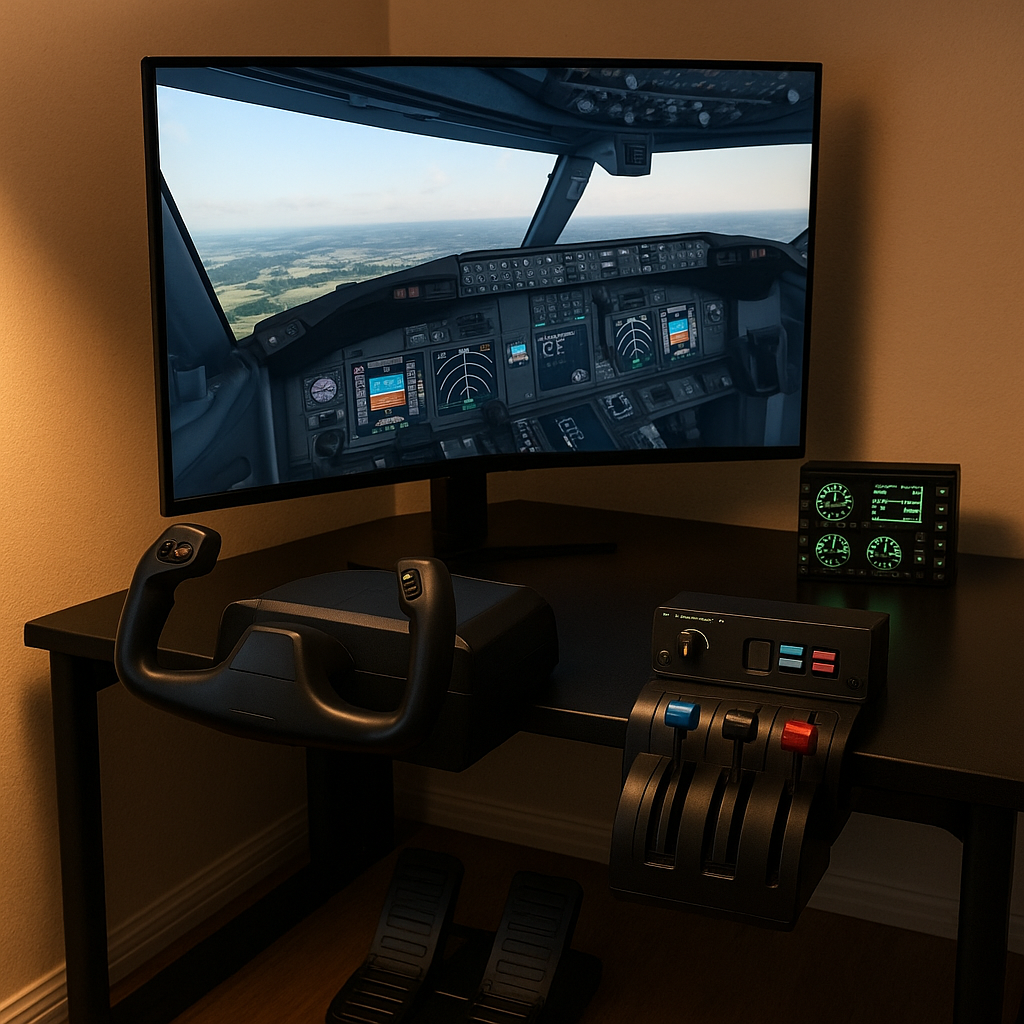
To truly level up your flight simulator setup, it can be very beneficial to consider additional accessories. Many users find that integrating components such as throttles, yoke controls, and even advanced multi-display setups help create a more complete and responsive environment. By mixing in some variety and exploring complementary devices, you can create a cockpit that is not only functional but also next-level cool in its appearance and performance.
Furthermore, supplementary controls like dedicated radio panels or instrument displays add another layer of depth. These items help fill in the gaps by providing essential flight information at a glance. When you team up these tools with your rudder pedals, your virtual cockpit becomes an all-in-one, highly detailed replica of a real-world aircraft. Taking these extra steps can make the simulator experience feel remarkably cohesive and more rewarding overall. For even more realism, consider pairing your pedals with a quality joystick to complete your cockpit.
Common Questions and Troubleshooting Tips
When choosing and setting up rudder pedals, a few questions come up consistently. Drawing from my own experience and common issues many sim pilots encounter, here are clear answers and practical suggestions to help you get the best performance from your pedals.
Will the pedals work with my simulator setup?
Most modern rudder pedals support major simulators like Microsoft Flight Simulator, X-Plane, and Prepar3D, but it’s still important to check the product’s compatibility list before buying. Make sure your device supports your operating system (Windows, Mac, or Xbox) and confirm whether it connects through USB plug-and-play or requires additional software. If something doesn’t work correctly, updating drivers or recalibrating the pedals inside your simulator usually resolves the issue.
What if the pedals do not feel responsive enough?
If the pedals feel sluggish or imprecise, start by recalibrating them in your simulator’s control settings. Adjusting the sensitivity curves or dead zones often makes a noticeable improvement. Also check any tension adjusters on the hardware itself, as these help match pedal resistance to your flying style. If your pedals use potentiometers and still feel inconsistent, upgrading to a hall-effect sensor model can offer more precision and smoother input.
Do I really need toe brakes?
Toe brakes aren’t mandatory, but they make taxiing, runway control, and landing rollout feel much more realistic. If you fly general aviation aircraft, airliners, or anything that requires frequent ground maneuvering, toe brakes add a major convenience. For users mainly interested in basic flying or casual VFR practice, pedals without toe brakes can still work perfectly well.
Are more expensive pedals worth it for beginners?
Entry-level pedals are perfectly fine for learning the basics, but the difference becomes noticeable as you gain experience. Higher-quality pedals tend to offer smoother input, stronger build quality, and better long-term durability. If you plan to fly regularly or value realistic control, investing in a mid-range or premium set can be worthwhile. However, beginners don’t need to start at the top — upgrading later is perfectly reasonable.
How long do rudder pedals typically last?
Durability depends heavily on the materials and sensor technology used. Metal pedals and hall-effect sensors generally last much longer than plastic builds and potentiometers. With normal use, a good set of pedals can last several years. Performing occasional recalibrations and keeping the moving parts clean will help maintain accuracy over time.
What features matter most for long-term comfort?
Adjustable pedal spacing, customizable tension, and smooth mechanical travel make the biggest difference in long flight sessions. Pedals that let you fine-tune angle or resistance help reduce fatigue and allow you to find a natural, comfortable posture. If you fly for extended periods, comfort can be just as important as accuracy.
Wrapping Up – Take Your Time Choosing
Picking the right rudder pedals isn’t just about specs—it’s about finding the setup that fits your flying style and goals. From sensor type to build quality and comfort, every detail adds up. If you’re aiming for a more realistic, immersive experience, investing in the right gear is well worth it. Take your time, do your research, and enjoy the process—your virtual flying will feel all the better for it.
When evaluating options, consider the following steps:
Your Action Plan
- Determine what type of aircraft you will simulate most often. This will guide your decision on the pedal movement and response required.
- Verify that the pedals are compatible with your hardware and software. Check for USB plug-and-play or additional driver requirements to avoid compatibility issues.
- Examine the build quality and available adjustable features. Decide if metal construction or reinforced plastic fits your needs better, then assess the options for customizing pedal angle and tension.
- Look for pedals that incorporate hall-effect sensor technology for smoother operation. The precision of these sensors can make a significant difference during demanding simulation scenarios.
- Decide whether integrated toe brakes are important to your simulator experience. If so, prioritize models that offer this additional functionality.
- Watching product demonstrations or user test videos can help you understand how different pedals behave in real use.
- Real-world feedback from other sim pilots can be helpful when comparing models, especially when it comes to build quality and long-term durability.
Once you have gathered all the necessary information, you are in a good position to choose the rudder pedals that best match your simulator setup. With the right tools, you can enjoy an immersive flight experience that brings training and entertainment closer to real-life aviation.
What will you consider the most important feature when selecting rudder pedals for your simulator? The right choice could greatly improve your control and overall simulation performance. Taking the time to research and test different options is really important and may make all the difference in your virtual cockpit setup.
HELLO, I was very intrigued with this article. I,very much desire to get a flight simulator for myself and my son who is in the reserves. Of course, I would have to go to your “Getting Started With Flight Simulation , A Step By Step Guide” page first. And I will. This article mentions that one must consider “…the type of aircraft you plan to simulate.” I did not realize there is that kind of choice. So, we can choose between a fighter jet simulator or a commercial jet simulator? What about a crop duster simulator? Also, your article mentions simulator platforms like Xbox, PC and MAC. I do have a MAC laptop that I can probably use but I would rather use the larger TV screen. I have the Playstation 4 connected to my TV. Would that be suitable for a flight simulator?
So, I think I will go to your getting started page next, then I will go to the “Top 5 Beginner – Friendly Flight Simulators – Your Gateway to Virtual Aviation” page, or should it be vice a versa? Well I will check out those two pages next and then we will go from there. thank you for this inspiring article. I hope to make decisions soon. MAC.
Hi Michael!
Great to hear you’re exploring flight simulation with your son — it’s an awesome shared hobby. You can absolutely choose aircraft types like jets, airliners, or bush planes depending on the simulator. For your setup, X-Plane 12 runs well on Mac, and connecting your Mac to the TV is a solid option. I’d start with the Getting Started guide, then check the beginner simulators list so you can pick what matches your hardware best.
Dear MElamin,
Thank you for your insightful article on selecting the right rudder pedals for flight simulators. Your comprehensive breakdown of factors like sensor types, build quality, and the inclusion of toe brakes provides valuable guidance for both novice and seasoned virtual pilots. I particularly appreciated your emphasis on aligning pedal choice with one’s specific flying style and goals, which is often an overlooked aspect in many guides
Considering the rapid advancements in simulation technology, have you explored the impact of load cell sensors on pedal performance? Many enthusiasts suggest that load cells offer enhanced precision and realism compared to traditional potentiometers. It would be interesting to hear your thoughts on this and whether you believe the investment in load cell-equipped pedals is justified for most users.
Looking forward to more of your expert insights on flight simulation accessories!
Sincerely,
Steve
Hi Steve!
Glad you found the breakdown useful. Load cell sensors do offer more precision than traditional potentiometers, especially for crosswind work or fine control. They’re a worthwhile upgrade for dedicated simmers, though beginners can still get excellent performance from more affordable pedal sets.
Really appreciate this thorough breakdown of rudder pedals! Even without firsthand experience, your research shines through and makes it clear how important they are for adding realism to flight simulators. It’s interesting how they’re crucial for things like taxiing and crosswind landings — details that really take the sim experience to the next level. Definitely inspired me to consider investing in a quality set once I’m ready to upgrade my setup. Thanks for sharing your insights
Hi kjf390,
I’m really glad to hear you enjoyed the article on rudder pedals! You’re absolutely right — they make a big difference when it comes to realism, especially during taxiing, crosswind landings, and more nuanced maneuvers.
When you’re ready to upgrade, I definitely recommend taking some time to research which set fits your setup and flying style best. User reviews and community feedback can be super helpful in narrowing down the right choice. Feel free to reach out if you ever want suggestions based on aircraft type or budget!
Happy flying,
I am surprised after reading your article how choosing the right rudder pedals is an important decision, I always thought it was just a matter of what each person preferred.
You have provided the information required to choose the best rudder pedals for everyone, I have never tried flight simulation, but after reading your article it sounds like something I would like to try.
Jeff
Hi!
Happy to hear the guide helped clarify how important rudder pedals are for realism. They make a big difference once you start practicing taxiing and crosswind landings. When you’re ready to upgrade, comparing models based on flying style and budget will help narrow things down.
A fantastic guide for anyone getting into flight simulation. I love how it clearly explains why rudder pedals are so important—not just for basic control, but for realism in taxiing, coordinated turns, and crosswind handling. The tips on matching pedals to aircraft type, checking compatibility with your simulator setup, and looking at build quality and adjustable features are especially helpful. I also appreciate the advice on hall-effect sensors, toe brakes, and considering long-term value over just price. Overall, it’s a very practical, beginner-friendly resource that makes choosing the right pedals much easier while showing how they can enhance the overall flight experience.
Paul.
Hi Paul!
Great to hear the guide helped! Rudder pedals add a lot to realism, especially in turns, taxiing, and crosswind handling. Starting with a joystick is a good entry point, and adding pedals later really enhances the experience once you’re comfortable with the basics.