
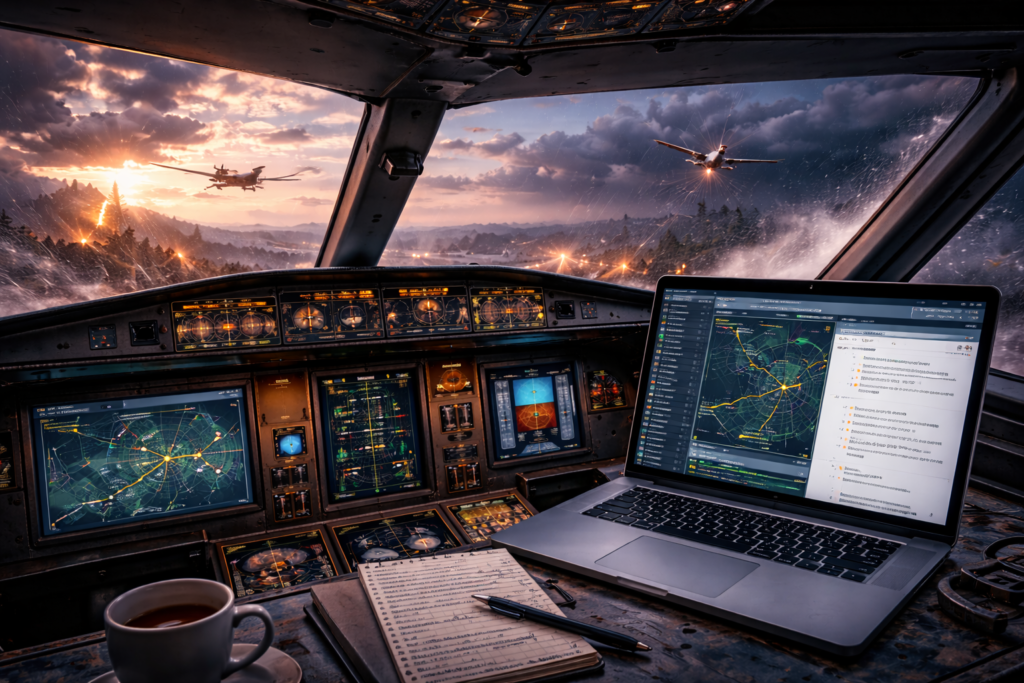
Mission scripting—sounds fancy, right? But it’s really just about giving flight simulations a sprinkle of magic. At its core, mission scripting involves creating specific tasks and objectives within a flight simulator to transform aimless flying into purpose-driven adventures. And why does this matter? Because it turns what could be a mundane virtual flight into something that keeps you on your toes, demanding keen attention and skills.
Let’s be honest—just cruising around in a flight sim can start to feel like a glorified sky tour. Fun? Sure. But after a few laps, you’ll want something meatier. That’s where scripted missions flip the script. Suddenly, you’re not just flying—you’re on a mission with purpose, skill checks, and real stakes. It’s not just about getting from point A to point B—it’s about how you get there, what you achieve along the way, and sometimes, it’s about the journey itself.
The real charm? Replay value. With mission scripting, you can fly the same route a dozen times—and no two runs feel exactly alike. Whether it’s shifting weather, surprise objectives, or a curveball trigger you didn’t expect, each playthrough gives you something new to chew on. Whether it’s zipping through a checkpoint race or surviving a stormy landing, scripted missions are like your personal pilot training ground. You can even combine it with Creating Custom Weather Scenarios For Challenges to take it up a notch.
So, why should we care about all this? Because for anyone looking to dig deeper into flight simulations, mission scripting unlocks a new world of creativity and challenge. It elevates the whole gaming experience and might even teach you a thing or two about real-world flying. Remember, every flight simmer starts for fun, but with a solid mission script, that fun is loaded with learning and heaps of challenge.
Choosing the Right Tools: Built-In Mission Editors vs. External Solutions
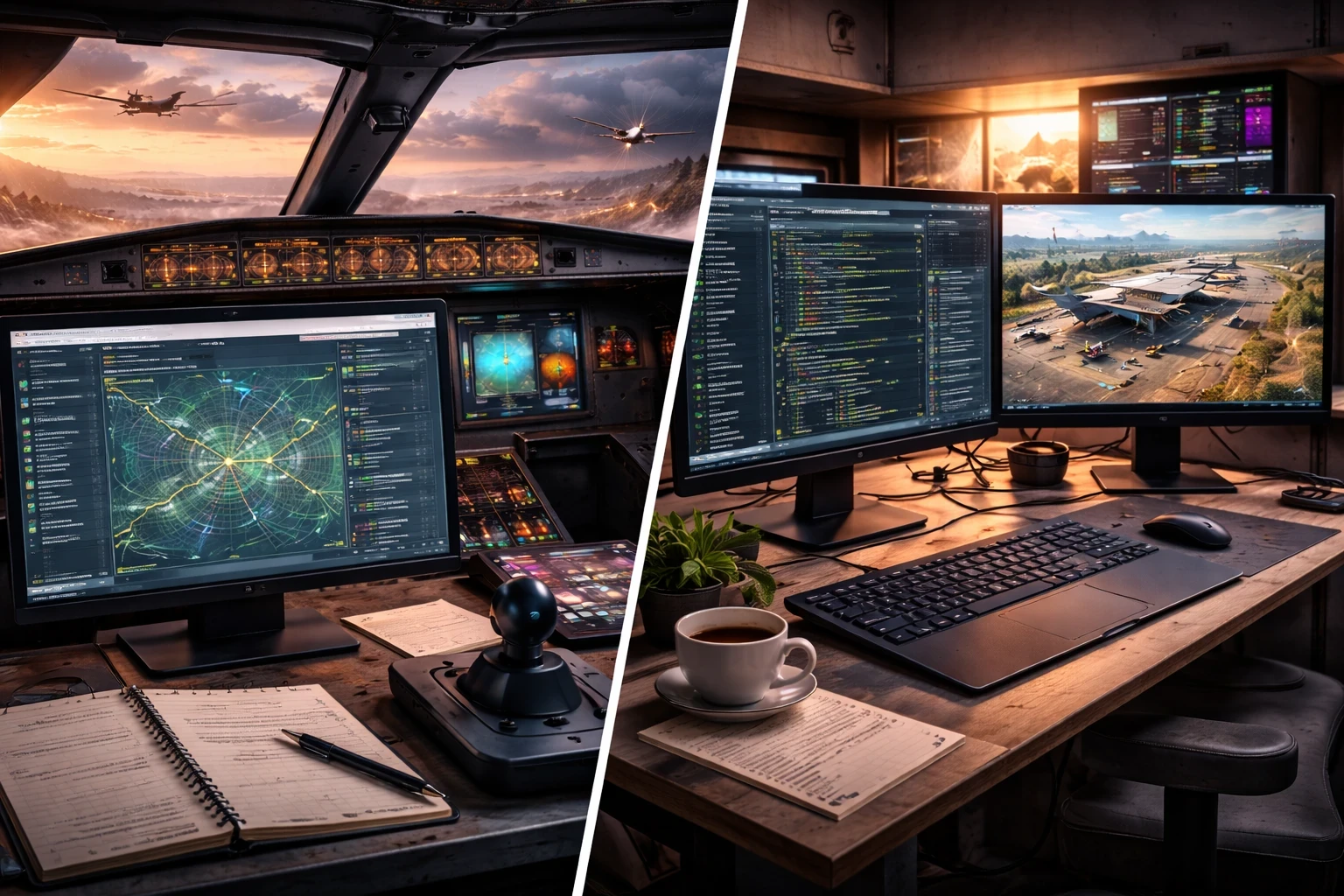
Getting started with mission scripting means picking the right tool for the job. Most flight sims like Microsoft Flight Simulator (MSFS) or X-Plane come with built-in mission editors. These editors make it pretty straightforward to craft your adventures within the familiar environment of the sim itself. With native tools, you’ve got direct access to the sim’s assets and mechanics all in one place.
But what if you’re itching to push boundaries or need some advanced features? That’s where third-party tools and SDKs come in handy. These external solutions often provide more robust capabilities and customization options beyond what built-in editors can offer. They open up new possibilities, letting you tweak and tune missions with greater detail and specificity.
Let’s compare a bit. Built-in editors are usually user-friendly, integrated into the sim, and great for newcomers. They’re perfect if you’re just starting out or want to keep things simple. On the flip side, third-party tools might require a steeper learning curve but reward you with the flexibility to really dig into mission complexity. Think of it as the difference between using a hand mixer and a full-blown professional kitchen setup.
The important part is finding a balance that works for you. Both types of tools have their place, and depending on your goals, you might switch between them or even use both. Whether you’re a hobbyist looking for fun or an enthusiast aiming for intricate virtual adventures, there’s a tool out there to fit your style.
So, tailor your choice based on what you want to achieve. If you’re just dipping your toes into mission creation, sticking with what’s built into your sim is a solid start. But if you’re ready to broaden the horizons, diving into third-party tools could be your next leap towards innovation. For full cockpit setup ideas, check out How To Set Up Your First Custom Flight Simulator.
Creating Engaging Scenarios: Triggers, Conditions, and Advanced Mission Design
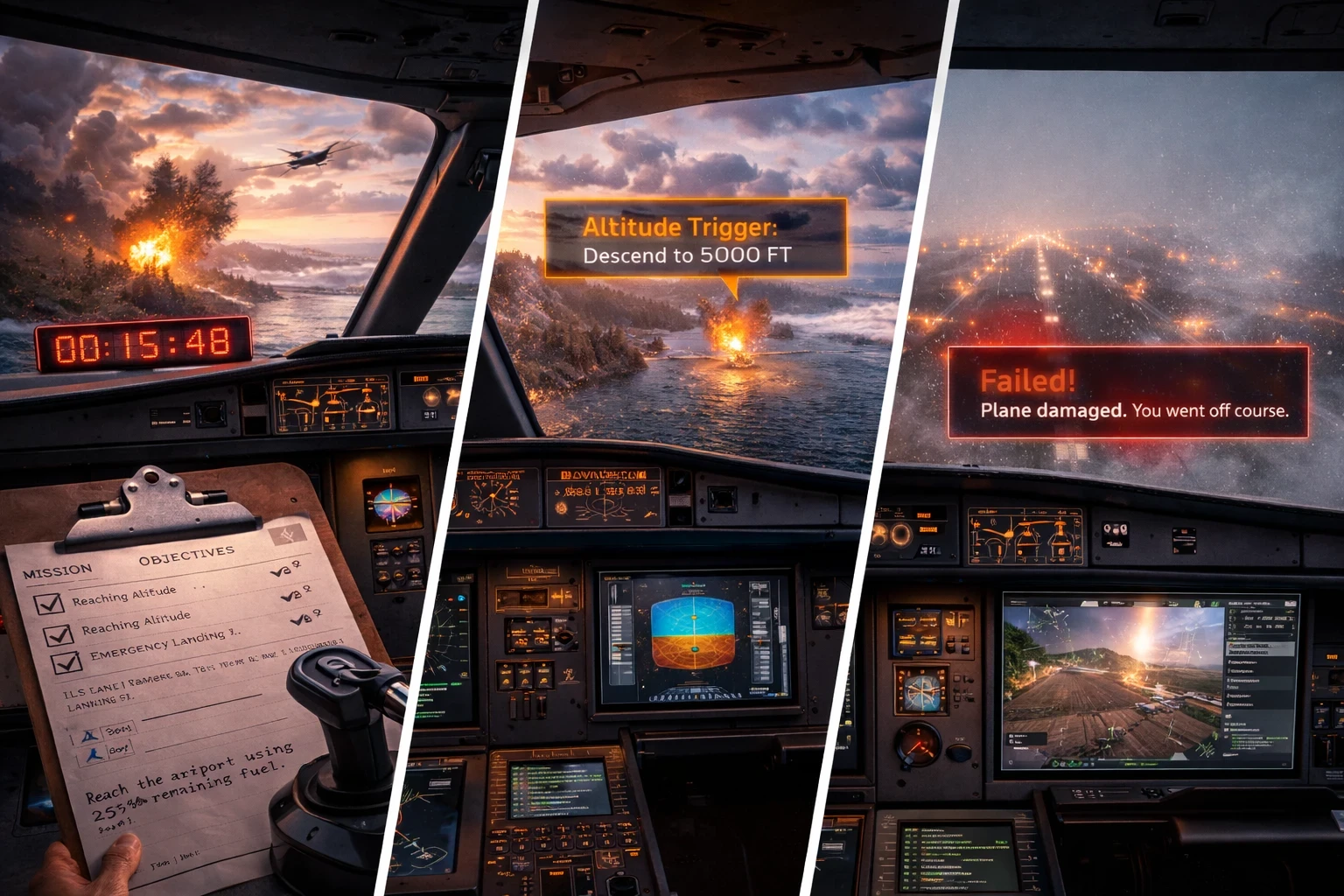
When it comes to mission scripting, triggers are like the secret sauce. They’re those hidden mechanisms that kick events into action as soon as certain conditions are met. Imagine your flight skills being tested just because you crossed an altitude threshold, picked up speed, or simply flew into a specific location. That’s the power of triggers at play.
Designing clear objectives can make or break your mission experience. Want to simulate a thrilling emergency landing or a precise cargo drop? Include checkpoints for navigation, or set up timed tasks to race against the clock. Put in fuel limits for an added challenge or precision landing objectives for that extra test of skill.
Of course, no mission script would be complete without a nod to failure conditions. Out-of-control speed, crashing into virtual terrain, straying off course, or managing fuel like there’s an endless supply—it all has consequences. Penalties keep players on their toes and push them to improve, injecting a bit of realism into the mix.
Scaling difficulty is key, especially when trying to captivate a wide range of players. Start off with simple tasks and progressively build the complexity. This way, new players aren’t overwhelmed, and seasoned users still find the challenge they crave as the game throws them into deeper waters one step at a time.
The key to great mission design? Balance. You want it to challenge players—not chase them off. Sprinkle in just enough complexity to keep them curious, but avoid turning it into a rage-quit simulator. Think: layered, not overloaded .You might also enjoy using SimBrief or SkyVector to layer in realistic navigation planning as part of your mission flow.
Enhancing Immersion: Incorporating ATC, Audio, and Dynamic Environmental Events

Immersive experiences in flight simulation are like stepping into another world, and using audio cues and visual prompts can really dial up the realism. Picture getting navigational instructions from the control tower or hearing weather alerts come through your headset. It’s these touches that pull you in deeper, making the virtual sky feel just a bit more like the real thing.
ATC (Air Traffic Control) interactions, whether through text or voice, provide guidance and a sense of connection in the airborne world. Think of it as your unseen copilots helping you navigate through complex airspace. Besides being helpful, they bring a level of authenticity that keeps you engaged.
Now add in some dynamic environmental events like unexpected weather changes or engine hiccups. These are the unpredictable twists that keep missions exciting and players alert. Encountering a sudden thunderstorm or handling an engine malfunction tests not just skill but adaptability, challenging you to stay calm and composed in a crisis – just like actual pilots must do. You can script these alongside Real-Time Weather Add-ons for an extra challenge.
Scripted events make missions feel alive. An abrupt runway shift as you approach for landing or a surprise clearance to a different altitude? It’s like riding a rollercoaster where you’re in control. These scenarios force you to think on your feet and keeps the excitement level at full throttle.
Getting the most out of these elements is about thoughtful integration. Use audio, ATC, and environmental factors to complement the core mission objectives rather than distract from them. Done right, they can transform a simple flight into an unforgettable aerial adventure.
The Final Touch: Thorough Testing, Debugging, and Sharing with the Community
In mission scripting, patience and persistence are your best friends. It’s all about testing and more testing until everything runs smooth. One overlooked error can send all your hard work into a tailspin. Giving each mission a thorough run-through is crucial—trying different paths, engaging diverse triggers, or altering conditions helps you spot these pesky glitches.
Debugging might not sound exciting, but it’s where you polish your creation. Think of it as housekeeping for your code, ensuring no loose ends ruin the gameplay. Thorough scrutiny means tackling things like logical errors or simple typos that could unravel the experience for players. A careful eye now saves headaches later and ensures an unforgettable flight mission.
Once you’ve got everything shipshape, sharing is where the real fun starts. Exporting your missions and putting them out for others brings them to life in a whole new way. Players love variety, and introducing your creation to the community is like tossing a new toy into the playground. It’s a chance to see how players react, gather feedback, and even climb up those leaderboards if you integrate scoring.
Community feedback is awesome for refining your mission design skills. Engaging with others not only boosts your credibility but kickstarts a cycle of learning and improvement. You might even find yourself inspired by fresh perspectives and ideas, driving you to take your mission scripting to new heights.
It’s the community that really breathes life into these missions. Sharing your work sparks ideas, invites feedback, and pushes everyone—yourself included—to level up. Keep refining, keep uploading, and who knows—your custom challenge might just become a community favorite like flightsim.to.
🚀 From Sim Pilot to Mission Creator
At the end of the day, mission scripting isn’t just a technical feature—it’s a creative outlet. It’s where flight sim meets storytelling, challenge, and progression. Whether you’re mapping out an emergency landing in a thunderstorm or building a multi-leg cargo mission with dynamic weather and ATC, you’re no longer just flying—you’re shaping experiences.
Start simple, get your hands dirty with built-in tools, and when you’re ready, explore what third-party editors and SDKs can really do. There’s no “perfect” way to build missions—only your way.
If this sparked some ideas, why not try scripting your first scenario today? Or, take it further and pair it with Creating Custom Weather Scenarios For Challenges or a full-throttle test of your skills. And hey—if you create something fun, share it with the community. You never know who you might inspire next.
✈️ Fly with purpose. Script with passion.