
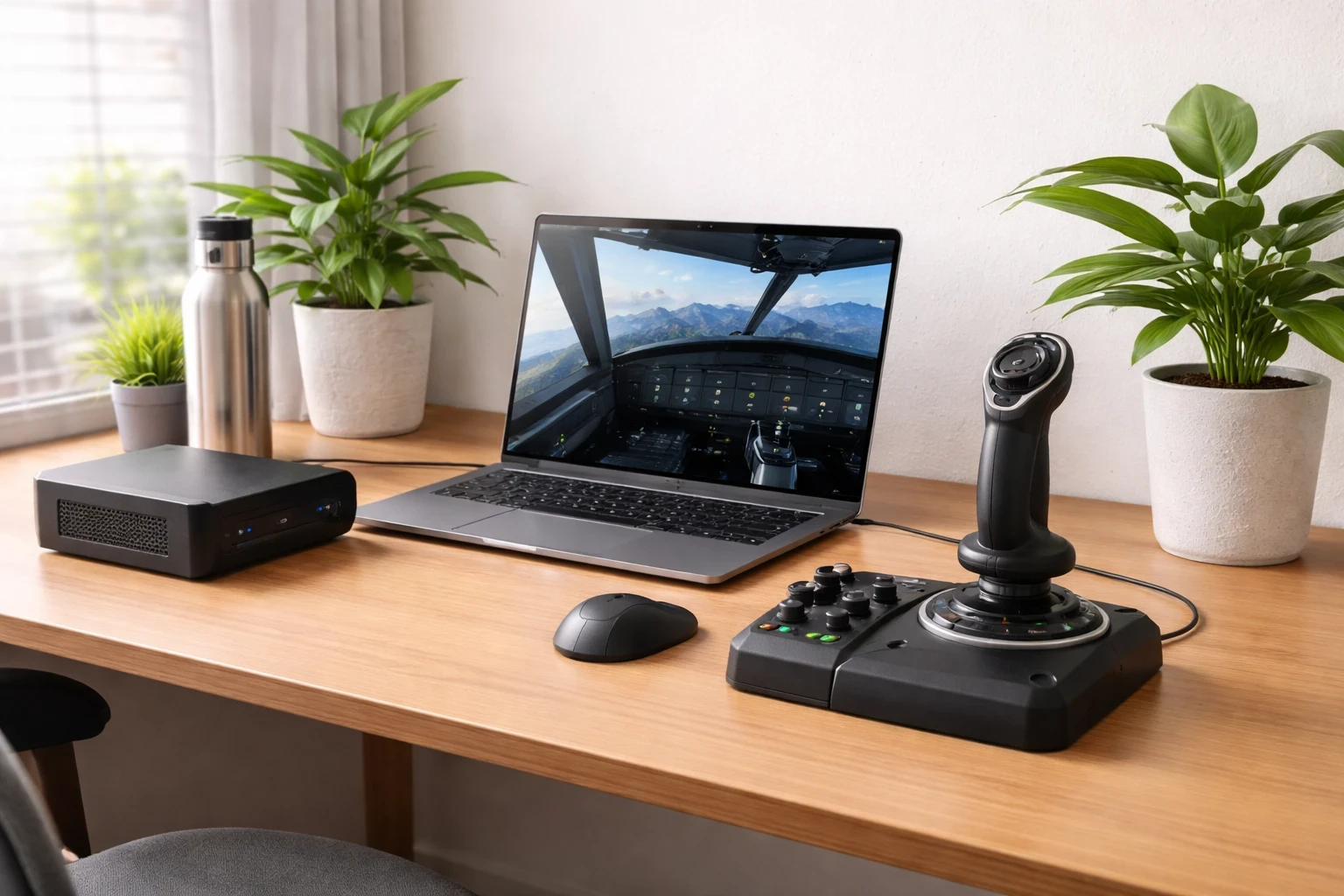
Getting the right hardware for your flight sim setup isn’t just about chasing the latest specs. It’s more about balancing performance with power usage. Modern CPUs and GPUs have improved a lot in this area, giving you smooth performance without pushing your system too hard.
For most sim users, going all-out with high-end hardware isn’t really necessary. A top-tier system might sound appealing, but mid-range setups usually hit the sweet spot. You still get smooth performance without pushing power usage too far. Focusing on hardware with good performance per watt makes a noticeable difference over time. If you’re planning upgrades without overspending, this guide on essential hardware upgrades can help you prioritize what actually matters.
So, what should you look for? Focus on processors that shine in energy benchmarks—not just raw power. The same goes for graphics cards. You’d be surprised how much per-watt performance has improved even in what’s considered mid-range gear. For independent CPU and GPU benchmark comparisons, you can explore data from PassMark Software. Check out forums, user reviews, and maybe chat with fellow enthusiasts to see what’s working for them. Check out forums, user reviews, and maybe chat with fellow enthusiasts to see what’s working for them.
At the end of the day, knowing your needs is crucial. Are you simulating intense, photorealistic flights all the time, or is your style more laid-back? This makes a big difference in your hardware choices. Remember, it’s not just about having the power under the hood but having it efficiently.
Exploring Low-Power Flight Simulation Options
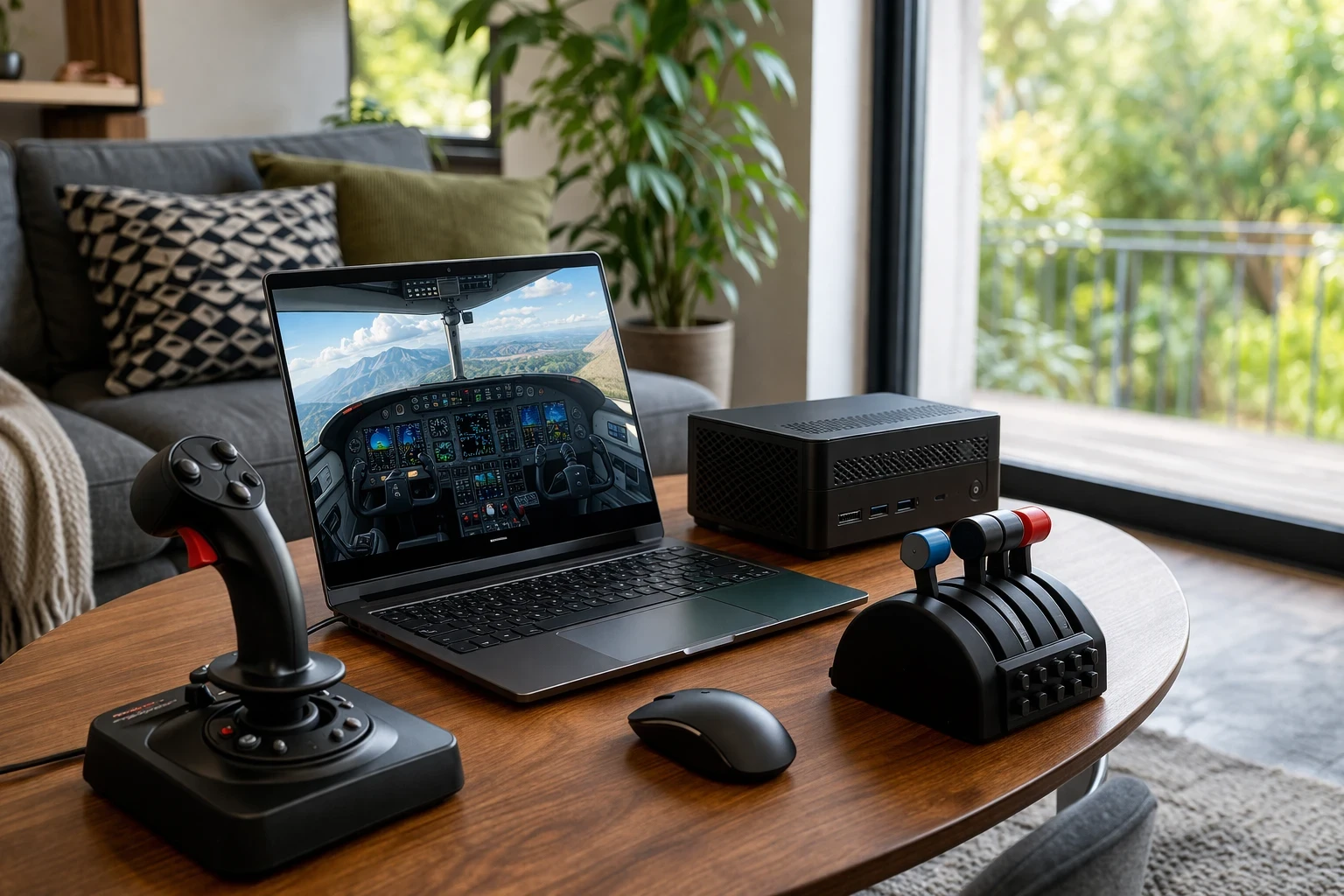
Thinking about scaling back from the usual bulky desktop setups? Laptops and compact PCs are shaking things up in the flight sim world, making them a cool option for those looking to keep things streamlined. They pack a decent punch for their size and won’t have you sweating over high energy bills.
Laptops are especially appealing for sim fans aiming to minimize space without sacrificing too much on performance. Many now feature energy-efficient components that don’t draw as much power as older systems, especially for medium to high settings. To get a clearer idea of how simulators scale across different systems, you can refer to official requirements from Microsoft Flight Simulator. Plus, with newer tech, these machines are more than capable of handling most flight sims on medium to high settings.
Then there are compact PCs. They’re compact and practical, especially if you need a setup that can be used in shared spaces. You can switch between a normal desk and a cockpit setup without much effort. Another advantage is that they generally run cooler and quieter compared to larger systems.
Before making a switch, consider how you use your sim. Are portability and a small footprint your main priorities? Or do you need something more stationary with slightly more oomph? Deciding on these factors will guide you toward the right low-power setup for your personal cockpit.
Sustainable Upgrades with Modular Equipment
Going modular with your flight sim gear is like having a customizable toolkit for the skies. It’s all about upgrading what you need, when you need it, instead of tossing everything out and starting fresh.
Modular equipment means you can swap out parts like panels and throttles as advancements roll out or as your skills grow. This approach not only reduces waste but also saves you from those heartbreaking moments when a single broken component seems like the end of the world—and your setup.
Consider products from brands that focus on interchangeable parts. They’re often designed with future upgrades in mind. You’ve got options like panels that fit both beginner and pro settings, meaning your gear can grow alongside your prowess without needing a whole redo of your setup.
Going modular is a win-win for the wallet and the planet. It encourages you to think about your long-term needs and helps you steer clear of the trap of repetitive purchases. If you’re interested in building or expanding your setup step by step, this guide on building a DIY cockpit on a budget is a practical place to start.Looking at real-world modular cockpit builds can give you ideas, and communities like X-Plane.org often share upgrade setups and configurations. Look for gear with strong community feedback, ensuring you’re investing in reliability and future compatibility.
Invest in Durable Hardware for Longevity
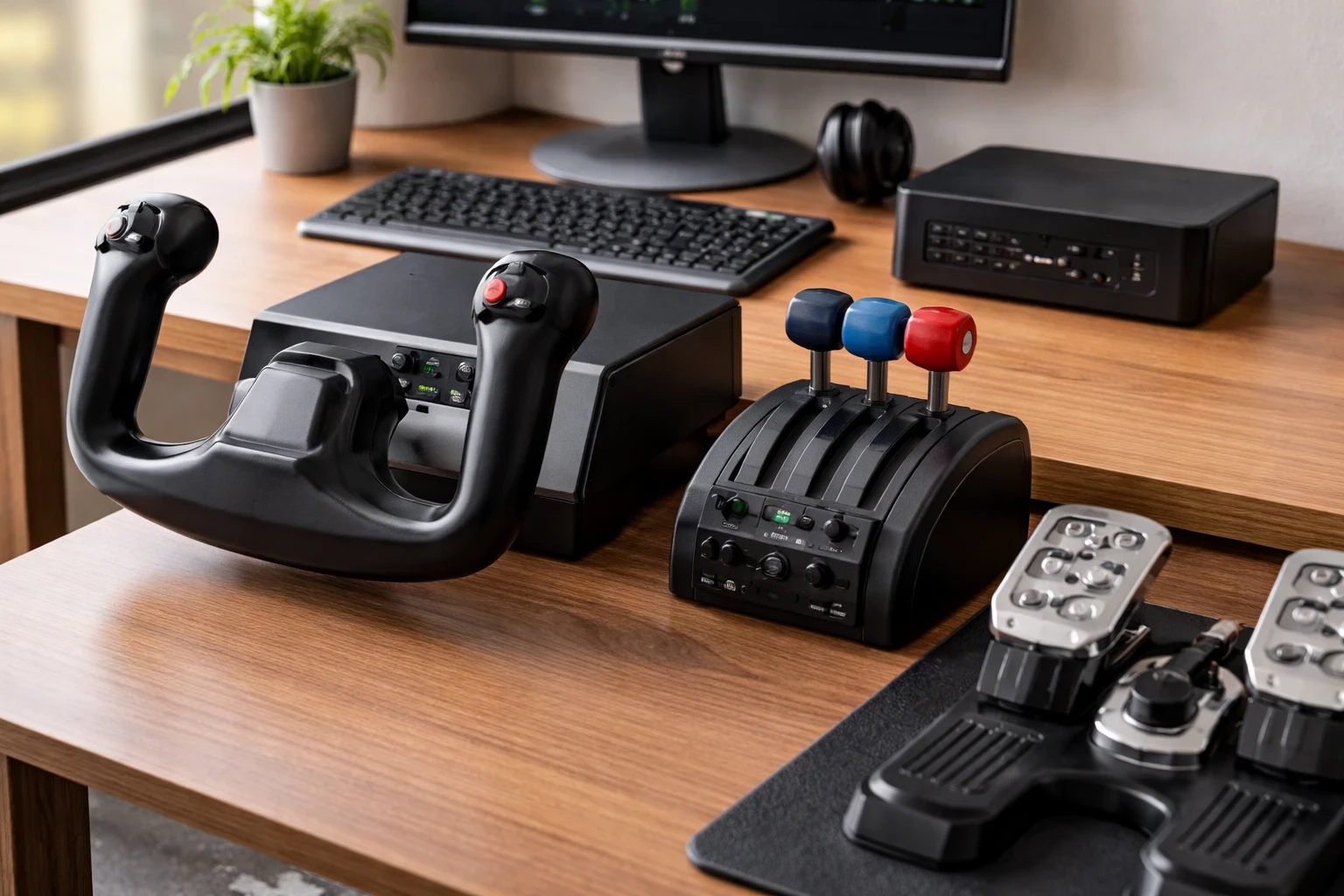
When it comes to flight sim equipment, durability isn’t just a nice-to-have—it’s a must-have. Investing in gear that stands the test of time means less e-waste and more money saved in the long run.
Let’s talk about joysticks, throttles, and pedals. These are your bread and butter of any flight sim setup, so you need them to be tough and long-lasting. Look for products that boast solid build quality and come with positive long-term reviews. A good joystick should last for years with proper use. In many cases, even older models can still perform well if they’re maintained properly.
You’ll find that companies focusing on quality over quantity often offer better stuff. They might be a bit pricier upfront, but replacing cheap gear every few seasons ends up being more costly. It’s like the age-old saying: buy nice or buy twice.
Research and community recommendations are your friends here. Dive into user feedback, videos, and specialized forums. Learn from others’ experiences and let their insights guide you to the right choices. This way, you’ll ensure your gear is as committed to lengthy, smooth flights as you are.
Optimize Your Setup for Maximum Efficiency
From my experience using X-Plane 11 on a mid-range laptop, performance and efficiency really come down to how you manage your settings. I noticed that running the simulator on high settings without heavy add-ons gave me a smooth and stable experience without pushing the system too hard. Once I started adding more scenery and weather plugins, the system worked harder, with increased fan noise and slightly reduced performance. Keeping things balanced made a big difference—not just in how the sim ran, but also in how efficiently the hardware handled longer sessions.
Let’s chat about squeezing every bit of efficiency out of your flight simulation setup without skimping on performance. One way to do this is by exploring digital cockpit solutions. Instead of cluttering your space with a bunch of physical panels, consider using tablets or software solutions that can replicate multiple control interfaces. It’s an easy way to cut down on physical hardware while keeping things flexible.
Tweaking your software settings can also help save power. Lowering graphics settings isn’t a downgrade—it’s just a practical way to keep performance stable, especially on mid-range systems. Plus, skipping heavy add-ons when they aren’t necessary is another trick. This approach reduces strain on your CPU and GPU, which can lead to smoother flights and less heat generated. To get the best results, this guide on how to optimize your PC for best performance can help you fine-tune your system more effectively.
And when it comes to displays, think about how an ultrawide monitor might fit your needs. They’re awesome alternatives to juggling multiple screens and consume less power. Not to mention, they make for a cleaner, more immersive cockpit view.
With some thoughtful adjustments and smart choices, you don’t have to compromise on the quality of your simulation experience while also being a bit kinder to the environment. Balance is key, and with the right setup, you can enjoy every minute up in the virtual skies with peace of mind.
Making Smart Choices for a More Efficient Setup
At the end of the day, building an eco-friendly flight sim setup isn’t about cutting corners—it’s about making smarter choices. You don’t need the most powerful system or the latest upgrades to enjoy a smooth and realistic experience. What matters more is how efficiently your setup runs and how well it fits your needs over time.
Focusing on mid-range hardware, upgrading only when necessary, and choosing durable equipment can make a noticeable difference—not just in performance, but also in long-term cost and reliability. Small adjustments like optimizing settings or simplifying your setup can go a long way without sacrificing immersion.
If you’re looking to improve your setup further, start with what you already have. Make a few practical changes, test what works best for you, and build from there. And for more ideas, guides, and real-world tips, you can explore other resources on Flight Sim Essentials to continue refining your setup step by step.