
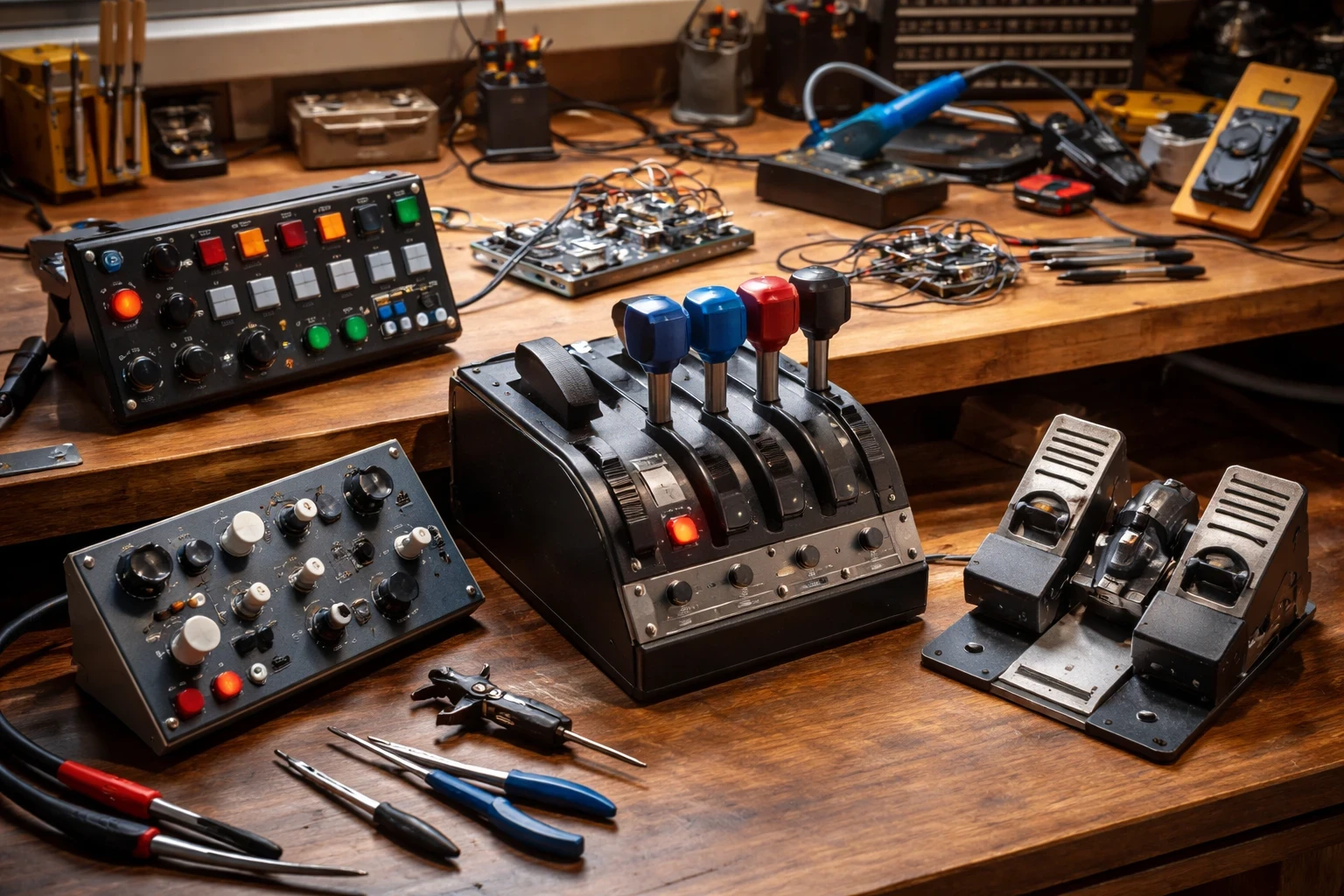
Flight simulation can become far more engaging when you start customizing your setup. Many hobbyists eventually explore DIY accessories—not just to save money, but to create controls that better match their preferred aircraft and flying style. If you’re still planning your setup, it can also help to learn how to set up your first custom flight simulator.
Building your own accessories also gives you full control over how your cockpit looks and functions. Instead of relying only on commercial hardware, you can design button layouts, switch panels, and throttle controls that suit your simulator workflow. For many enthusiasts, the building process itself becomes part of the hobby.
One of the biggest perks of DIY? Immersion. The more control you feel you have over your flight sim environment, the more you’ll enjoy it. Building accessories that suit your tastes adds that vital dash of realism—perfect for losing yourself in your virtual aviation adventures.
Not to mention, customizing your gear doesn’t mean emptying your wallet. Many flight sim enthusiasts find that they can build superior-quality hardware without spending heaps of cash. So why not roll up those sleeves and start designing?
Exploring Popular DIY Flight Simulator Accessories
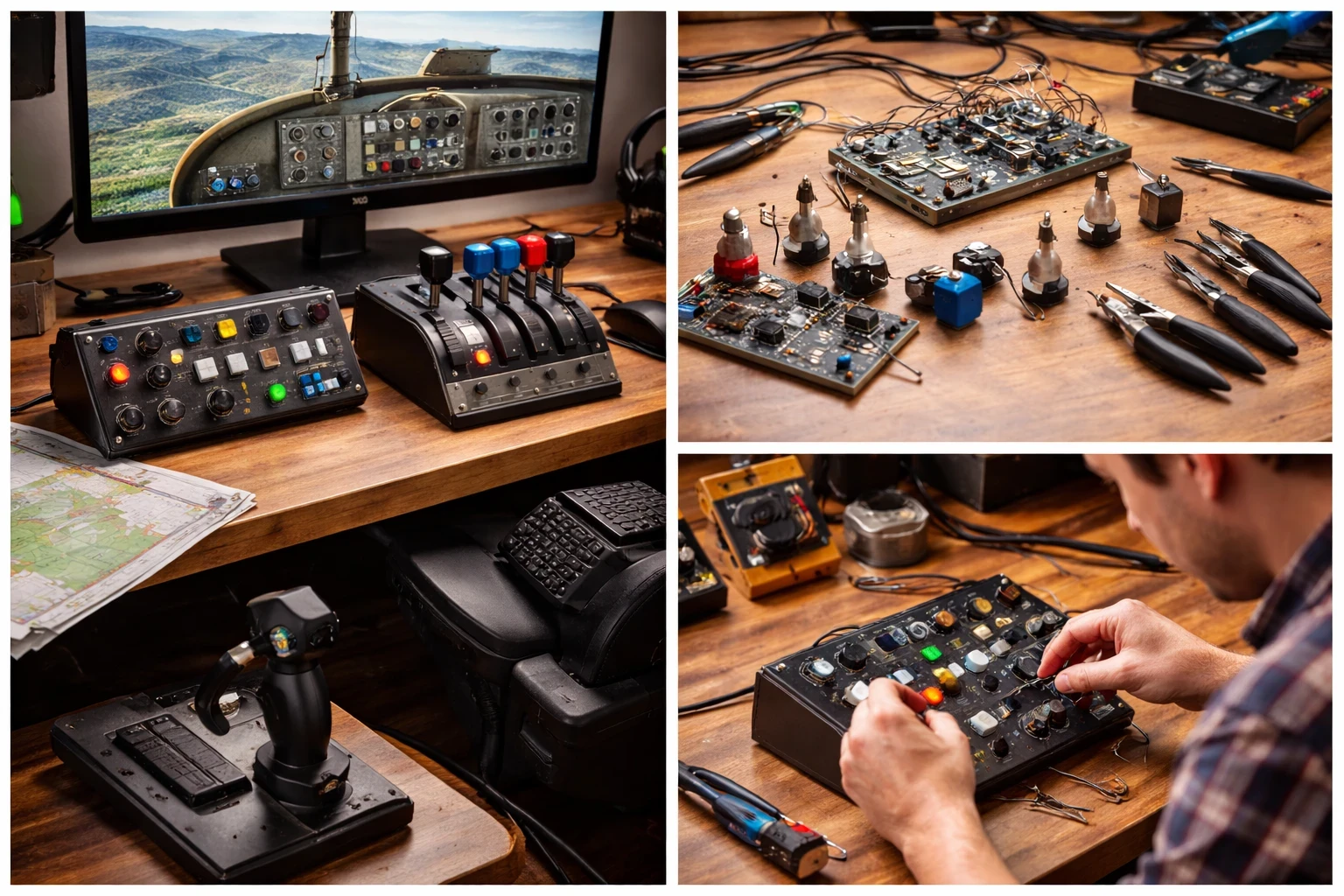
Many DIY projects start with simple accessories that add practical control options to a simulator setup. Starting off, button boxes are a staple. They’re basically control panels packed with customizable buttons and switches. Easy to make and super convenient, they let you manage multiple simulator functions without juggling keyboard commands.
Then, there are switch panels. Imagine having a row of switches just like in real aircrafts. They’re fantastic for enhancing realism and are relatively simple to build, even for beginners. With just a few switches and some basic wiring, you can bring your cockpit closer to reality.
Custom throttle quadrants offer another pathway to elevate your setup. Want more precision in controlling your engines? Crafting your own throttle can give you that authentic feel missing in many generic options. Plus, you can tweak it specifically for the type of aircraft you love flying! You can also explore other essential hardware upgrades for enhanced sim experiences when improving your cockpit controls.
Next on the list, rudder pedals. Rudder pedals are another upgrade that can noticeably improve ground handling and coordinated flight. While they can be slightly more complex to build than basic button panels, many hobbyists find the added realism well worth the effort. Although they might be slightly more complex to build than other components, the payoff in terms of immersion is worth the extra effort.
Understanding the Electronics: Core Components for DIY Builds
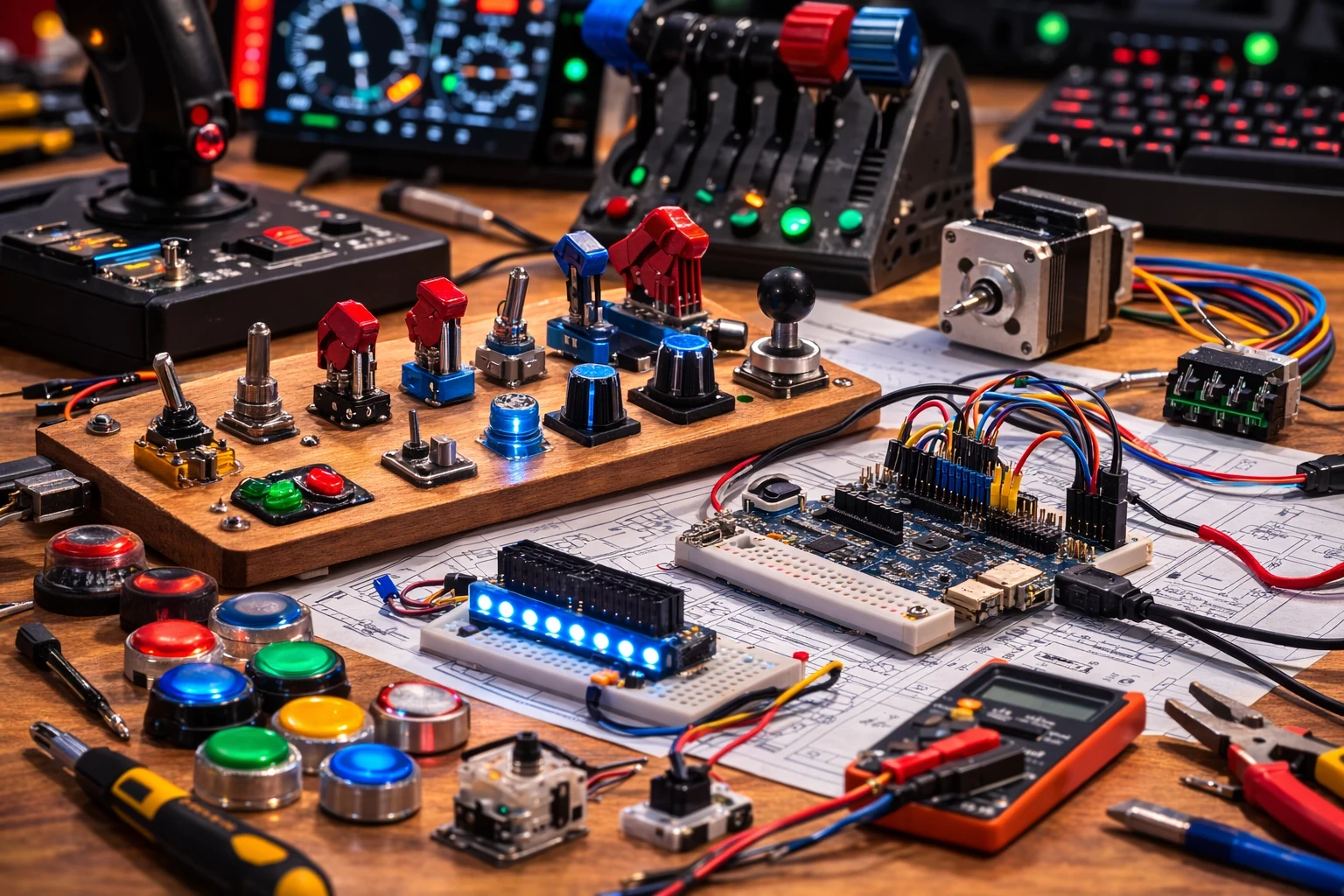
Once you move beyond simple panels, understanding a few basic electronic components becomes important for most DIY builds. Crafting your own flight sim gear isn’t just screwing pieces together. It’s also about understanding and selecting the right components to make everything work seamlessly.
Toggle switches come in handy when you need to mimic the cockpit experience of toggling between systems. Easy to use and essential for authentic controls, these switches are a must-have in any DIY setup.
Got a need for twisting controls? Rotary encoders are your answer. Perfect for adjusting settings like heading or altitude, they add an extra layer of interaction to your simulator.
Push buttons are the unsung heroes of custom panels. They operate straightforwardly and come in various designs. Whether large or small, these buttons give you tactile feedback without breaking a sweat.
Potentiometers might sound fancy, but they’re just variable resistors. Essential for things like throttle controls or dimmer switches, they offer an analog input that’s crucial for smooth simulation.
Lighting up your setup can make all the difference, and that’s where LEDs shine. Stick them in your panels to provide visual feedback — they’re super easy to install. With just a few basic circuits, you’ll have an exciting cockpit environment brimming with lights!
The Role of Microcontrollers in DIY Projects
Microcontrollers are the brains behind your DIY flight controls, making everything tick. Think of them like the puppet masters that help your buttons and switches talk to your flight simulator software.
The Arduino family, especially the Leonardo and Mega boards, are popular choices among hobbyists. They’re user-friendly, well-documented, and have a vibrant community ready to help out whenever you hit a snag. The Leonardo is great for basic builds, but if you’re eyeing a more complex setup with loads of inputs, the Mega offers more capacity. If you want to explore compatible boards and documentation, the Arduino platform and developer resources provide detailed information for DIY electronics projects.
External link text:
Teensy boards are another strong option, known for their speed and versatility. They’re a bit more compact, which makes them ideal if space is an issue. Plus, they can handle more processing power, which is a boon for elaborate projects.
Selecting the right microcontroller boils down to the scope of your project. If you’re just starting, stick with something simple. As your confidence grows, so can your choice of boards. Remember, the aim is to find one that comfortably supports your needs without overcomplicating things.
Online tutorials and community forums are gold mines for DIY enthusiasts. Tons of step-by-step guides are available for using Arduinos and Teensy boards, helping you avoid the common pitfalls and ensuring all your components gel together nicely.
Software Solutions for Connecting DIY Hardware
Turning your DIY creations into functioning parts of your flight simulator involves using the right software to bridge the gap. This is where tools like Mobiflight, SimVim, and others step in, acting as interpreters between your hardware and the simulator software.
Mobiflight is a favorite for many hobbyists, offering a flexible way to integrate your custom hardware with simulators like Microsoft Flight Simulator or Prepar3D. It’s straightforward enough for beginners to get started but packed with features that pros will appreciate. Many builders learn the setup process using the Mobiflight official documentation and tutorials.
SimVim, especially popular in the X-Plane community, provides a comprehensive toolkit for configuring switches, encoders, and displays, all through an intuitive interface. Walkthroughs can guide you through initial setups, showing just how your DIY hardware can plug into your digital cockpit. The X-Plane developer community and resources also provide helpful documentation for integrating hardware with the simulator.
SPAD.neXt is another powerful option, particularly for controlling panels and gauges. It’s highly customizable and backed by active user support, ensuring you never feel lost during the setup process.
Axis and Ohs are geared towards simulating aviation hardware controls, providing precise mappings and adjustments to ensure your DIY efforts feel just right within the simulator. With this software, building detailed profiles becomes a seamless activity.
Venturing into this software territory might seem daunting, but countless tutorials and community guides can ease the transition, offering practical advice and troubleshooting tips to make your DIY experience smooth and effective.
Design and Construction: Building for Beginners
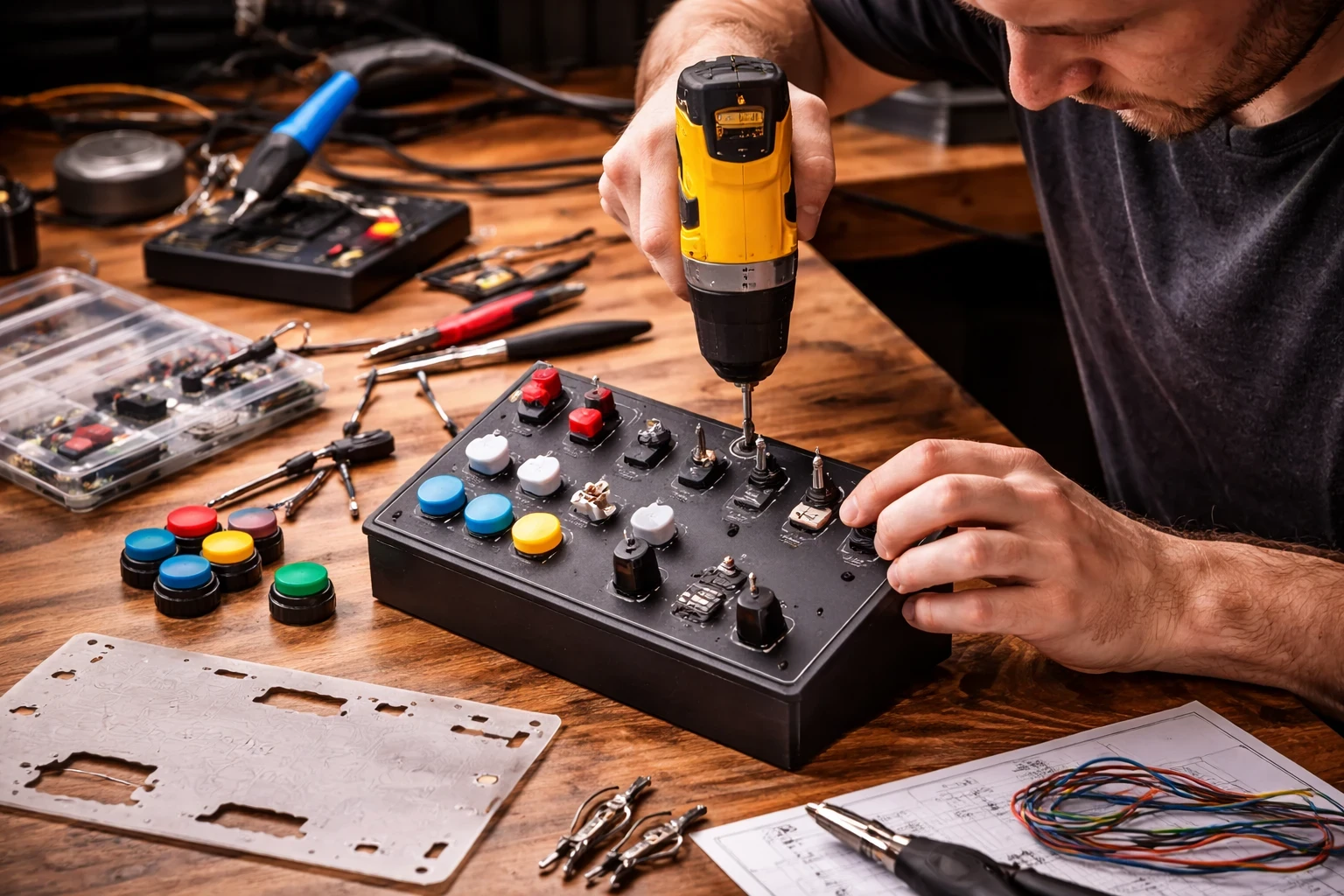
Creating your own panels and controls is where the fun of DIY truly shines. The design stage lets you fully express your vision, using a mix of creativity and practicality.
Not quite sure where to start? Consider sketching out your ideas first. Drawing a rough design helps you visualize the layout and functionality of your controls. It’s less about precision and more about getting your concept down on paper.
When it comes to materials, there are plenty of options based on your budget and the tools you have. 3D-printed plastic is becoming increasingly popular for its flexibility and ease of customization. If that’s not your style, consider using acrylic for a slick, professional look, or go with wood if you prefer something classic and tactile. Some builders also experiment with upgrading their simulator with 3D-printed cockpit components to create custom panels and mounts.
Thinking about trying a small project to get the ball rolling? Building a basic button box is a wise choice for beginners. With some MDF or acrylic, a handful of buttons, and a microcontroller, you can put together a tidy little unit that simplifies your simulator controls.
Like most DIY projects, the goal isn’t perfection right away. Many builders start with simple projects, learn along the way, and gradually improve their setups over time. Be prepared to make mistakes and learn from them. Online communities are fantastic resources whenever you hit a roadblock, offering support, advice, and inspiration. Many hobbyists also begin by building a DIY cockpit on a budget before expanding their simulator setup with more advanced accessories.
Start Your First DIY Flight Simulator Project
DIY flight simulator accessories open the door to a more personalized and immersive flying experience. Whether you’re assembling a simple button box or experimenting with custom throttle controls, each project adds another layer of realism to your virtual cockpit.
The best approach is to start with small projects and gradually expand your setup as you gain more experience with electronics, materials, and simulator software. Over time, these improvements can transform a basic simulator into a much more engaging cockpit environment.
If you’re looking for more ways to improve your setup and develop new flying skills, you may also want to explore guides on leveling up your flight simulation experience to discover additional techniques, tools, and ideas for enhancing your simulator.