
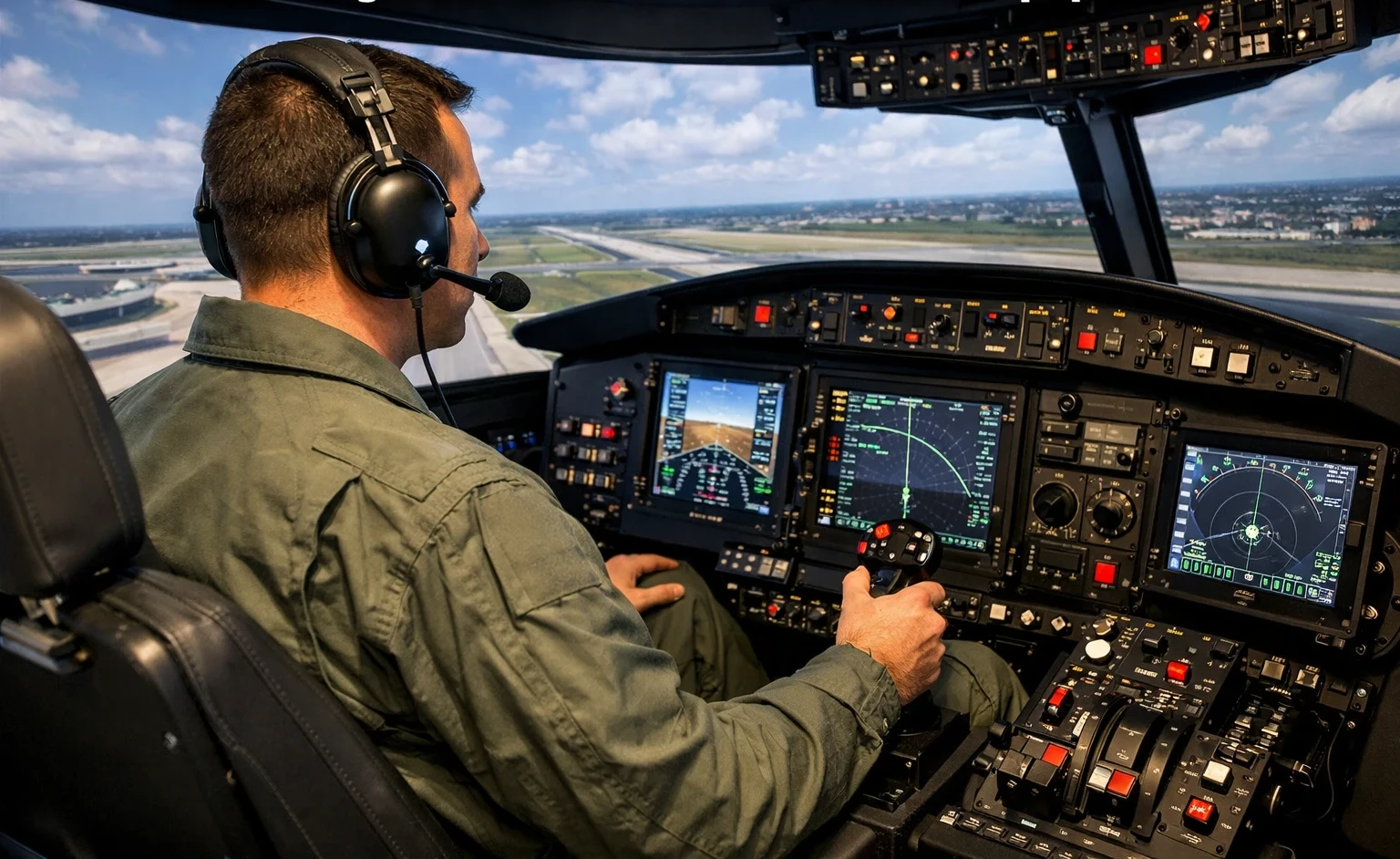
Custom sim gear is changing the way pilots train—blending real-world flight habits with modern tech in a way that makes each session more immersive. It’s not just about “getting used to controls” anymore—it’s about stepping into an environment that feels close enough to the real thing to build habits that stick.
Every pilot knows the value of realism in training tools. It’s not just about flying digitally; it’s about amplifying the authenticity of each flight scenario. From my experience using a joystick setup, starting with something simple helped me ease into flight sim controls without feeling overwhelmed. Over time, upgrading gear becomes more intuitive as your confidence grows. See: Understanding Yokes vs. Joysticks: What’s Right for You?. By using realistic hardware, pilots forge stronger connections between the virtual world and the real skies. This makes every session in the simulator count—each flight replicates true-to-life experiences.
When your hardware mirrors real cockpit layouts, every switch flip or throttle adjustment starts to feel second nature. That kind of realism is more than just a nice touch—it’s what helps bridge the gap between virtual training and actual cockpit confidence.This equipment helps pilots intuitively understand what flying an aircraft is truly like, all while rooted safely on land.
Off-the-shelf sims get you flying—but custom setups dial in the details that matter. From panel layouts to control sensitivity, it’s those small refinements that turn “just practice” into meaningful, skill-building time. Based on discussions in r/flightsim, pilots using custom-built panels report a noticeable increase in procedural memory and confidence during advanced maneuvers.Pilots get the chance to confront realistic challenges, enhancing their readiness for whatever comes during actual flights.
In the world of simulation, bridging the gap between the virtual training ground and the skies above is a game-changer. It empowers pilots to refine their skills, making each training moment a closer reflection of flying real aircraft. Embracing this tech-forward approach makes all the difference in crafting skilled aviators ready for today’s challenges.
Precision and Practice: Enhancing Reaction Times with HOTAS and Rudder Pedals
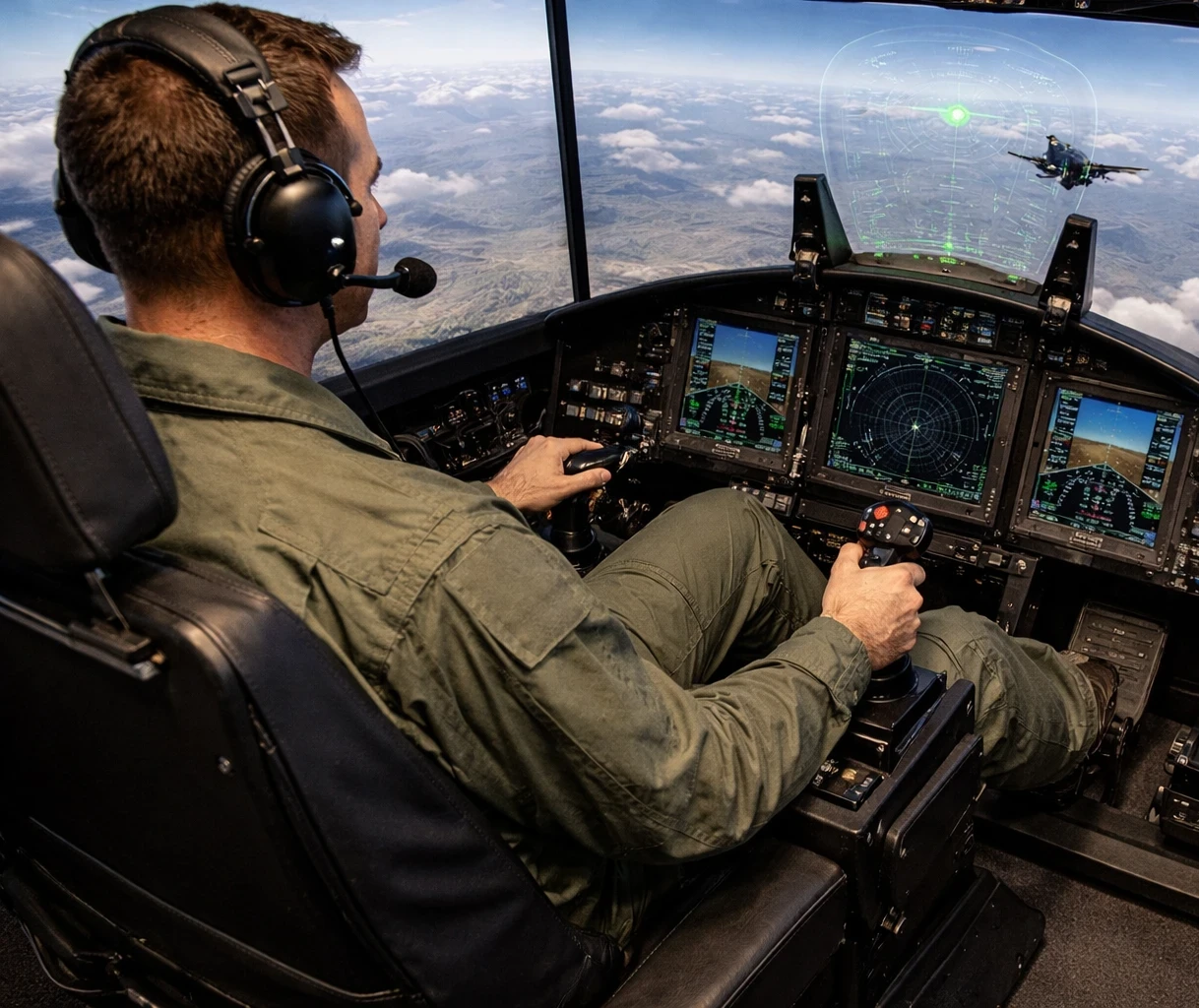
When flying anything from a light aircraft to a hefty jumbo jet, pilot precision counts for everything. That’s where HOTAS—Hands On Throttle And Stick—steps in. This setup mimics the control arrangements found in aircraft, letting pilots develop quick reflexes and sharp coordination skills right from the seat of their simulator.
HOTAS setups aren’t just about faster reaction times and realistic handling. They’re about drilling those responses until they become second nature. Pilots learn to operate controls instinctively, much like they do with actual aircraft systems. These lessons hit home, making day-to-day flying smoother and reactions in emergencies quicker.
Then, there are rudder pedals, an essential bit of kit for simulating real-life challenges like taxiing and navigating crosswinds. In my opinion, pairing rudder pedals with even a mid-tier joystick like the T.16000M FCS drastically improves ground handling accuracy. See: How To Select The Right Rudder Pedals For Your Simulator.While many simulators focus on the sky, it’s these ground and crosswind scenarios where rudder control makes the real difference. With authentic pedal feel, pilots maneuver grounded as they would up in the air, honing their footwork for precise control and stability.
High-grade simulator hardware like HOTAS and rudder pedals brings the experience of flying closer to reality. Whether you’re on a virtual short field landing or in a gusty crosswind, the tactile feedback ensures that each practice session prepares you for anything the skies might throw your way.
Crafting a seamless blend between purposeful practice and realistic gear, this tech-centric approach in pilot training equips aviators with the right tools to excel in their craft. Precision isn’t just an aim; it’s a learned skill, and with the right simulator setups, pilots start mastering this art right at their fingertips.
Advancing Skills with Custom Avionics: Workflows and IFR Practice
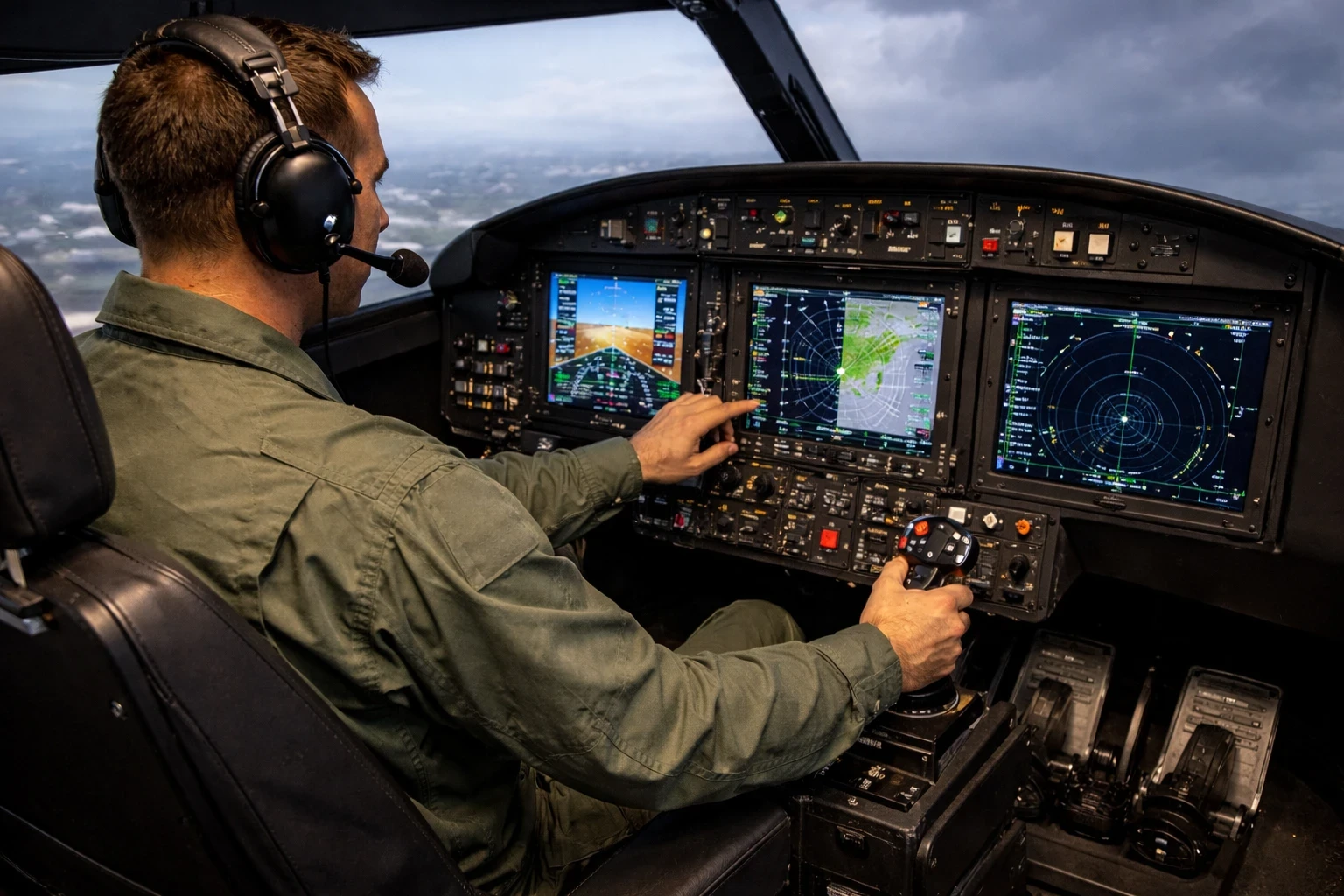
Custom avionics panels are where a pilot’s training game gets elevated. By replicating the setup found in an actual cockpit, pilots can perfect their workflows in a highly controlled environment. Each knob, dial, and display functions just like the real deal, offering trainees the chance to rehearse and refine every part of their routine.
When it comes to handling complex situations like flying under Instrument Flight Rules (IFR), these customized panels are indispensable. From industry data compiled by PilotEdge, IFR-capable simulators paired with ATC networks significantly improve real-world training retention.They allow pilots to practice responding to real-world situations that demand quick thinking and precise execution. This isn’t just about flying straight; it’s about mastering the intricacies of instruments when visibility is poor or absent. Drilling complex IFR procedures at home helps pilots enter the cockpit with confidence—not just in the buttons, but in their mental flow. It’s also a great complement to tools like SimBrief or Skyvector for complete pre-flight immersion.
Real-world instrument setups in simulators provide a great advantage by familiarizing pilots with the in-flight experience while on the ground. They let you drill complex scenarios—like a missed approach in low visibility—until your response becomes automatic. That kind of repetition builds the decision-making muscle you’ll lean on when things don’t go as planned.
The best part? You get to build real skill without the stress or cost of airborne mistakes. It’s like sharpening your instincts in a no-risk zone—ideal for both students and experienced pilots brushing up on IFR skills. Training becomes about thoroughness and understanding when practicing real-world instrument operations.
By investing in these simulation tools, student pilots and seasoned aviators alike can bridge knowledge gaps. These panels don’t just simulate flying; they prepare pilots for every nudge and notification an aircraft system might give them, making every lesson in the sim count toward mastery in real-life flying.
Simulating Real-World Operations: Muscle Memory and Multi-Monitor Setups
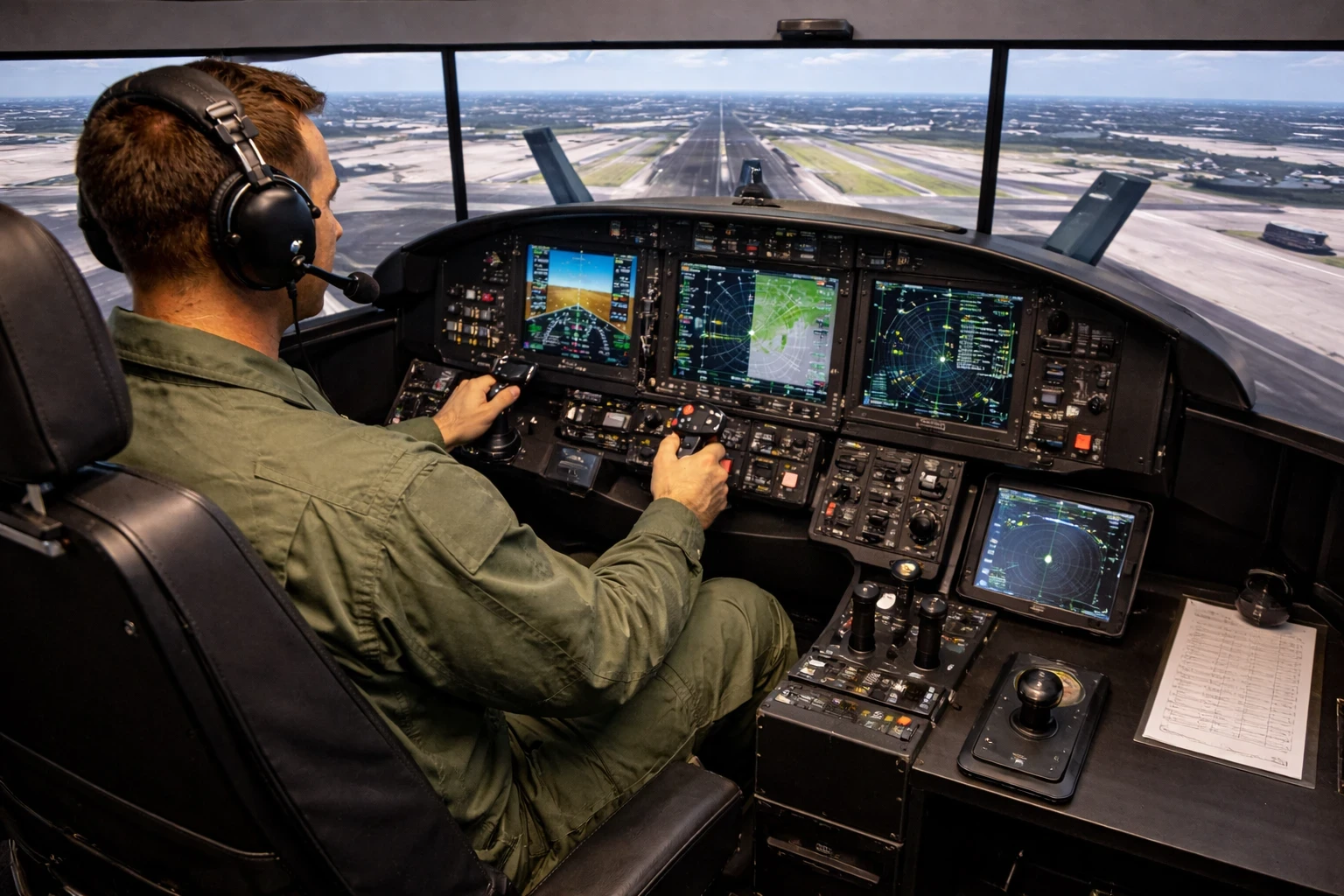
Developing muscle memory is all about repetition and familiarity, and that’s where physical checklists and structured workflows come into play. A pilot’s ability to quickly recall and perform tasks isn’t just about memory power—it hinges on good habits developed through consistent practice.
By using checklists in simulations, pilots work their routines into second nature, creating a solid foundation for real-world flying. Using printed checklists in your home sim setup adds structure that digital-only workflows often miss. For more setup tips, see: Building A DIY Home Cockpit On A Budget. These aren’t just habits for habit’s sake—they’re what keep you from skipping crucial steps when it counts. Muscle memory starts with repetition, but it’s consistency that builds trust in your own process.
Meanwhile, multi-monitor and VR setups take things to the next level by providing a panoramic view of the simulation environment. According to HP’s developer blog, the Reverb G2 headset was designed to enhance pilot training realism with a wide field of view and high-resolution optics. The enhanced situational awareness gained from these tools means pilots can keep a sharp, proactive eye on their surroundings while fully immersed in their tasks.
With more visual information at their disposal, pilots can simulate what it’s like to sit in a cockpit with full peripheral vision, valuable for those intricate maneuvers and monitoring a broader sky and ground view.
Adding throttle quadrants to your simulation setup is another essential step. They assist in replicating the feel and control of real engines, giving pilots the chance to manage throttle settings accurately as if they were soaring through the atmosphere. From my experience, the Honeycomb Bravo is one of the most intuitive quadrants for GA and commercial sim setups. For deeper breakdowns, check: Best Throttle Quadrants For Various Aircraft Models.
These technological additions change the simulation game, making every moment spent training more relevant and impactful. They’re not just tools; they transform any simulation into an immersive, educational journey that prepares pilots for whatever mother nature and modern aviation can throw at them.
The Next Level of Immersion: Head and Eye Tracking in Pilot Training
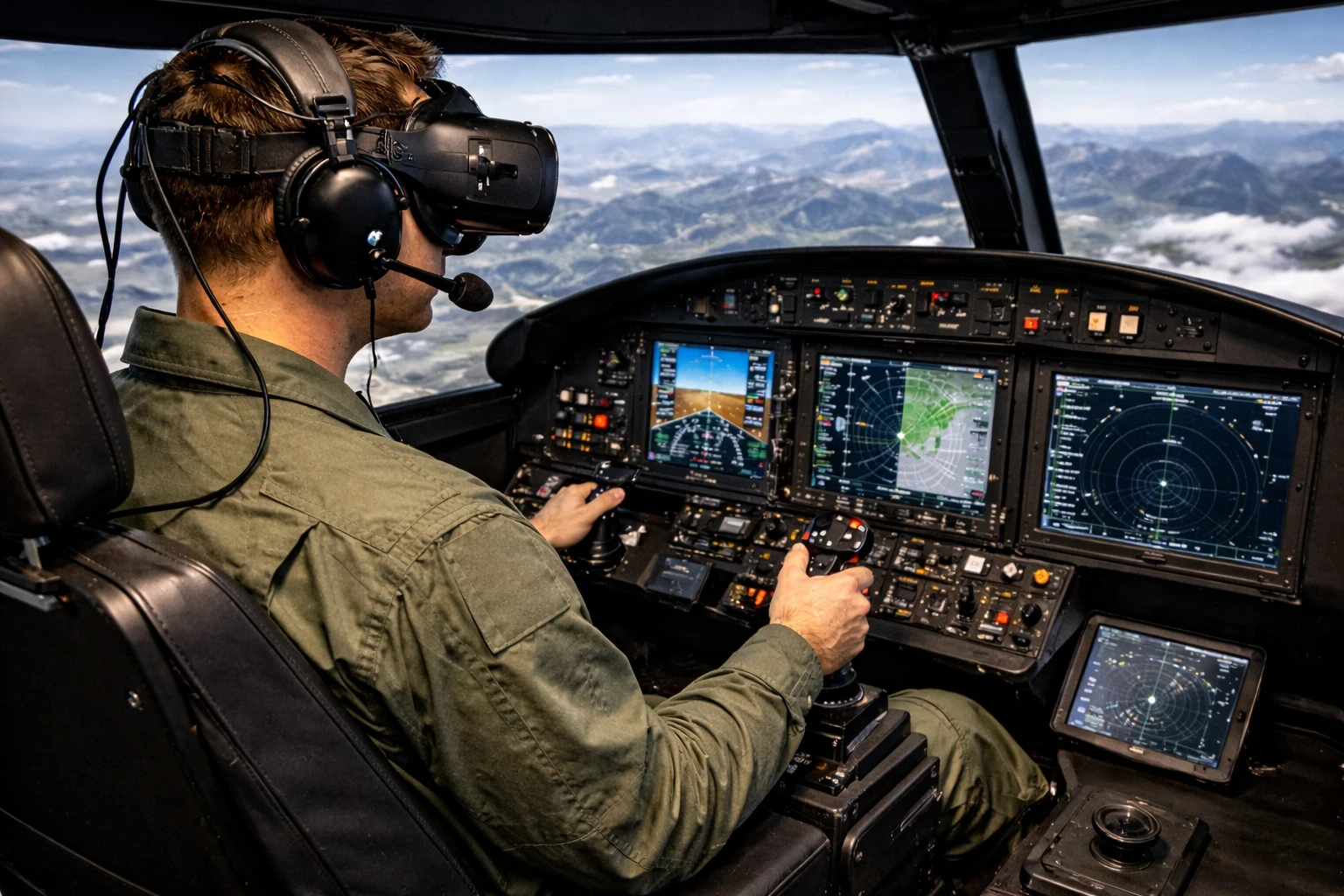
Adding head and eye tracking to pilot training setups changes the game. This technology empowers pilots to develop better scanning habits and improve their awareness, skills critical to maintaining safety above the clouds. Based on research shared by Tobii, eye-tracking tools help reinforce pilot focus areas and improve instrument scan patterns under pressure.With natural head movements governing the camera perspective, pilots can simulate the real-life dynamic of continually checking instruments, windows, and controls without losing their focus.
Eye-tracking technology further engages the pilot, ensuring their attention aligns with the cockpit’s demands. This type of training instills a heightened sense of responsibility and control in the virtual world, which translates directly to real-world skill enhancement. It mimics the situational dynamics faced in actual flights, crafting pilots who are prepared and attentive to the ever-changing skies.
Blending classic flight training with today’s tech isn’t about replacing one with the other—it’s about leveling up both. It’s the balance that builds not just knowledge, but real-world readiness.. Traditional training techniques paired with cutting-edge tech create a robust learning environment, ensuring every pilot stepping out of the simulator is ready to tackle any challenge.
Sim-based learning offers impressive benefits not just to seasoned pilots but also to those stepping into the cockpit for the first time. For student pilots, it provides an opportunity to progress through learning stages rapidly and safely, laying down a solid foundation that they build upon in real-world flying.
With these immersive tools, the line between sim training and actual flying grows thinner, giving pilots a more authentic experience during their preparations. Making use of these advanced technologies supports a holistic approach to pilot education, paving the way for safer, more efficient skies to be navigated by the next generation of aviators.
✈️ Final Thoughts: Turning Practice Into Precision
Custom simulator setups aren’t just flashy upgrades—they’re game-changing tools that shape how we train, react, and grow as virtual aviators. Whether you’re just adding rudder pedals or diving deep into full-panel builds and eye-tracking tech, each piece helps close the gap between simulation and real flight.
Training smarter, not just harder, is what gives pilots an edge—and with today’s gear, that edge is more accessible than ever.
👉 Want to build your own immersive training space?
Check out Building A DIY Home Cockpit On A Budget or r revisit the basics with Getting Started With Flight Simulation: A Step-by-Step Guide to get inspired.