
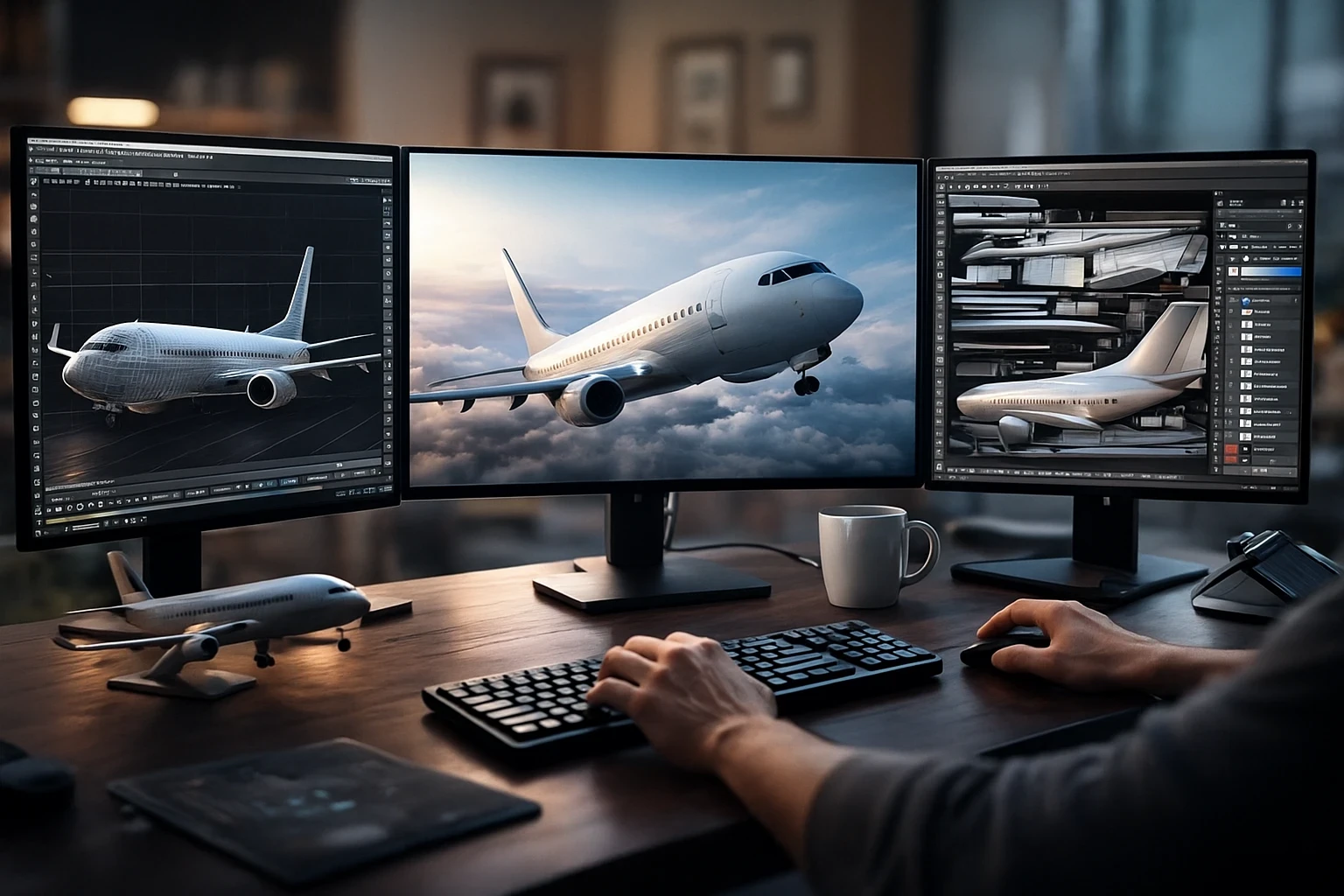
Jumping into aircraft model development for flight simulators can feel overwhelming at first. Before you get going, let’s break down what this journey truly involves. Aircraft development isn’t just about tossing a model into a simulator and calling it a day. It’s an intricate dance of various elements working together to give users the most immersive experience possible, especially when aiming for realism explained in Getting Started With Flight Simulation: A Step-by-Step Guide.
When I talk about a complete aircraft add-on, I mean combining several core components seamlessly. Picture this: a detailed 3D model that goes from the sleek exterior to the intricate wings, paired with a virtual cockpit filled with instruments that behave just right. And then there’s the flight model, which determines how the aircraft behaves in the air through virtual skies the way it should.
But there’s more—systems need fleshing out. Think of these as the aircraft’s brain, telling it how to respond in different scenarios similar to the realism principles covered in How Realistic Flight Simulators Enhance Pilot Training. Add to this the final visual layer: textures. These give life to the model through detailed, lifelike surfaces, often enhanced by PBR, making the aircraft pop and shimmer realistically when light hits, as outlined in many flight simulator material and rendering guides.
Distinguishing between payware and freeware is also necessary. Payware models often boast higher fidelity and detail because teams pour hours into development, expecting compensation. On the flip side, freeware models can still offer enjoyment and learning opportunities, usually supported by enthusiastic community members who share projects on platforms like flightsim.to.
All these parts come together to create an add-on that’s not just about looks but about delivering something that feels right. It’s a mix of artistry and technology, aiming to mimic reality as closely as pixels may ever allow. Understanding these basics sets the stage for where you’ll head next in your simulator model-making adventure.
Choosing Your Platform: Simulator Compatibility

Choosing the right simulator sets the foundation for your development workflow. Each simulator has distinct advantages and shines in its own realm. Microsoft Flight Simulator (MSFS) is known for breathtaking visuals. supported by the official Microsoft Flight Simulator SDK, while X-Plane’s flight dynamics are documented through Laminar Research’s developer resources and Prepar3D offers extensive customization options for more advanced users.
Understanding the importance of simulator choice impacts how your aircraft will function and what features you can leverage. It’s not just about what looks the best but ensuring your model performs as intended in its digital environment, especially when considering differences outlined in Comparing Flight Simulator X And Flight Simulator 2020. An aircraft might look stunning in MSFS but take a performance hit in another simulator without the right tweaks.
Community support is another essential consideration when choosing a simulator. A platform with a robust community offers endless resources such as forums and tutorials to guide you through challenges. MSFS has gained a massive community backing thanks to its global popularity. X-Plane and Prepar3D, while having more niche audiences, often host dedicated users eager to share tips and help each other succeed.
Long-term adaptability should also be on your radar. Consider simulators that frequently update and improve, ensuring your model doesn’t become obsolete quickly. Staying ahead requires being proactive with updates and expansions, keeping in sync with the simulator’s latest features and engine changes.
In each of these platforms, the idea is to not just focus on current capabilities but to also anticipate future trends. Whether you’re in it for personal satisfaction or a broader goal, tailoring your development strategy around the simulation platform’s strengths ensures you’re off to a solid start.
The Craft of 3D Modeling: Mastering Aviation Design
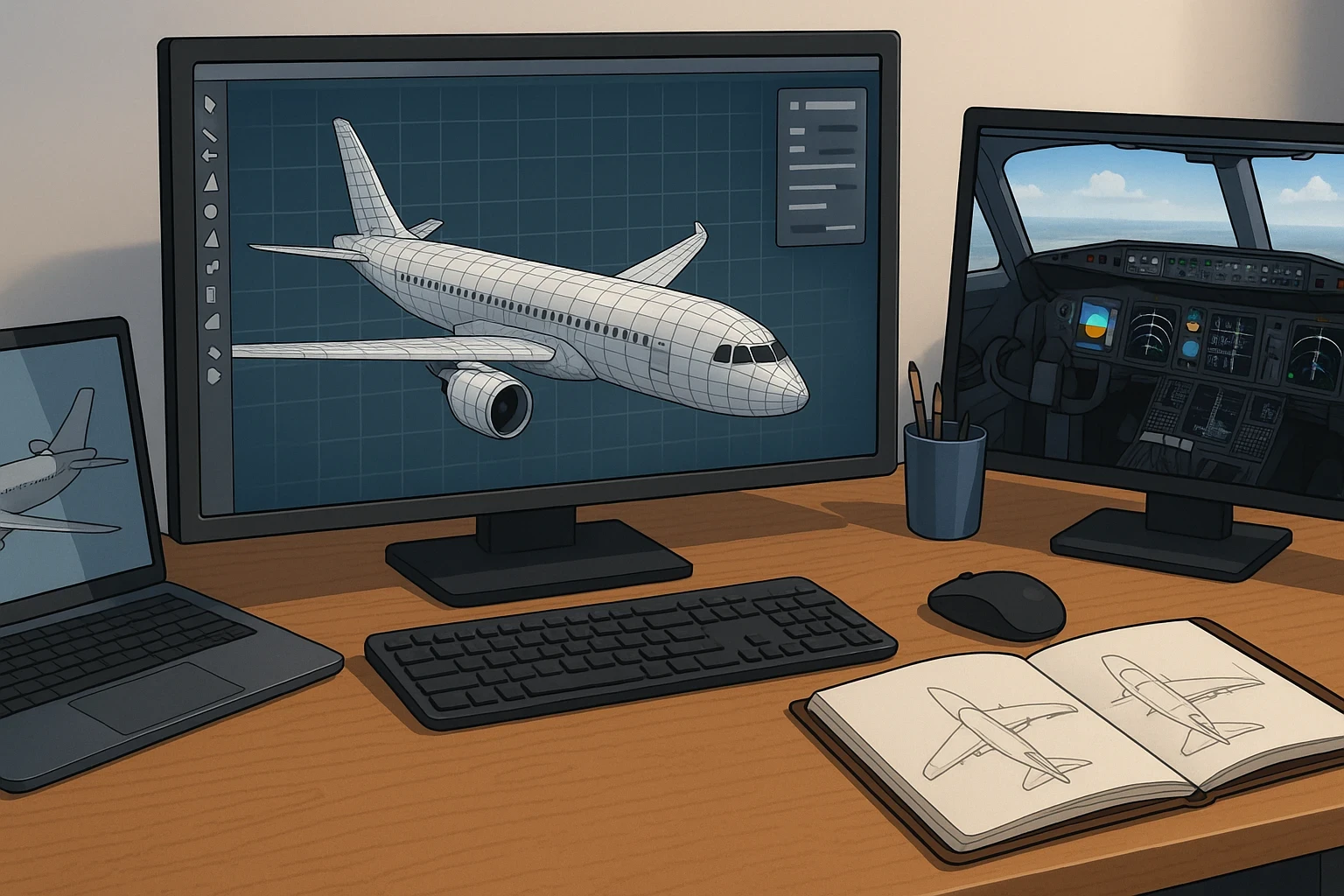
Diving into 3D modeling can seem a bit daunting, but it’s all about getting your hands dirty and embracing the learning curve. Creating those beautiful aircraft visuals involves way more than just copying real-life planes. It’s about translating complexity into the virtual world, and it takes some skill and patience. But don’t worry, everyone starts somewhere, and there’s no better way to learn than by doing.
The journey from basic shapes to a detailed airplane demands a good understanding of 3D modeling software. Tools like Blender are popular in the community, mostly because they’re powerful and, even better, free. The key here is to start with the basics. Get familiar with the software, play around with extrusions and transformations, and before you know it, you’ll be crafting winglets like a pro.
Creating the plane’s exterior catches the eye, but the real challenge begins within the cockpit. Every dial, switch, and control needs meticulous attention. Designing a virtual cockpit isn’t just about showing off detail but ensuring functionality matches real-world operations, as discussed in Achieving Ultimate Realism With Custom Equipment. That way, when someone flips that virtual switch or turns a knob, it reacts just as expected.
Starting simple doesn’t mean your work will look basic—it means focusing on one thing at a time. By concentrating on simpler models, you get to see projects through to completion, which is satisfying and crucial for learning. It’s better to perfect a single-engine plane before tackling the complexity of a jetliner.
Software tools can be your best friends on this journey. Leveraging online tutorials, community forums, and even professional courses can speed up your learning curve. With consistent practice and some helpful resources, you’ll see your aircraft design skills take off in no time.
Beyond Visuals: Creating Realistic Flight and System Models
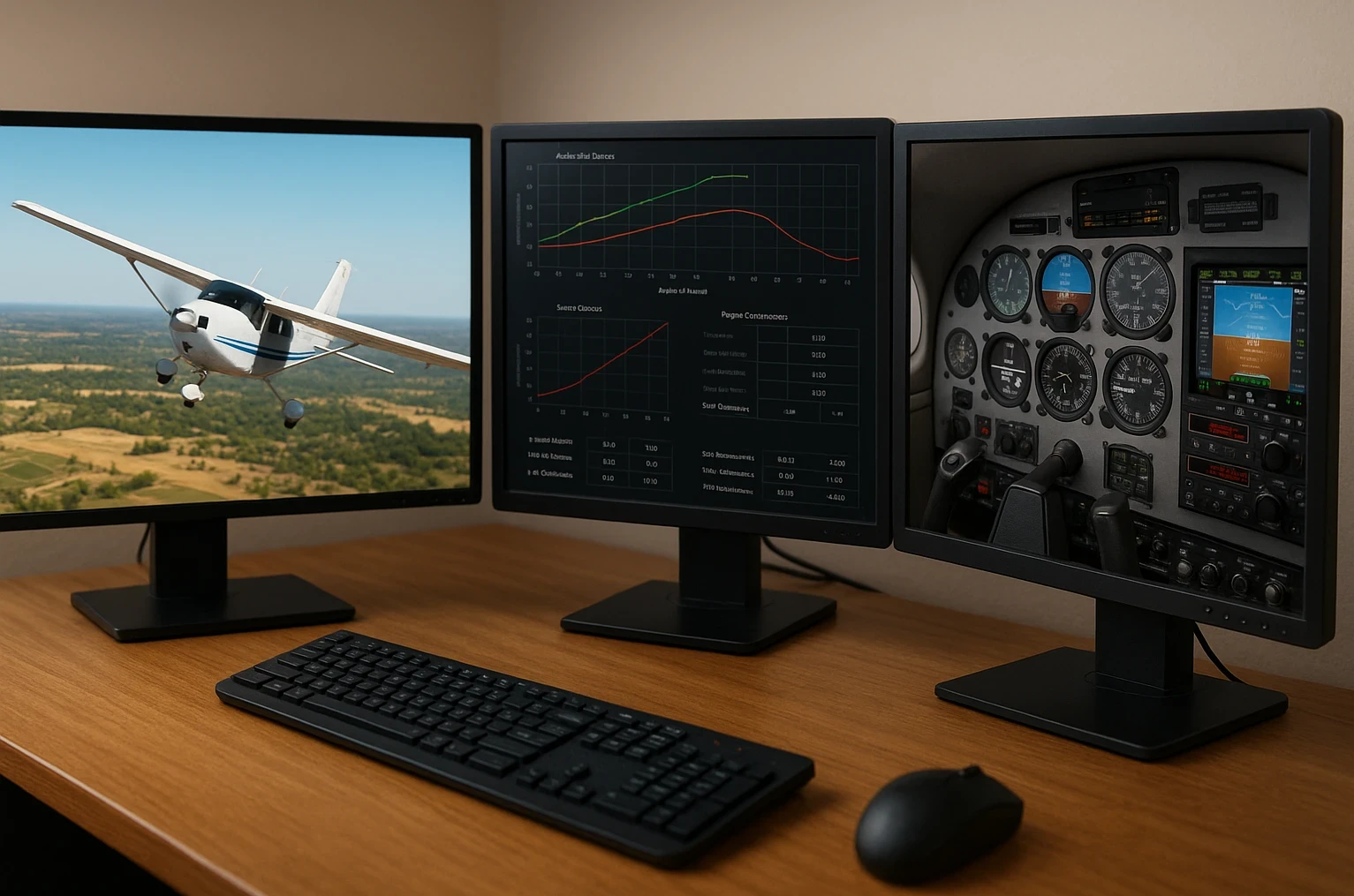
Building realistic flight and system models is where things get truly technical but also deeply rewarding. It’s where mathematics meets creativity, providing the flying experience with depth and realism, building on concepts explained in Understanding The Basics Of Aerodynamics In Simulators. Don’t be intimidated by what lies ahead. The key is understanding how these models translate physics into the digital realm.
Relying on real-world flight data is the cornerstone of creating a flight model that feels genuine. The weight distribution, aerodynamics, and control surfaces all play a part in translating how an aircraft maneuvers. Guesswork may work initially, but it’s the precise data that’ll keep your model soaring accurately.
Systems realism can span from basic to advanced, and knowing where you want your model to land is crucial. This involves programming the systems that manage everything from simple engine starts to more complex autopilot functionality. While it might seem technical, breaking it down into manageable chunks helps in making it less overwhelming.
Real-world examples of systems realism in the current add-ons offer a fascinating glimpse into what can be achieved. Many developers share their successes, and analyzing these case studies can provide valuable insights into what makes a model stand out.
While knowing how to program is helpful, it’s not just about the coding skills. The art lies in weaving together all parts of your model for a cohesive flight experience. Consistency and accuracy are the goals, but remember, starting small gives you the confidence to tackle bigger challenges later.
Fine-Tuning and Feedback: The Final Steps to Launch
When you’ve constructed your aircraft model and ironed out most of the details, fine-tuning becomes the name of the game. This phase involves meticulous attention to textures and materials, especially with Physically-Based Rendering (PBR). PBR can make your model shine under the right lighting, bringing out exquisite detail in surfaces like metal and glass. It’s the little touches that often elevate a model from good to amazing.
SDK documentation is like your development toolkit. Keeping up with the latest updates ensures your model stays compatible and functional with the latest simulator improvements. It’s easy to overlook the documentation, but being diligent here pays off in fewer headaches down the road.
Testing protocols are your next avenue, and they are crucial. Rigorous testing guarantees your model isn’t just pretty but also flies as expected, echoing best practices covered in Common Mistakes New Flight Simulator Users Make. Seek feedback from the community, as those extra pairs of eyes can help spot things you might miss particularly through developer and user forums such as AVSIM. It’s about creating something that community members will enjoy and appreciate, and their feedback can be invaluable.
Taking on small projects initially makes this process manageable. You get to experience the full development cycle without overwhelming yourself. It’s one thing to learn through struggles, but success breeds its own kind of inspiration. Case studies on successful smaller aircraft projects can motivate and guide your development.
Remember, every feedback loop and iteration brings you closer to the vision you had. Once you’ve got that small-scale project under your belt and it’s out there in the world, you’ll not only have learned immensely but also built something others can enjoy. From there, each completed project builds confidence for more advanced designs.
Where to Go From Here
Developing your own aircraft models for flight simulators is a process that blends creativity, technical precision, and steady learning. From 3D modeling and simulator compatibility to flight dynamics, systems depth, and final testing, each stage builds on the last. Starting small, iterating often, and learning from both documentation and community feedback helps turn early experiments into polished add-ons that feel believable in the virtual skies.
If you’re interested in continuing this journey, explore more in-depth guides, tutorials, and realism-focused resources available on Flight Sim Essentials. Whether your goal is personal learning, community sharing, or eventually releasing a full aircraft add-on, consistent practice and a solid understanding of fundamentals will take you much further than rushing the process.