
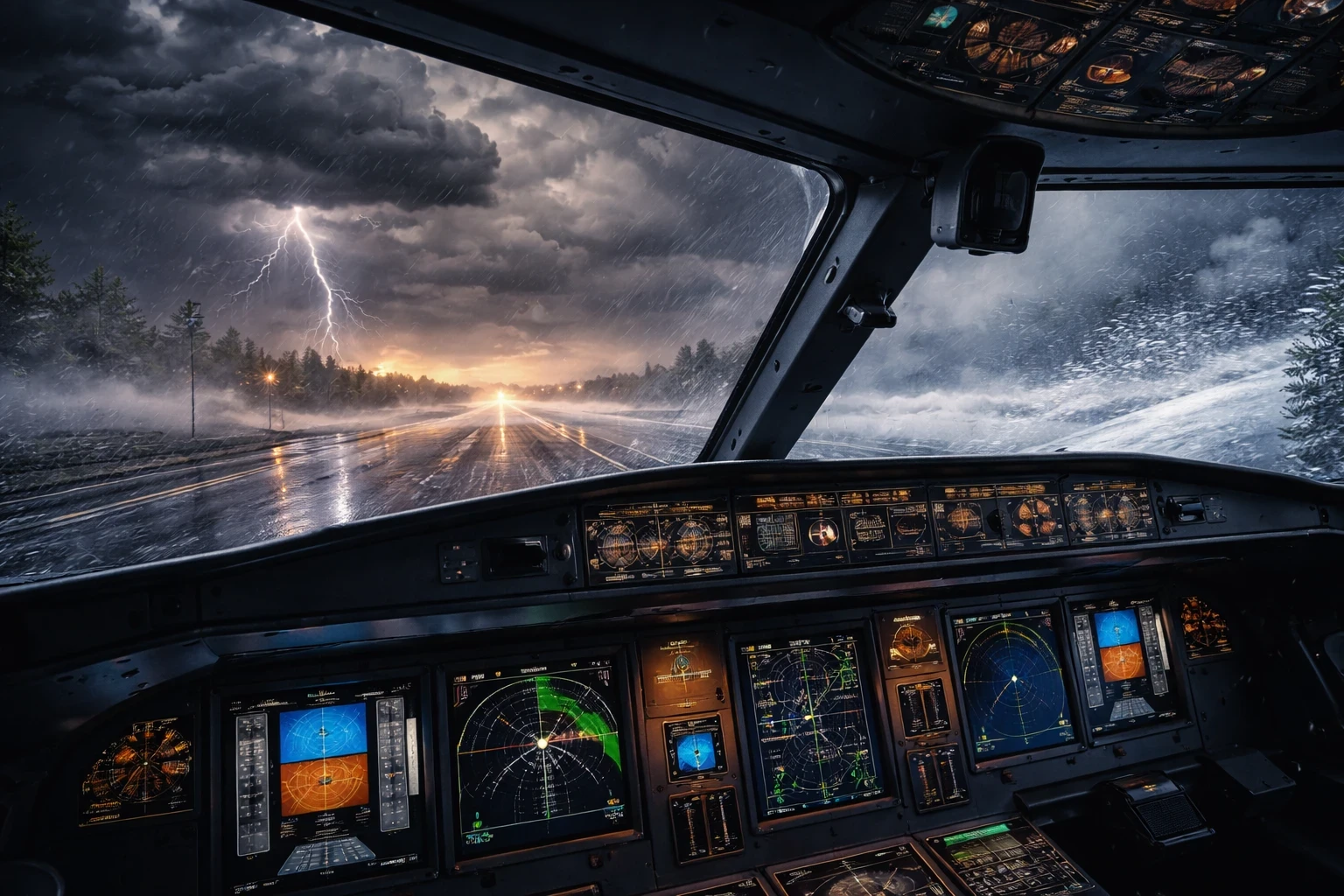
Weather in flight simulations isn’t about dealing with a single element like clouds or wind. It’s all about how these layers interact, adding to the realism. Picture it like a team effort: when wind, visibility, clouds, temperature, icing, and turbulence combine forces, that’s where the magic happens.
Take the wind, for instance. It’s not just pushing your plane here and there. It’s interacting with clouds and temperature, creating turbulence or even that nerve-wracking wind shear during landing. Now add visibility into the mix. Heavy rain or fog doesn’t just obscure your view; it teams up with cloud cover and wind to demand more focus on instruments —similar to what’s discussed in Understanding the Basics of Aerodynamics in Simulators.
Temperature and icing conditions introduce yet another layer. When it’s freezing out there, and you’ve got visible moisture alongside specific cloud types, you’ve got a recipe for icing woes. Ever been caught in a surprise icing situation mid-flight and had to rely on your anti-ice systems? That’s the kind of challenge that tests your mettle.
When you dial these layers in correctly, weather stops being background noise and starts becoming the actual lesson. It forces you to think ahead, react faster, and sometimes make the call to abandon a plan entirely. Whether you’re wrestling a gusty crosswind on final or deciding if that storm ahead is worth pushing through, layered weather turns casual flying into meaningful training—not just another sightseeing flight.
For deeper realism, many sim pilots reference real-world aviation weather concepts from sources like NOAA Aviation Weather Center to understand how these elements combine in actual flight conditions.
Manual Weather Versus Real-World Weather: A Comparative Approach
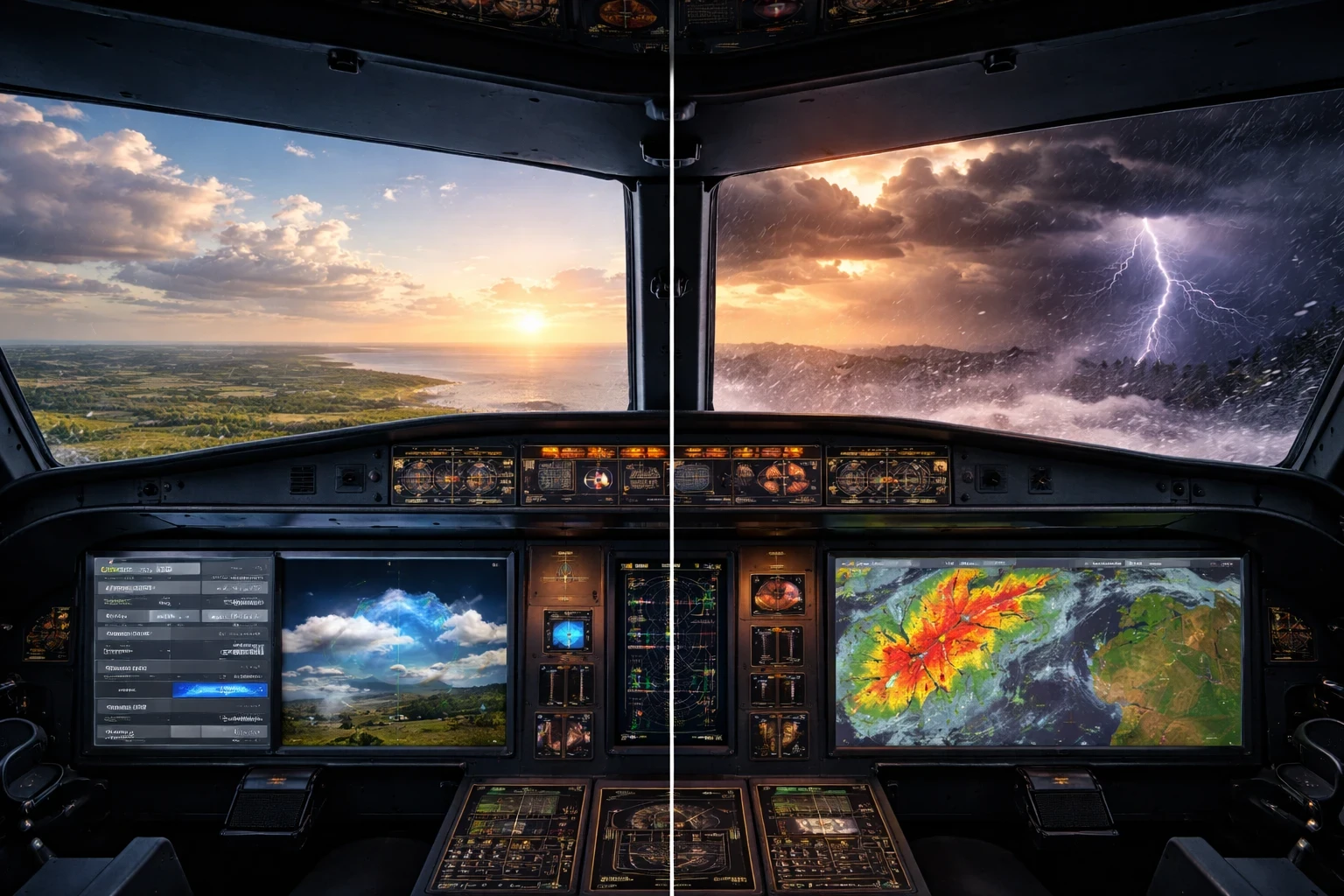
When crafting flight simulations, choosing between manual and real-world weather settings can make all the difference in your training experience. Manual weather setups offer the freedom to dial in any conditions you want. They give you control to refine specific skills, like braving gusty crosswinds or honing instrument proficiency in low visibility —perfect for structured practice scenarios covered in Developing a Realistic Flight Plan. Want to test your strategy in a sudden storm? Manual lets you set that scene.
On the flip side, real-world weather injects a dynamic layer of unpredictability. It’s like bringing real-time life into your flight. Perfect for when you’re simulating flights in unfamiliar regions or handling day-to-day weather variances. With live weather updates, you’ll face everything from calm sunny skies to unexpected squalls, enhancing decision-making under pressure —especially when flying on networks like VATSIM or IVAO.
Custom weather shines when you want repeatable, focused practice—perfect for drilling crosswinds, IFR approaches, or emergency procedures without surprises. Live weather, on the other hand, keeps you honest. It throws curveballs when you least expect them. Blending the two gives you the best of both worlds: controlled practice to build confidence, followed by real-world conditions to see how well those skills actually hold up.
Incorporating both styles into your simulations ensures well-rounded preparation. Use static weather to build muscle memory in handling consistent scenarios. Live weather brings out that spontaneous pilot spirit, ready for whatever the skies throw your way.
Wind Dynamics: Tailwinds, Crosswinds, and Gusts
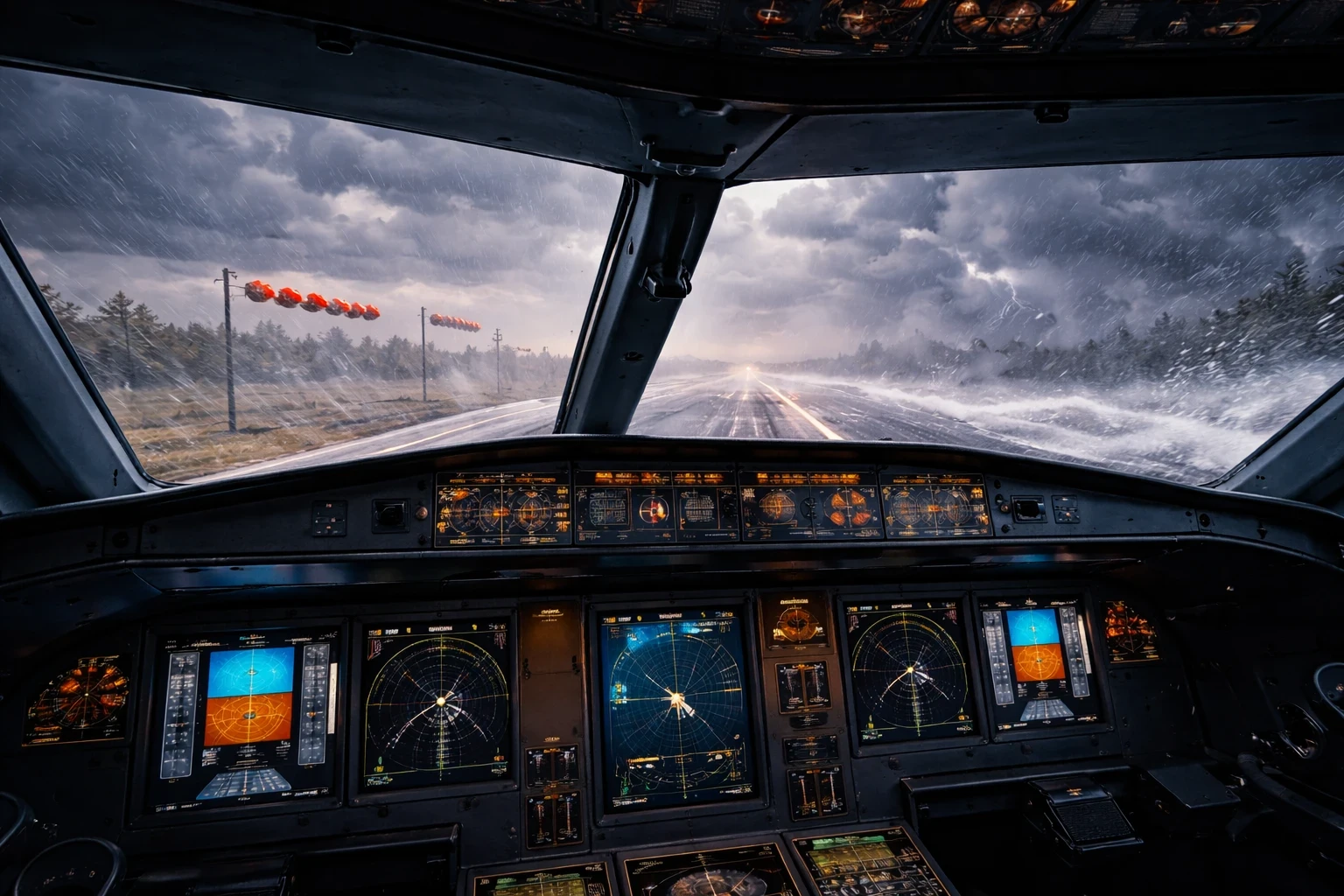
Wind can be your best friend or worst enemy in flight. Understanding wind direction, speed, and how gusts behave is crucial for safe and effective flying. You’re not just tackling headwinds and crosswinds; you’re learning how different scenarios affect your flight path and aircraft handling —topics also explored in Mastering Aerial Maneuvers in Flight Simulators.
Takeoff and landing require special attention when wind is a factor. Crosswinds demand precise control to keep your aircraft aligned with the runway. Gusts can introduce sudden lateral movements, testing your ability to adapt quickly. Practicing in simulations with varying wind conditions helps build the reflexes needed in such situations.
Then there’s wind shear, which adds another dimension to wind challenges. Experiencing sudden changes in wind speed and direction close to the ground can be tricky. Like when you’re descending and the wind shifts from a headwind to tailwind suddenly, your speed over the ground drastically changes, requiring instant adjustments. Real-world explanations of this phenomenon are well documented by FAA Safety Briefing resources.
Crosswind landings are where theory meets reality fast. One second you feel lined up, the next the wind is trying to shove you sideways. Sim practice teaches you how much rudder is too much, when to trust your instruments, and how to stay calm when the aircraft doesn’t feel as stable as you’d like. That kind of muscle memory only comes from repetition.
Custom challenges focused on varying wind profiles let pilots practice these crucial skills repetitively, making sure you’re good to go before facing such scenarios in real-life flying.
Crafting Low-Visibility Challenges in IFR Conditions
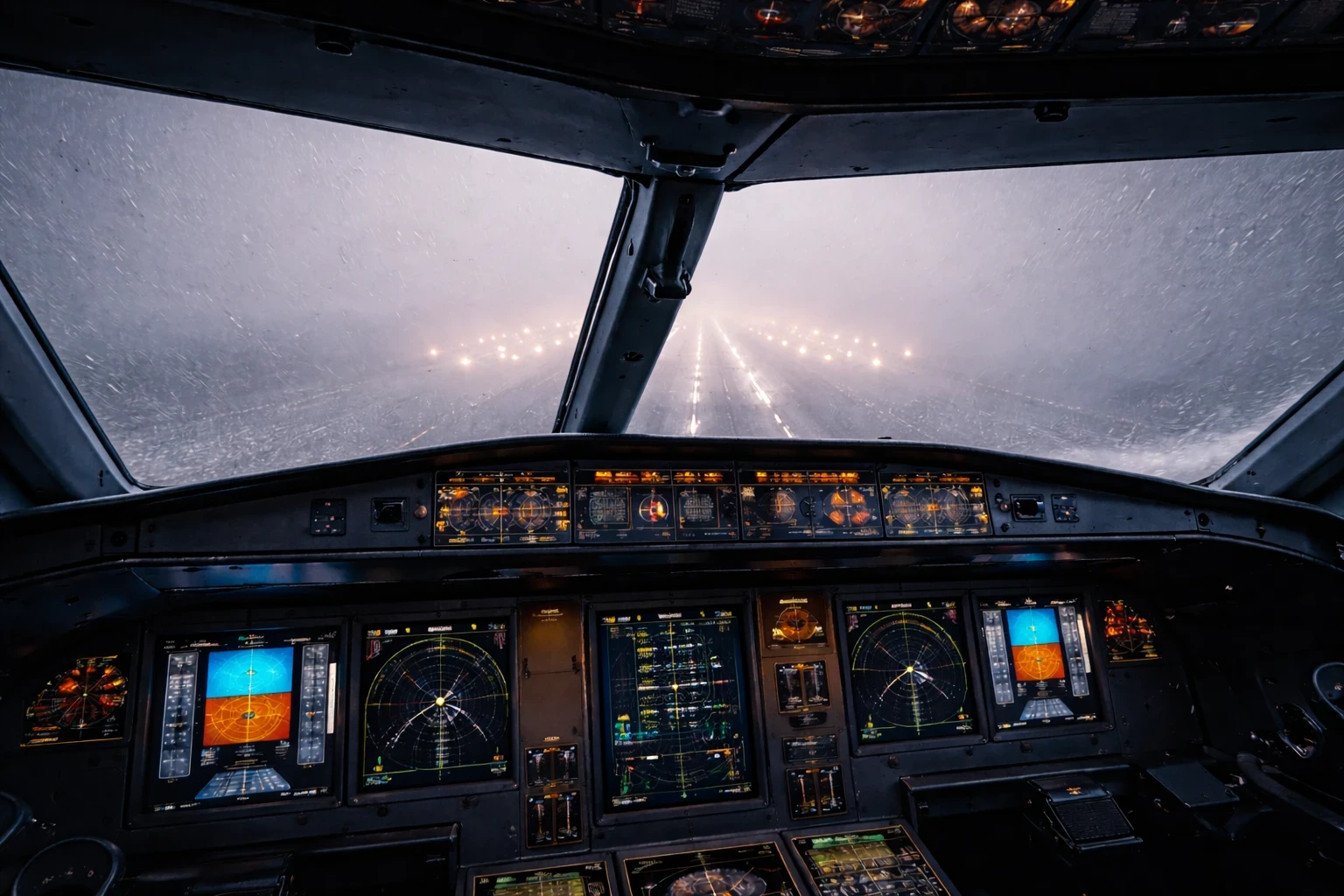
Fog, haze, and heavy precipitation can turn a routine flight into a nail-biter. They demand sharp instrument skills, where visual references take a back seat. It’s about trusting your instruments when all you see outside is a wall of gray.
Low-visibility conditions push pilots into IFR flying mode, where the minimal flight altitudes and specific approach procedures lead the way. Crafting challenges with these scenarios helps refine skills critical for safe approaches and landings despite the absence of visual cues.
Heading through heavy snow or rain isn’t just about windshield wipers going crazy. It’s about maintaining orientation and precision when everything around is a blur. Such conditions teach reliance on navigational aids and approach lighting systems to reach the runway safely.
Training in these conditions builds confidence where it matters most—when outside visuals disappear. You stop chasing the horizon and start trusting procedures, instruments, and timing. Over time, that hesitation fades, and your reactions become deliberate instead of rushed.
Craft well-thought-out IFR scenarios to include surprise elements, like sudden weather changes or equipment failures, to strengthen decision-making skills in tough conditions. Going beyond textbook maneuvers can transform good pilots into great ones by fostering confidence in handling whatever comes up when flying into the soup.
Designing Authentic Weather-Based Flight Challenges
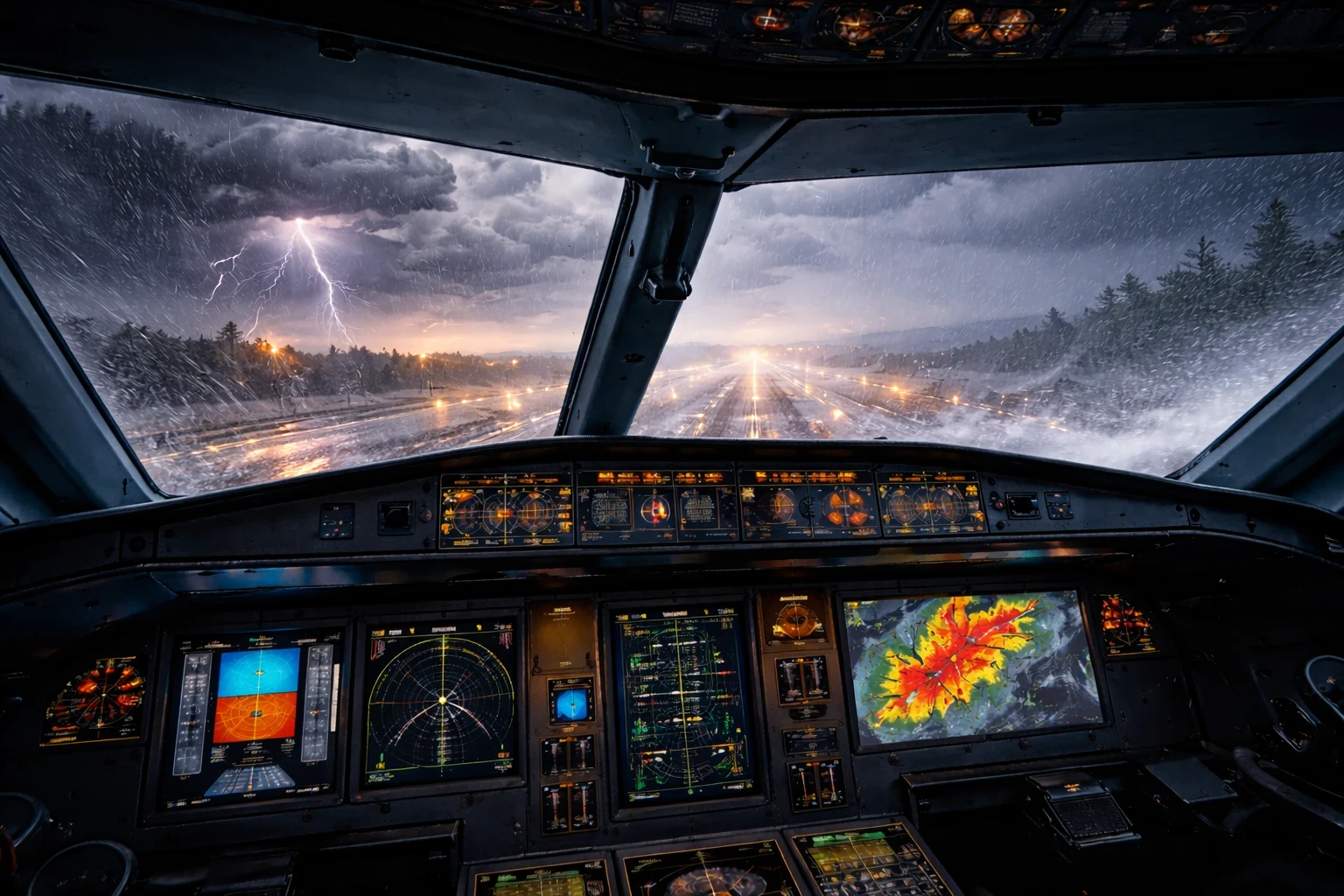
Simulating weather challenges in flight training provides a playground for pilots to test bounds and sharpen skills under pressure. Craft these scenarios like interactive puzzles where each piece—a storm cloud, gusty wind, or icy wing—teaches lessons in decision-making and adaptability.
Consider creating storm-approach landings. These involve navigating the peripheries of thunderstorms where you encounter intense turbulence and unexpected wind shifts. It’s all about judging when safe landings prevail over diverting to a safer airport —a concept reinforced in Navigating the Virtual Skies: Tips for Beginners.
Next, delve into zero-visibility takeoffs. When takeoff roll occurs in thick fog, reliance on instruments and onboard systems to maintain centerline and achieve rotation speed becomes critical.
Gusty crosswind landings practice require dancers’ precision. The art lies in balancing rudder and aileron inputs to achieve a smooth touchdown despite being pushed sideways by the wind. These train muscle memory, ensuring reactions are swift and precise even under stress.
Constructive icing scenarios bring alive challenges faced at various altitudes, where knowing how anti-ice systems work becomes vital. Real-world icing guidance from NASA Glenn Icing Research adds valuable context here. Discover how temperatures and moisture levels can incapacitate aircrafts, demanding quick, informed responses.
Incorporating embedded weather hazards near airports—like microbursts or unpredictable wind shifts—further heightens realism. They test the ability to read conditions and make split-second decisions that ensure safety at low altitudes near terrain.
The goal isn’t to punish yourself with bad weather—it’s to learn how to manage it. These challenges build confidence, sharpen judgment, and reinforce when it’s smarter to divert than to push on. By facing tough conditions in the sim, real-world weather feels far less intimidating because you’ve already worked through it—safely and intentionally.
Ready to Take On the Weather?
Flight simulators give you the freedom to craft storms, conquer fog, and push your piloting instincts to the edge—all from the safety of your home cockpit. By diving into realistic, layered weather scenarios, you’re not just logging flight time. You’re training to think like a pilot.
Ready to go deeper? Start by building your first custom scenario today—or take your practice to the next level with our full guide: How To Set Up Your First Custom Flight Simulator and don’t forget to subscribe or share if you’ve found this helpful—your next challenge might inspire someone else to fly smarter, too.