
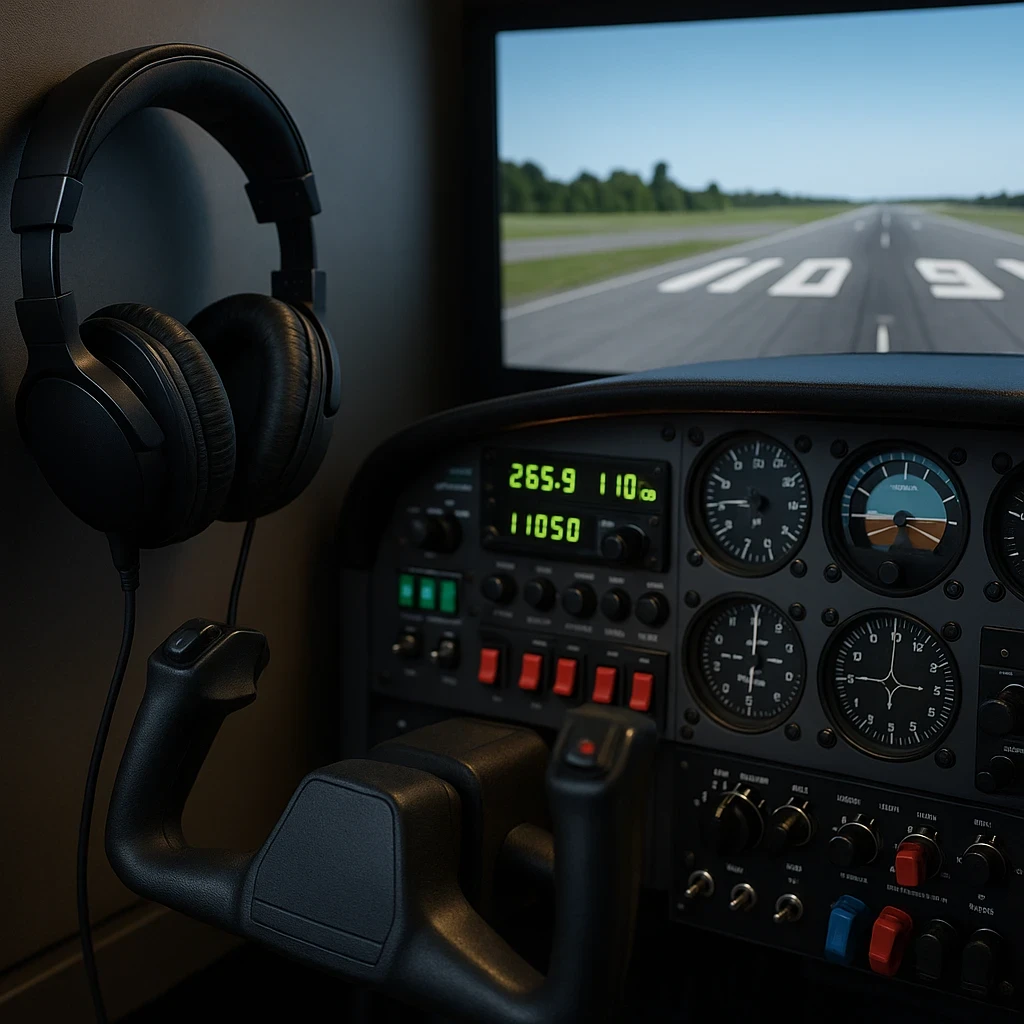
Sound mods open up an entirely new dimension in flight simulation. They don’t just make things louder or clearer — they change how you feel inside the cockpit. With a good sound pack, you’re not simply looking at a virtual sky; you’re flying into it. Every hum, every engine spool-up, every gust of wind suddenly brings the whole simulator to life. If you’re still building your setup, guides like Top 5 Headsets for Fully Immersive Flight Simulation can help you choose audio gear that pairs perfectly with sound mods.
Why does this matter so much? Because immersion is what makes each flight believable. When the audio around you reacts the way a real aircraft would, something clicks — you feel present inside that cockpit. The engine rumble, the wind noise at altitude, even subtle vibration cues all come together to pull you deeper into the experience.
Think about the default audio in most simulators: it gets the job done, but it rarely moves you. Swap in a high-quality sound mod and suddenly the aircraft has weight and personality. You can sense the engines working, feel the air shifting around the fuselage, and hear weather changes before you even see them. It’s like upgrading from stock earbuds to a premium sound system — the difference is instant. Many simmers combine this with tools mentioned in Exploring Realistic Weather Mods For Added Challenge to elevate both the audio and atmospheric realism.
Exploring the Spectrum: Engine vs. Environment Sound Packs
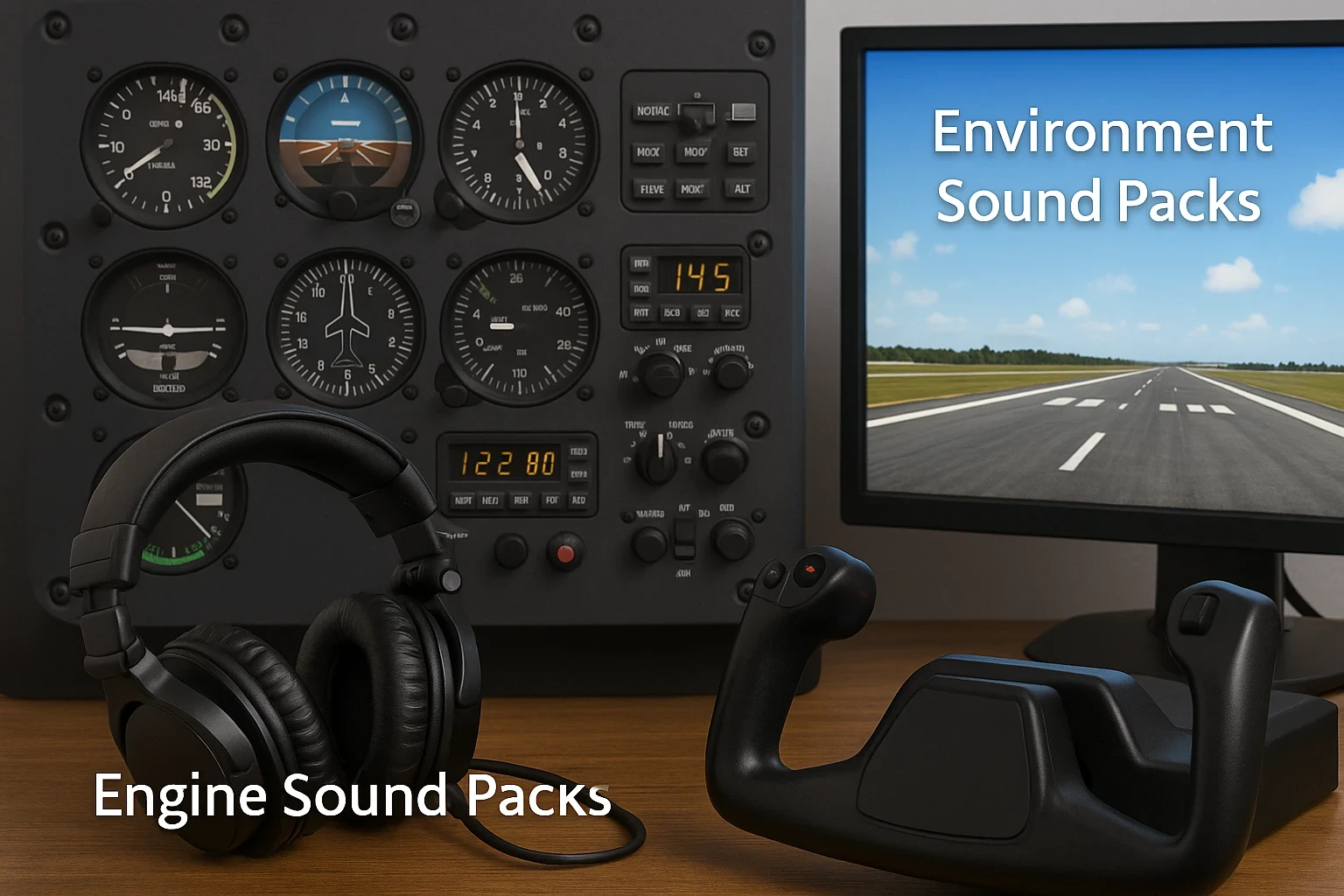
When you start exploring sound mods, it helps to understand the two main types: engine packs and environment packs. Engine packs zero in on the aircraft itself — the whine of an A320, the deep rumble of a 747, or the sharp growl of a turboprop. If the sound isn’t quite right, it throws off the whole mood. Environment packs add the world around you — rain on the fuselage, wind pushing against the cabin, thunder rolling in the distance. Together, they paint a far more convincing soundscape.
Engine sound packs focus on one thing: the aircraft itself. If you’re flying an Airbus, a Boeing, or any turboprop, each has its own symphonic flair. These mods give life to every takeoff, landing, and all the crucial in-betweens. Ever tried flying with engines that don’t whine just right? It’s like playing a grand concert with a slightly off-key violin; everything changes.
On the other hand, environment sound packs bring the surrounding world to your ears. Imagine the rhythmic patter of rain against the fuselage or the rush of a storm approaching. These mods add depth to your simulation by perfecting how the world reacts around your aircraft, making every flight feel even more real.
Premium sound mods are where some real magic happens. By using actual aircraft sound recordings, these mods take you one step closer to the cockpit experience. Hear the exact engine cycles of an A320 or the distinct buzz of a Boeing 747; it’s the kind of authenticity that often turns a good simulation into a great one. Developers such as FMod Studio and well-known sound creators on X-Plane.org requently release top-tier sound sets.
Mixing engine and environment sound packs wisely can completely revolutionize your sim sessions. It’s like crafting your perfect playlist for long drives; it sets the tone and mood, transforming a typical flight into a mesmerizing journey.
Cabin Audio Excellence: Enhancing the Interior Experience
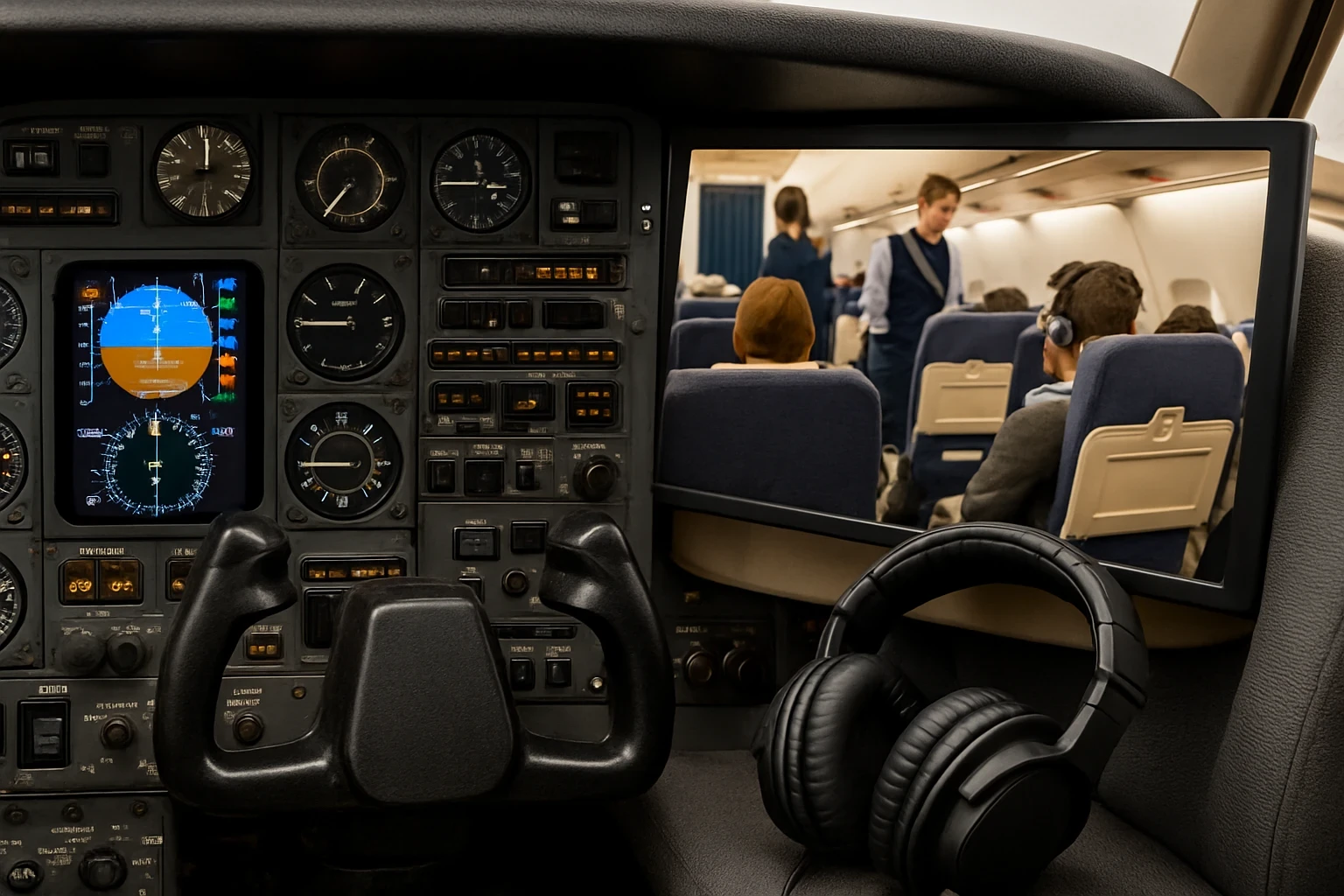
Cabin sound mods are where the subtle magic happens. Crew announcements that sound like they’re coming from the PA system, the click of seatbelts, the soft rumble of cargo shifting below — all these small details create the feeling of being inside a living, breathing aircraft. It’s the difference between a quiet, empty shell and a fully realized airline environment.
This attention to cabin details transforms more than just the sights and sounds. It’s the difference between watching a movie on mute and experiencing it in full surround sound. Every seatbelt click and overhead bin thud help recreate the airline feel, grounding your virtual adventures in the world of commercial aviation.
Weather sound mods take things even further. The gentle tapping of rain, the hollow rumble of crosswinds, or the sharp crack of distant thunder can shift the mood of an entire flight. These moments add unpredictability and tension — exactly the kind of realism many sim pilots crave. For even more atmospheric realism, pair these with tools featured in Integrating Real-Time Weather Data Into Your Flight Sim.
Enhancing the cabin experience isn’t only about realism; it’s also about comfort and immersion. Whether you prefer the hustle of a busy cabin or the tranquility of night flights, dialing in your cabin sound settings turns routine flights into something special, making each adventure as immersive as it is memorable.
Optimizing Sound Mods for the Best Experience
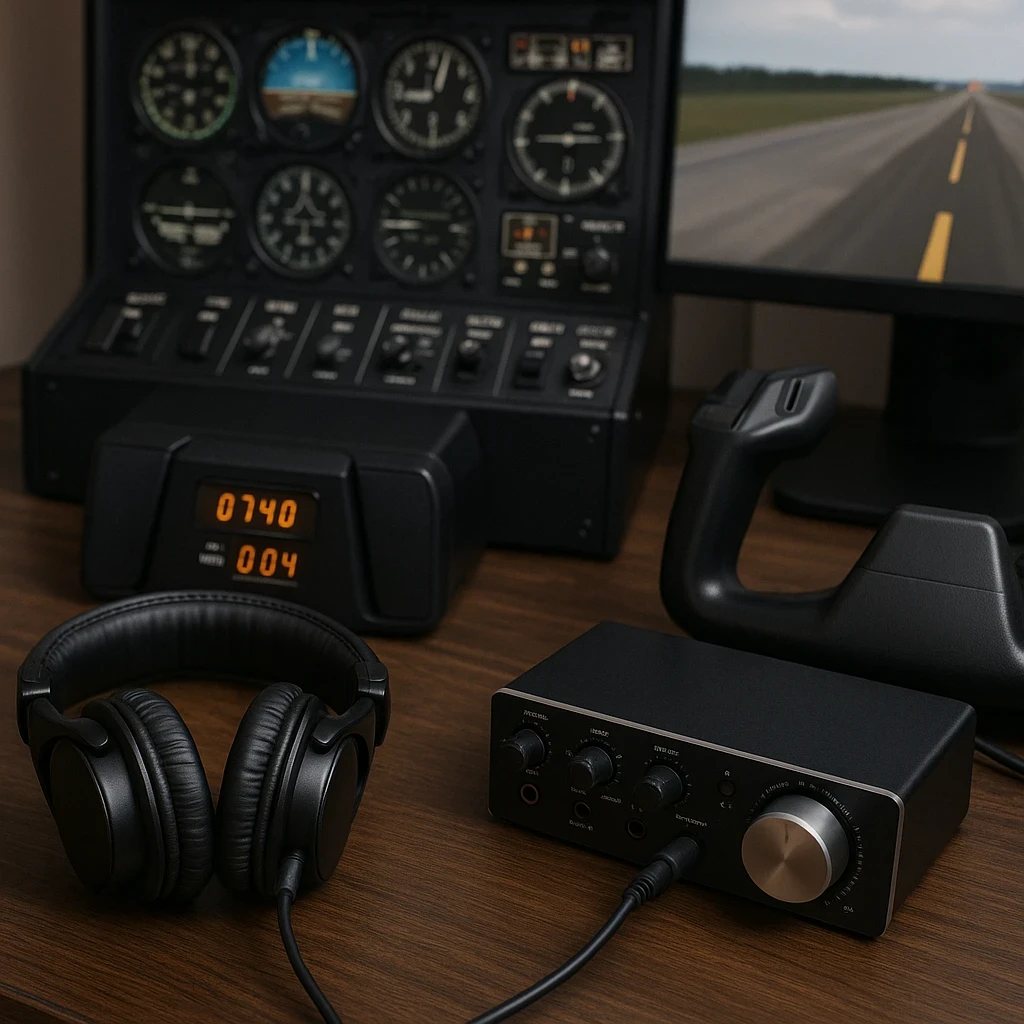
Installing a sound mod is only half the journey — getting it to play nicely with your simulator is just as important. Always double-check version compatibility to avoid glitches or missing audio. A clean install can make the difference between crisp, immersive sound and something that feels off.
A great pair of headphones elevates everything. It’s like listening to a symphony — laptop speakers won’t do it justice. With good audio gear, you’ll hear the faintest cockpit rattles, the subtle shifts in engine pitch, and the layered ambience that makes each flight feel alive.
Spatial and surround audio push immersion even further. Instead of sound coming from just the left or right, you hear the environment wrap around you — turbulence shifting overhead, engines humming behind you, rain hitting the fuselage from one side. It creates a sense of space that stereo simply can’t match.
Getting Started: Installing Sound Mods for MSFS and X-Plane
Ready to give your simulator a serious audio upgrade? Installing sound mods is easier than it looks. In Microsoft Flight Simulator, most mods drop straight into the Community Folder. For X-Plane, the magic happens inside the “Resources” or “Plugins” folder. As long as you place things correctly and keep track of what you install, you’ll be fine — and if something goes wrong, the community is always ready with fixes.
For Microsoft Flight Simulator (MSFS), start by downloading your preferred sound mod package. Often, these come in a compressed ZIP file. Extract it and follow the developer’s instructions—usually, it involves dragging the specific files into the Simulator’s Community Folder. Simple as that. It’s like swapping out old speakers for a top-of-the-line sound system. Quick tip: Keep track of which mods you install in case you need to troubleshoot later.
X-Plane fans, your process is just as straightforward. Open up your X-Plane directory and locate the ‘Resources’ folder. Inside, you’ll find a folder named ‘Plugins’ or ‘Aircraft.’ This is where your sound mods will shine. Again, just drop the files in the right spot, and you’re set. If any issues crop up, it’s often due to file misplacement, so double-check those file paths.
Troubleshooting can be a pain, but remember, most sound mod issues boil down to compatibility. Always ensure your mods are up-to-date and match your simulator version. Scour some online forums or the sound mod’s developer page if you find yourself stuck; the community is a gold mine of tips and tricks. Popular support hubs include the MSFS Forums and and the X-Plane Support Community.
Now, once you’ve got everything set up, immerse yourself. Load up that simulator, put on your best headphones, and listen as your virtual world transforms with each new flight. You’ll quickly see why so many pilots swear by sound mods to elevate their experience from good to downright breathtaking.
Bringing Your Virtual Skies to Life
Sound mods aren’t just another add-on — they’re one of the easiest ways to make your simulator feel alive. When the engine rumble has weight, when the cabin sounds full of life, and when weather shifts echo realistically around you, every flight becomes something you can feel, not just see. It’s amazing how much deeper the immersion becomes once your ears get the same level of realism as the visuals.
Whether you prefer the roar of a powerful turbofan, the gentle ambience of a nighttime cabin, or the unpredictable soundtrack of stormy weather, upgrading your simulator’s audio brings out a whole new personality in your aircraft and your flying experience. If you’re also experimenting with more immersive cockpit tools, check out Top Software For Air Traffic Control Simulation it pairs surprisingly well with enhanced audio.
Take the Next Step Toward Full Immersion
If this guide inspired you to explore new sound packs, now’s the perfect time to enhance the rest of your setup. You might find it helpful to explore additional immersion tools like Exploring Hidden Features of Popular Flight Sim Software or refine your environment visuals alongside your audio upgrades using Customizing Scenarios: From Emergency Landings to Night Flights.
Every improvement you make, big or small, brings your virtual cockpit closer to the real thing. So fire up your simulator, test out those new sounds, and enjoy the difference — one flight at a time.