
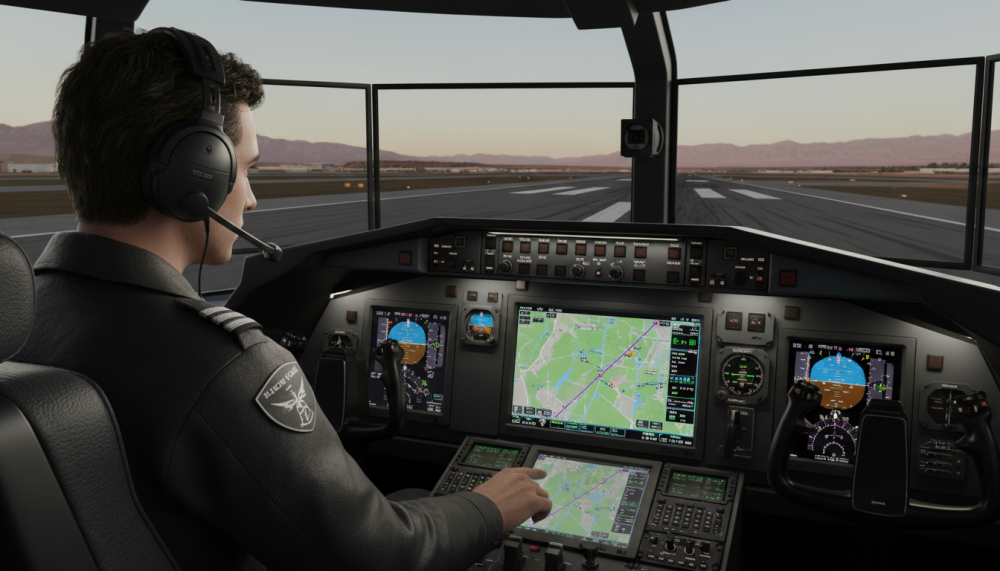
RNAV, or Area Navigation, is your best friend when it comes to taking the guesswork out of flying complex routes. This technology allows you to fly specific paths and holds a crucial place in modern aviation, making it essential for virtual pilots as well. By getting the hang of RNAV procedures, you can enhance your navigation skills and boost the realism of your VA simulator experience.
SID and STAR procedures might sound like aviation jargon at first, but they’re actually the backbone of structured flying. SIDs get you off the ground smoothly, while STARs guide you in for a clean approach—helping you avoid conflicts and stay on ATC’s good side. Mastering them makes a big difference in how polished your VA flights feel. In the VA world, mastering these procedures will set you apart. You’ll find your simulation runs smoother and more predictably, with a better grasp of real-world air traffic flow. If you’re still getting started, check out Getting Started With Flight Simulation: A Step-by-Step Guide.
Conquering SID and STAR in your VA simulator means practice and patience. Start with less complex routes to build up confidence. Analyze charts carefully. Make them your best buds, as you’ll want to consult them frequently to understand restrictions and waypoints. Remember, it’s all about simulating as much realism as possible.
Advanced simulators offer a playground for pilots seeking realism, and hacking the complexities of RNAV, SID, and STAR throws you into the heart of realistic flight operations. Stick with it and you’ll soon be slipping into the shoes, or seat, of an experienced pilot soaring through the virtual skies.
Harnessing Advanced FMC/GPS for Complex Route Inputs
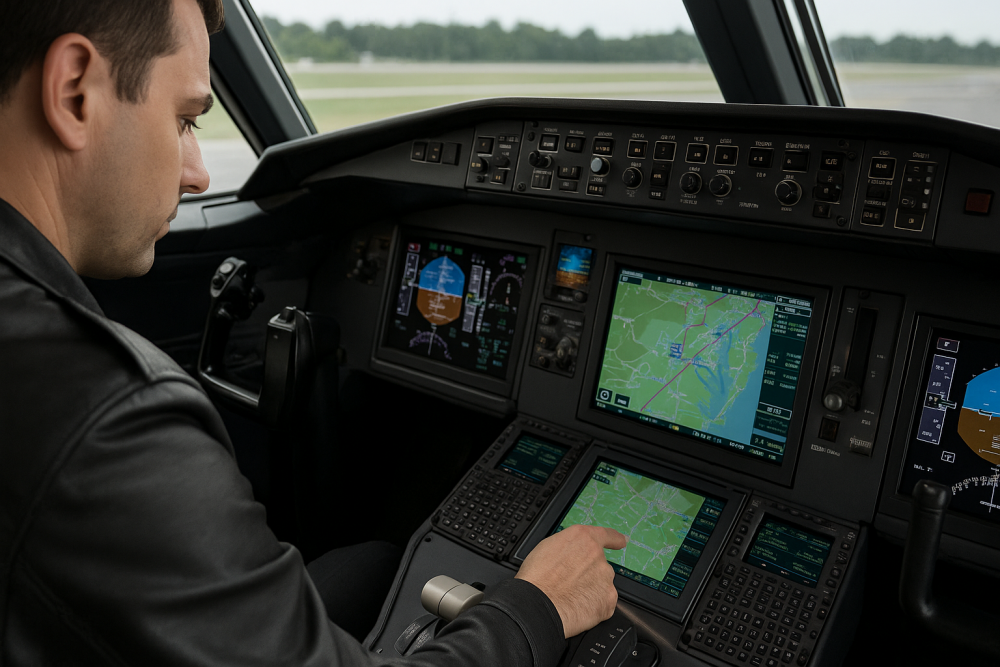
Understanding your Flight Management Computer (FMC) and GPS is like getting the keys to the cockpit kingdom. These systems might sound intimidating, but once you’re familiar with them, you’ll wonder how you ever flew without their assistance. In simulators, they help you plot your course with precision, manage fuel efficiency, and automate many of the tasks that keep real-world flights running smoothly.
Inputting a complex route into your FMC isn’t a walk in the park. It involves careful planning and a good grasp of where you’re headed. This isn’t just about entering waypoints; it’s about ensuring that your flight path considers airways, altitude restrictions, and traffic control instructions. Getting this right helps in making your virtual flights feel as close to the real thing as possible.
What makes FMC and GPS really shine is how they fine-tune your route behind the scenes. You’re not just hopping from point A to B—they help you follow efficient climb profiles, manage cruise levels, and adjust for fuel burn like a real airline would. Many simulators allow you to manually input these routes, giving you control to experiment and find the best possible way to reach your destination without straying off course. For serious realism, see our walkthrough on How To Program Your FMC in the PMDG 737.
For beginners, start by practicing with straightforward routes before moving on to more challenging ones. Explore forums and tutorials that break down the process of inserting routes into your FMC. The more practice you get, the quicker you’ll be at plotting these courses, eventually doing it almost instinctively, just like real pilots.
Mastering Flight Efficiency with Holding Patterns and Optimized Speed Profiles
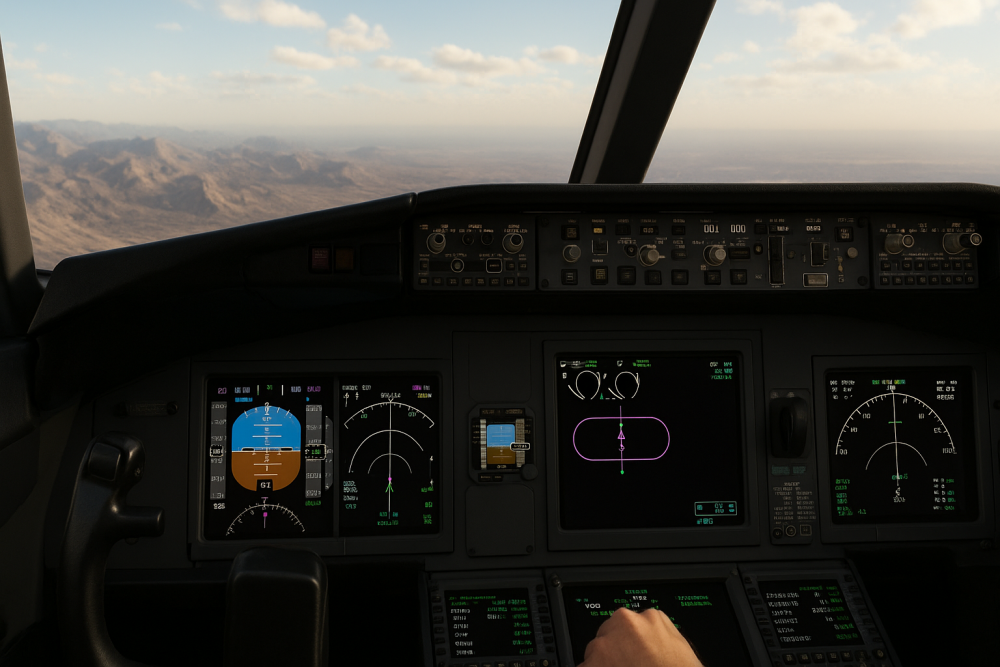
Ever found yourself circling the sky endlessly, not knowing how exactly to hold? Holding patterns are your go-to strategy when the airspace gets crowded or you’re instructed to wait. Think of them as the aviation equivalent of waiting in line, giving you time to coordinate arrivals or manage unexpected delays.
Getting holding patterns right in your simulator flight demands precision. It’s all about maintaining the correct speed and altitude while executing those perfect turns. Practicing this helps keep you sharp and ready for real-world scenarios, where air traffic controllers might throw one your way when you least expect it.
Aside from holding patterns, optimized speed profiles and step climbs are key to flight efficiency. These concepts aren’t just about saving fuel; they’re about balancing performance with safety and comfort. Knowing when to adjust speed or climb gradually helps maintain a smooth and economical flight path.
To master these techniques, engage with community resources like forums and training videos, where you can pick up insider tips from seasoned virtual aviators. One helpful resource is the FAA Aeronautical Information Manual. Spend time experimenting with different speed settings and climbing sequences in various weather conditions within the simulator. Over time, you’ll learn to refine your approach and save precious virtual fuel on your simulated flights.
Elevating the Realism with Real-World Routes and ATC Coordination
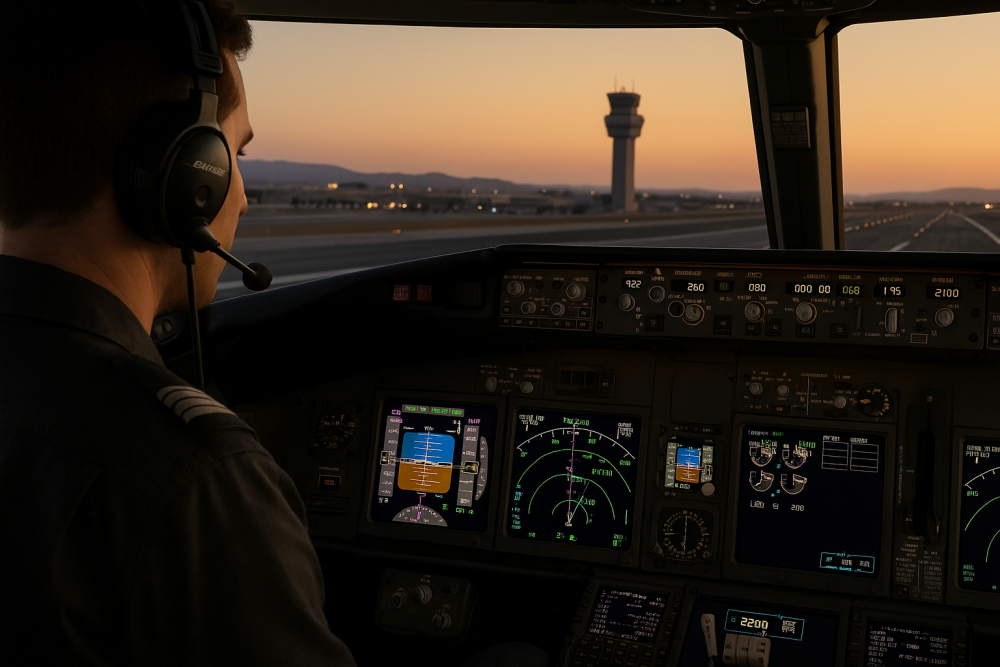
Adding real-world routes to your flight simulation brings your experience up another notch. Tools like SimBrief and SkyVector are gold mines for finding authentic flight plans used by airlines globally. Integrating these into your simulator not only boosts realism but also ups your navigation skills as you deal with actual airways and restrictions that real-world pilots face.
Flying with live ATC on networks like VATSIM is where simming gets real. You’ll handle surprise radio calls, respond to real-time routing changes, and work on your radio etiquette—just like in the real world. These live controllers simulate real-world air traffic control, making your virtual flights mirror real operations more closely, requiring you to stay sharp and responsive. For more ATC immersion, see Implementing ATC Communication for Dashboard Realism.
Managing altitude restrictions and following designated airways aren’t just about keeping on course. They involve understanding airspace boundaries, respecting the flow of traffic, and ensuring your flight path is optimized for efficiency. Pay attention to your charts and ATC instructions to stay within those invisible lines and manage transitions smoothly.
Preparation is crucial for success in this environment. Prior to your flight, check your route details and review air traffic updates. During your flight, keep communication clear and concise with ATC to prevent misunderstandings. Regular practice with these tools and networks can soon have you handling even the busiest virtual skies with finesse.
🎥 Watch It: Executing Complex Flight Paths in a Virtual Airline Environment
Want to see how it’s done in action? Check out this walkthrough of a virtual airline route with RNAV waypoints, SID/STAR transitions, and FMC programming — all within a live sim flight.
Enhancing Pilot Proficiency with Post-Flight Analysis and Terrain Awareness
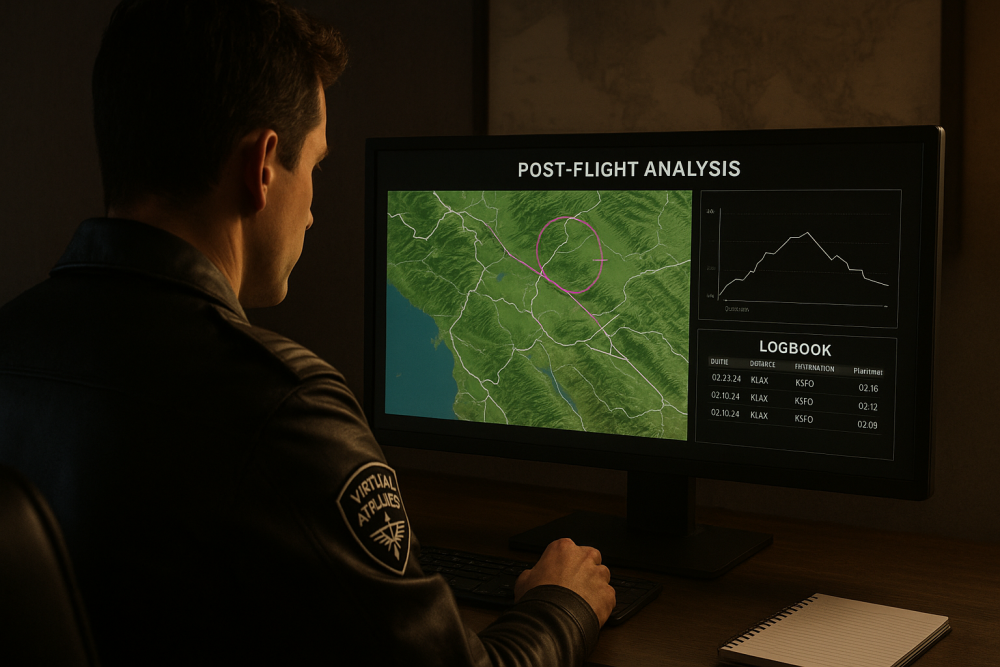
After soaring the virtual skies, the learning isn’t over. Reviewing your flight is where you catch those overlooked errors and triumphs. Post-flight debriefing is like replaying the critical moments of your journey to pinpoint what went well and what needs tweaking. By analyzing your performance, you forge improvement plans and hone your skills further. Tools like Volanta are great for post-flight tracking and analysis.
Keeping a VA logbook isn’t just about logging hours—it’s your sim story in progress. It shows how far you’ve come, where you struggled, and what skills you’ve been building over time. Logs help identify patterns over time; maybe you’ve noticed consistent altitude issues or speed miscalculations that may need focus. Regularly reviewing your logbooks encourages continuous growth and development.
In the thick of navigation, terrain awareness is a vital skill. Your simulator might not offer rolling green hills, but good an understanding of the virtual topography helps prevent navigational mishaps and airspace violations. This is crucial when operating near controlled airspace, where cliffs or mountains could lead to trouble if not anticipated well.
The VNAV (Vertical Navigation) function is an excellent assistant but sometimes taking manual control is the wiser choice. Understanding when to override these systems during unexpected situations ensures you maintain control whilst adapting to any surprises that crop up during flight. Developing that intuition makes you a more adaptable and competent virtual pilot.
So, after each session, dive into a detailed review of your flight, extract valuable insights and celebrate your achievements, no matter how small. Your improvement journey as a virtual aviator doesn’t end with landing; it just circles back into your next great adventure in the sky.
🧭 Conclusion: Becoming a More Skilled Virtual Aviator
Mastering complex flight paths in VA simulators isn’t just about memorizing procedures—it’s about building confidence, skill, and a deeper appreciation for the art of flying. Whether you’re inputting precise routes into your FMC, navigating a holding pattern during high-traffic conditions, or analyzing your post-flight performance for improvement, each step brings you closer to flying like a real-world pilot.
With tools like SimBrief, VATSIM, and terrain-aware debriefing platforms, you’re no longer just simming—you’re training, refining, and evolving.
👉 Ready to take your skills to the next level?
Explore our Beginner-to-Advanced Flight Sim Hub for tutorials, gear recommendations, and realistic flight scenarios designed to challenge and inspire you.
Let us know in the comments:
What’s the most complex route or emergency scenario you’ve conquered in your sim? We’d love to hear your story—and share tips with the community!