
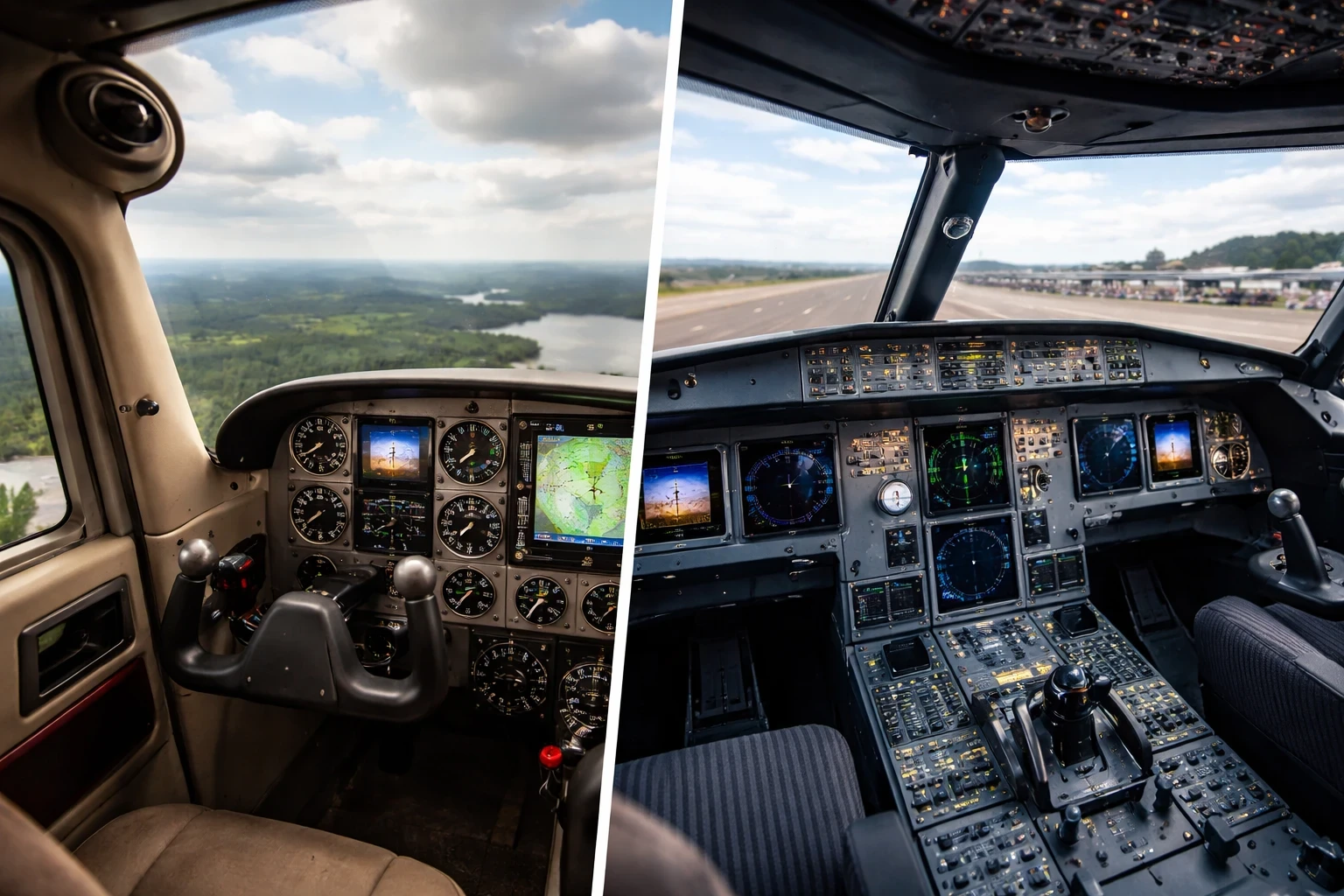
Flight simulator enthusiasts quickly realize that hardware choice directly affects how realistic each aircraft feels in the sim. The right choice of hardware isn’t just a tech choice—it’s about creating an intimate connection with the aircraft you’re piloting. When you’re in the cockpit, muscle memory and tactile feel mean everything. I can attest that switching from a keyboard to a joystick really transformed my Cessna 172 sessions. Instead of tapping keys, I was actually flying the airplane with proper control inputs. If you’re still deciding which control style fits your flying preferences, our yoke vs joystick comparison guide explains how each setup changes aircraft handling in practical terms.
Choosing between a yoke, sidestick, HOTAS, or specialized helicopter controls should align with the type of aircraft you fly most. For those short-haul flights in a Boeing 737, a traditional yoke could greatly enhance your experience, while an Airbus A320 feels more authentic with a sidestick thanks to its unique fly-by-wire system. Jumping into a fighter jet? A HOTAS setup is what you’ll want for those high-speed maneuvers and dogfights. If rotorcraft are your thing, helicopter-specific controls provide that nuanced control you need when hovering or executing a tricky landing.
Let’s get real for a second: the difference in controls doesn’t just stop at feel. Using a sidestick with an Airbus usually means thinking differently about your approach; with a HOTAS, you’re all about precision and agility. I learned quickly from personal experiences that adapting to the right controls is what helps transition seamlessly between aircraft types. Your equipment should mimic the real-world controls of the aircraft you’re crazy about flying.
So, when you’re setting up your simulator, consider the hardware as your cockpit’s backbone. Yes, it’s tempting to get every piece of gear out there, but focus on matching the specific aircraft’s controls you’re flying most. Think beyond the screen. The goal is to replicate the control philosophy of the aircraft you fly most often. And a tip from me to you: explore, test, see what feels just right—and that’s the first step to flying as close to real as it gets.
Crafting Aircraft-Specific Sensitivity Profiles
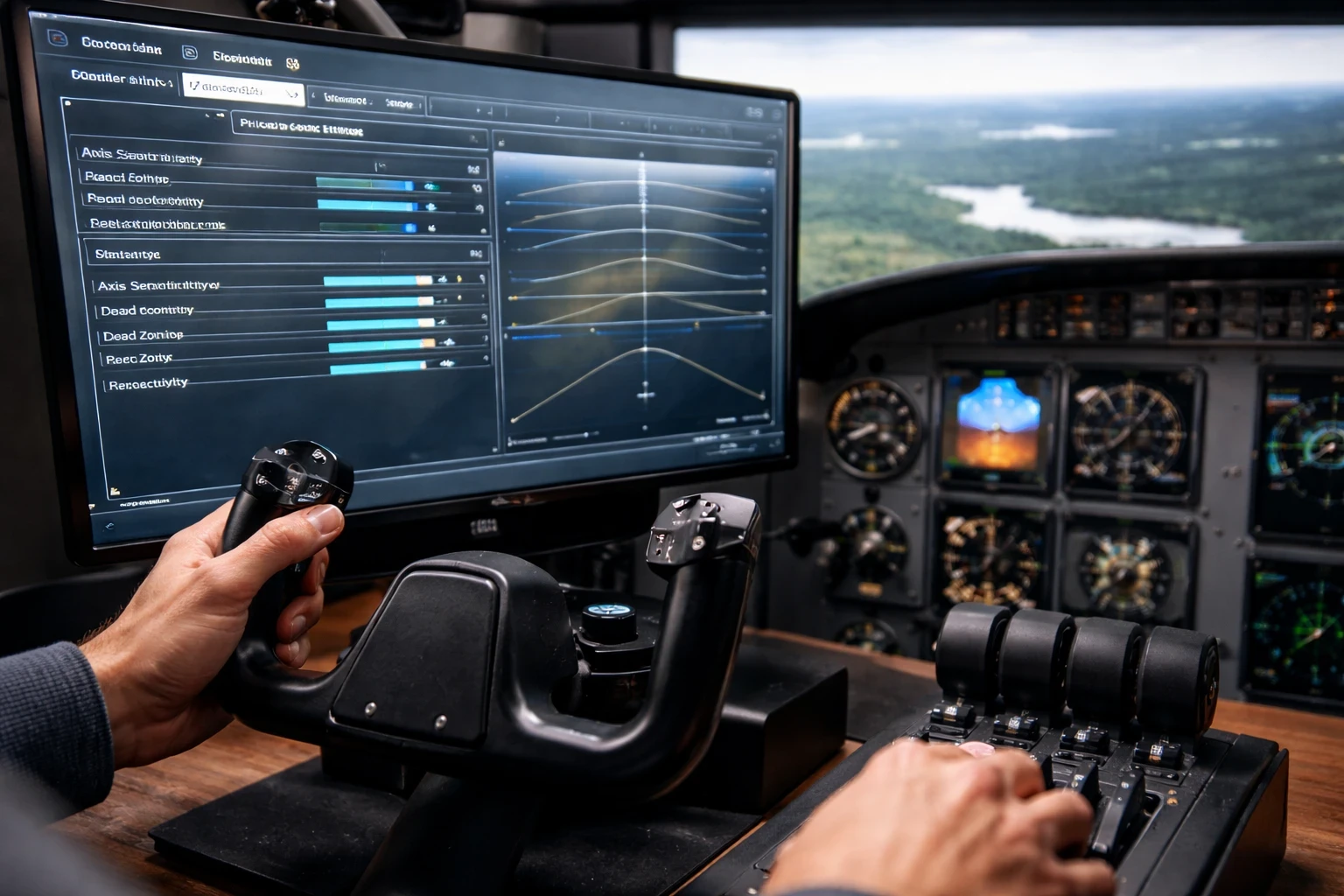
Tuning your sensitivity profiles to match the aircraft you’re flying can seriously elevate your flight simulator experience. It’s a game-changer when it comes to managing the distinct characteristics of each type of aircraft. Trust me, I’ve been there—it’s all about how your sim aircraft responds to your inputs.
Let’s break it down. Say you’re in a bush plane making tight turns through a canyon; you’d want a setup where quick, sharp control inputs are your best pals. On the flip side, trying to land a heavy Boeing 747 demands smoother, more gradual controls to simulate that real-world heft and balance. Creating these unique profiles isn’t that complex but requires some thoughtful tweaks.
So, how do you set these up? Most sims allow you to adjust sensitivity curves for each axis of your controls. Microsoft provides detailed controller sensitivity customization within Microsoft Flight Simulator’s official support documentation, which walks through axis tuning and curve adjustments step by step. Diving into these settings and adjusting the sliders can tailor the response to match your aircraft’s actual feel. It’s like fine-tuning a guitar to get just the right sound. This hands-on customization has taught me more about flight mechanics than any book ever could.
If you’re into fighter jets, dialing up the sensitivity makes the controls snappy, perfect for those split-second maneuvers in combat scenarios or tight formation flying. With something like a Cessna 172, I’ve found a lower sensitivity setting closely mimics its real-world docility, enhancing that calm, stable flight vibe that’s great for sightseeing or keeping your approach nice and steady.
Taking the time to craft these profiles turns your general sim setup into an aircraft-specific simulator setup. It translates into more realistic flight simulator configurations that suit specific operations, whether you’re engaging in a low-level bombing run or practicing a crosswind approach at a small airfield. So, set up, fly, tweak, repeat—it’s the adaptive cycle that brings a bringing a much higher level of realism.
Enhancing Realism with Study-Level Add-Ons
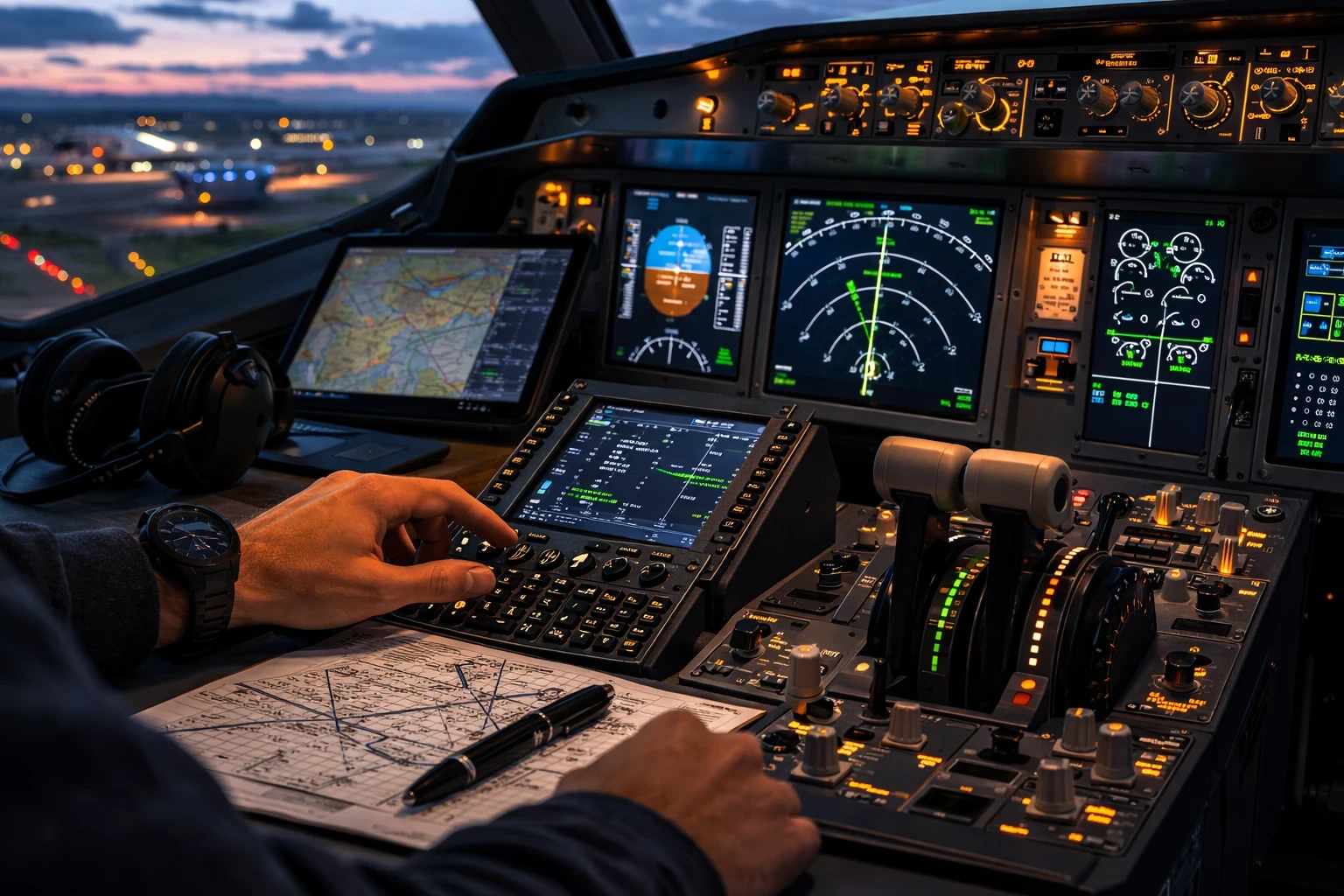
Embracing study-level add-ons for your flight simulator is a genuine upgrade in realism, particularly when you want a deep dive into aircraft systems. These add-ons don’t just replicate the visuals; they simulate intricate aircraft systems with impressive accuracy. You really notice this when you’re handling something like a Boeing 737, where understanding hydraulic systems or the electrical grid isn’t just extra—it’s everything in terms of depth. If you’re new to the add-on ecosystem and want a broader overview of aircraft, scenery, weather, and utility enhancements, our complete guide to flight simulator add-ons explains the different categories in more detail.
Let’s talk about the significance of these add-ons. For anyone who’s moved beyond basic flight controls and scenery, study-level aircraft can replicate real-world processes down to the smallest detail. Take the Airbus A320, for instance. Adding a study-level model means grappling with its complex fly-by-wire system. Not only do you get the thrill of flying it, but also the satisfaction of mastering systems like auto-throttle and flight management.
Then there’s the integration with incredible tools like SimBrief and Navigraph. I’ve used these for realistic flight planning and advanced navigation, turning what might be a straightforward point-to-point flight into a detailed IFR journey complete with SID and STAR procedures. Imagine being cleared for a complex IFR approach in challenging weather, where your precision flying is as much about brainwork as thumbwork.
Adding depth with these tools changes the game from just reacting to actually planning and anticipating. It mimics real-world operations where pilots pore over charts and set up their flight decks meticulously before wheels-up. Study-level simulations invite you to engage with this layer of authentic aviation activity, taking your flying from casual to committed.
Overall, this isn’t just about flying straight and level—it’s about diving into the nitty gritty, where systems complexity makes every flight a chance to learn something new. Mastering these elements makes you not just a better pilot in the virtual world, but perhaps more knowledgeable about real-world aviation demands too.
Preparing for Flight: Weight, Balance, Weather, and Start-Up
Getting your aircraft’s weight and balance spot-on before takeoff can be the difference between a smooth flight and wrestling with controls the entire time. This step isn’t just about realism for realism’s sake; it’s an essential part of flying any aircraft under realistic conditions. Adjusting these variables has ripple effects on handling and fuel management, whether you’re cruising in a light aircraft or climbing high in a commercial airliner. These changes directly influence lift, stability, and control response — concepts we break down further in our guide to aerodynamics in flight simulators.
Take, for example, preparing for a bush flying adventure. I’ve found that tweaking your aircraft’s cargo and weight distribution can greatly influence performance, especially during a tricky short-field takeoff. No two flights are ever the same when you’re pushing the limits, and getting these settings right can be just as thrilling and rewarding.
Weather is another key player in crafting those memorable flights. Choosing the right conditions based on your mission profile is all about bringing a sense of purpose to your simulator experience. Are you practicing crosswind takeoffs at a gusty airport? Or perhaps testing out your low-visibility landing chops? The right weather can make familiar routes fresh and engaging each time.
Cold and dark startup procedures are the ultimate nod to realism and preparation. It’s not just about flicking switches but immersing yourself in the systematic checks of your aircraft. I started doing this with small GA aircraft, and now it’s become second nature, giving each flight that additional touch of authenticity. The flow of bringing an aircraft to life takes you from passive button-pusher to active cockpit manager.
Whether you’re patiently setting up in an airport’s no-pressure environment or racing to meet a tight schedule, how you prepare sets the tone for your entire flight. It’s about investing that little extra time, turning routine prep into an engaging pre-flight ritual, and embracing the journey from taxi to landing.
Maximizing Immersion Through Visuals and Sound
Visuals and sound settings can radically enhance immersion, making your simulator experience not just about control inputs but truly feeling like you’re flying. Adjusting these settings is like fine-tuning a painting until you find that perfect balance between visual appeal and clarity.
Camera views and field of view (FOV) adjustments are crucial here. When I’m in a fighter jet, I ensure my FOV is wide enough to capture those expansive skies and the fast-paced environment I’m navigating. In contrast, when flying a commercial airliner, narrowing the FOV gives that cockpit-heavy view, adding to the sensation of commanding a larger aircraft. If you’re refining immersion beyond controls, our realistic flight simulator settings guide explores camera positioning, graphics balance, and performance optimization in more detail.
Optimizing camera views contributes not just to realism but also situational awareness. On final approach, having the right camera angle can make all the difference between a smooth landing and a last-minute panic overshoot. It’s about finding views that aid your flying style. There’s a creative element, like being a director in your flight movie, framing each scene to support the narrative.
Sound is another realm where immersion either takes off or falls flat. I’ve experienced the profound difference realistic audio makes when simulating different stages of flight. Fine-tuning sound settings, like increasing engine roar during takeoff or dialing down environmental noise during cruise, can shape your experience. Each aircraft has its own soundscape that, when mirrored in the sim, can transform a typical session into an electrifying flight.
Crafting missions that reflect the true purpose of your chosen aircraft is the bow on this immersive package. If you’re in a military jet, scheduling sorties or formation flying underscores its design intention. Meanwhile, with a bush plane, simulating cargo drops or wilderness landings anchors the experience in its utilitarian roots. Selecting routes and missions true to the aircraft’s real-world role heightens the authenticity and enriches your flying adventure.
Bringing It All Together: Fly the Aircraft, Not Just the Simulator
Customizing your flight simulator for specific aircraft isn’t about collecting hardware — it’s about aligning your setup with the control philosophy and operational behavior of what you fly most.
A yoke feels right for a Cessna.
A sidestick matches an Airbus.
A HOTAS transforms jet flying.
Sensitivity profiles, study-level add-ons, weight configuration, startup procedures, and mission planning all reinforce that aircraft-specific realism.
Instead of chasing every upgrade at once, focus on matching your simulator to the aircraft type you enjoy most. That’s where immersion shifts from visual to tactile.
If you’re planning a full setup refinement, our step-by-step flight simulator configuration guide can help you build a structured upgrade path.
Fly intentionally. Configure deliberately. And let each aircraft feel like its real-world counterpart.