
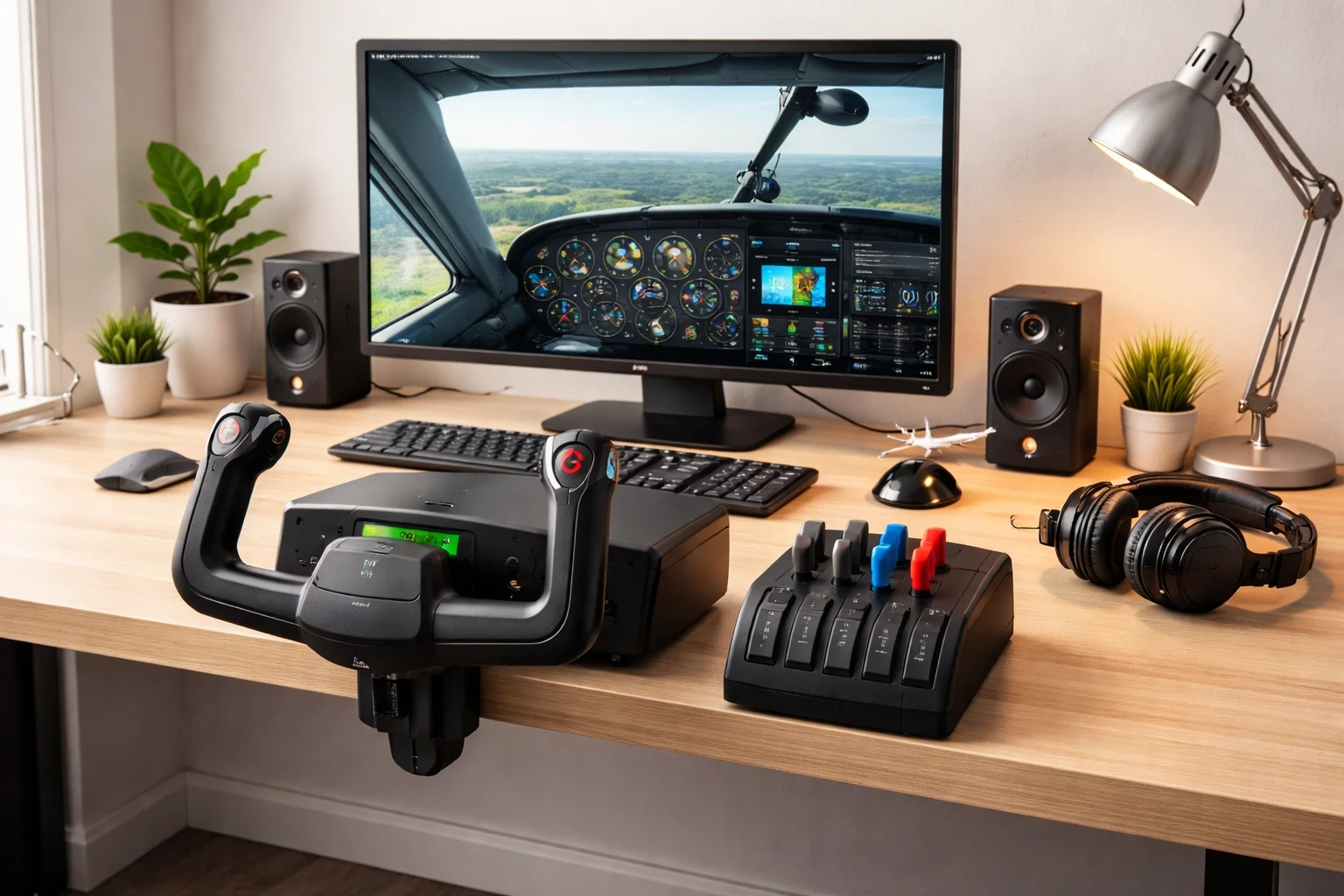
Flight yokes are essentially the primary control column for most General Aviation aircraft in a simulator. Instead of twisting a joystick, you’re pushing and pulling for pitch and banking just like you would in a Cessna-style cockpit. For GA-focused simmers, this immediately changes how the aircraft feels during rotation, climb, and landing.
It’s easy to assume that lower pricing automatically means poor performance, but that’s not always the case. Many entry-level yokes offer smooth pitch and roll control that’s more than sufficient for training flights and short regional hops. Many budget-friendly yokes deliver a solid experience without burning a hole in your wallet. You can typically find reliable options between $100 to $200 USD. These are great for learning the ropes and perfecting your takeoff and landing techniques.
When shopping, brands like Logitech G and Honeycomb are your go-to names — and if you’re still deciding between different control styles, check out our yoke vs joystick comparison guide. They offer decent durability and performance for their price. Checking the product compatibility with your preferred simulator is crucial too. Microsoft Flight Simulator and X-Plane 12 are two big names you don’t want your gear to miss out on.
Of course, with budget gear, there are some limitations. You might miss out on certain premium features like metal construction or finer control sensitivity. But for beginners or casual pilots, these aspects don’t always impact the core flight experience. It’s more about getting comfortable and building your skills without going premium right at the start.
Lastly, always give used options a look. Sometimes you can score great deals on second-hand yokes that have minimal wear. Just ensure they’re fully functional and compatible with your setup.
Affordable Throttle Quadrants: Enhancing Immersive Throttle Control
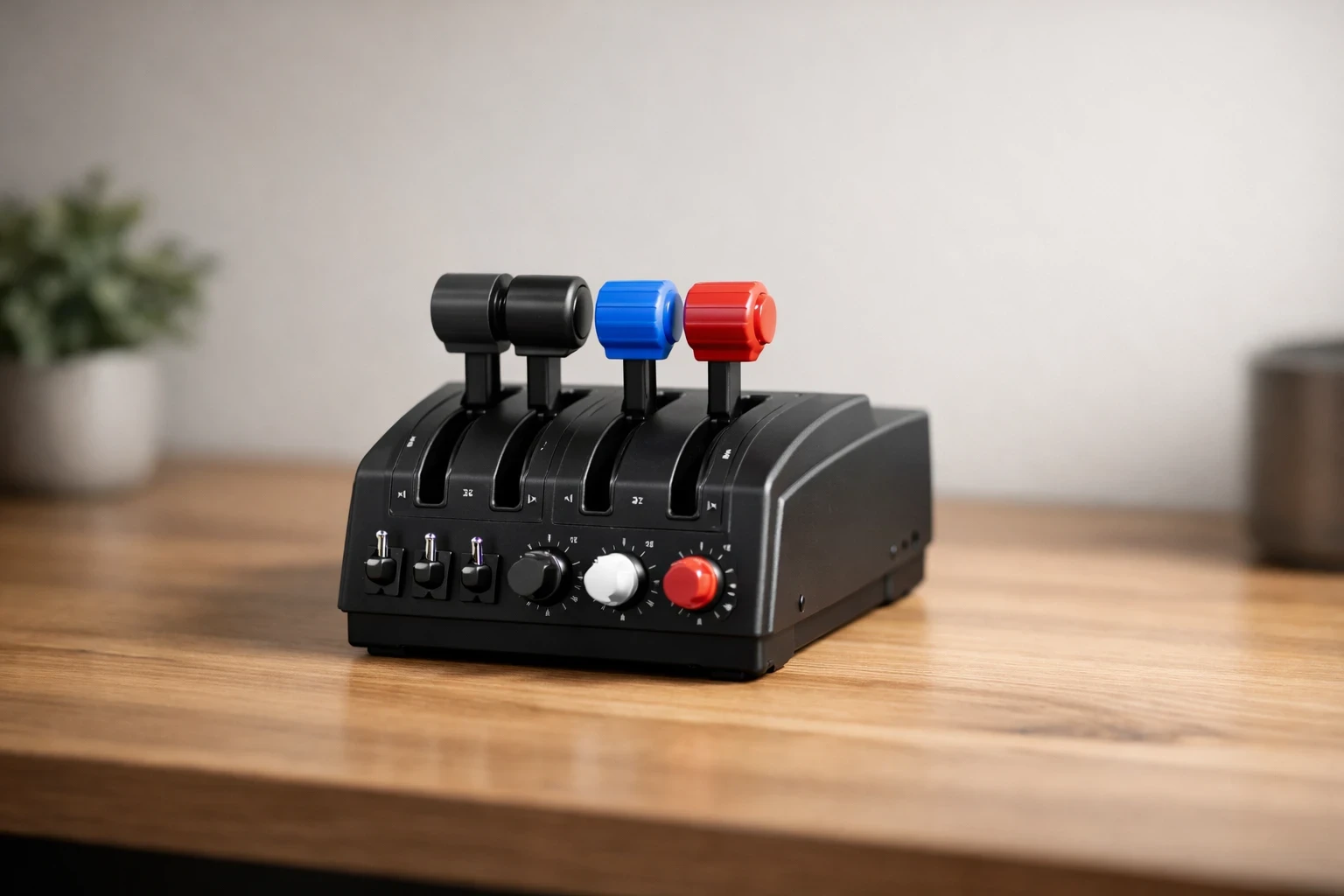
Precise throttle control becomes especially noticeable during climb and final approach. Small power adjustments are much easier with a physical lever than with keyboard inputs. Throttle quadrants let you manage engines with precision, an essential for sim pilots wanting to step up their game, especially those focused on engine management and control dynamics.
For affordable throttle quadrants, you’re generally looking at a price range between $50 and $150 USD. Reliable models like the CH Products USB Throttle Quadrant or the Thrustmaster TCA Quadrant Airbus Edition offer solid performance without stepping into premium pricing and for — and for a deeper breakdown of popular models and real user pros/cons, be sure to visit our throttle quadrant buyer’s guide.
When considering compatibility, make sure your throttle quadrant will play nicely with your chosen simulator. Options compatible with Microsoft Flight Simulator and X-Plane 12 are widely available, but always double-check.
There’s always a balance in the world of budget equipment. While you won’t get the multi-engine control levers that might come with pricier models, you’ll still enjoy fundamental throttling capabilities. These affordable options offer decent build quality, although they might include more plastic components than metal ones.
When choosing a budget throttle quadrant, pay attention to a few practical details:
- Check for smooth lever travel (jerky movement makes fine power control difficult).
- Confirm whether the quadrant includes detents if you plan to fly jets.
- Make sure it clamps securely to your desk.
Used throttle quadrants can be a smart purchase for those looking to save even further. It’s about finding well-kept gear that hasn’t endured excessive wear and ensuring it meets your flight sim’s needs. Some platforms also offer bundles where you can snag a quadrant along with other controls, which can sometimes be an efficient way to build your setup.
Entry-Level HOTAS Systems for Diverse Flight Profiles
**Please note: This post contains affiliate links. As an Amazon Associate, I earn from qualifying purchases at no extra cost to you.
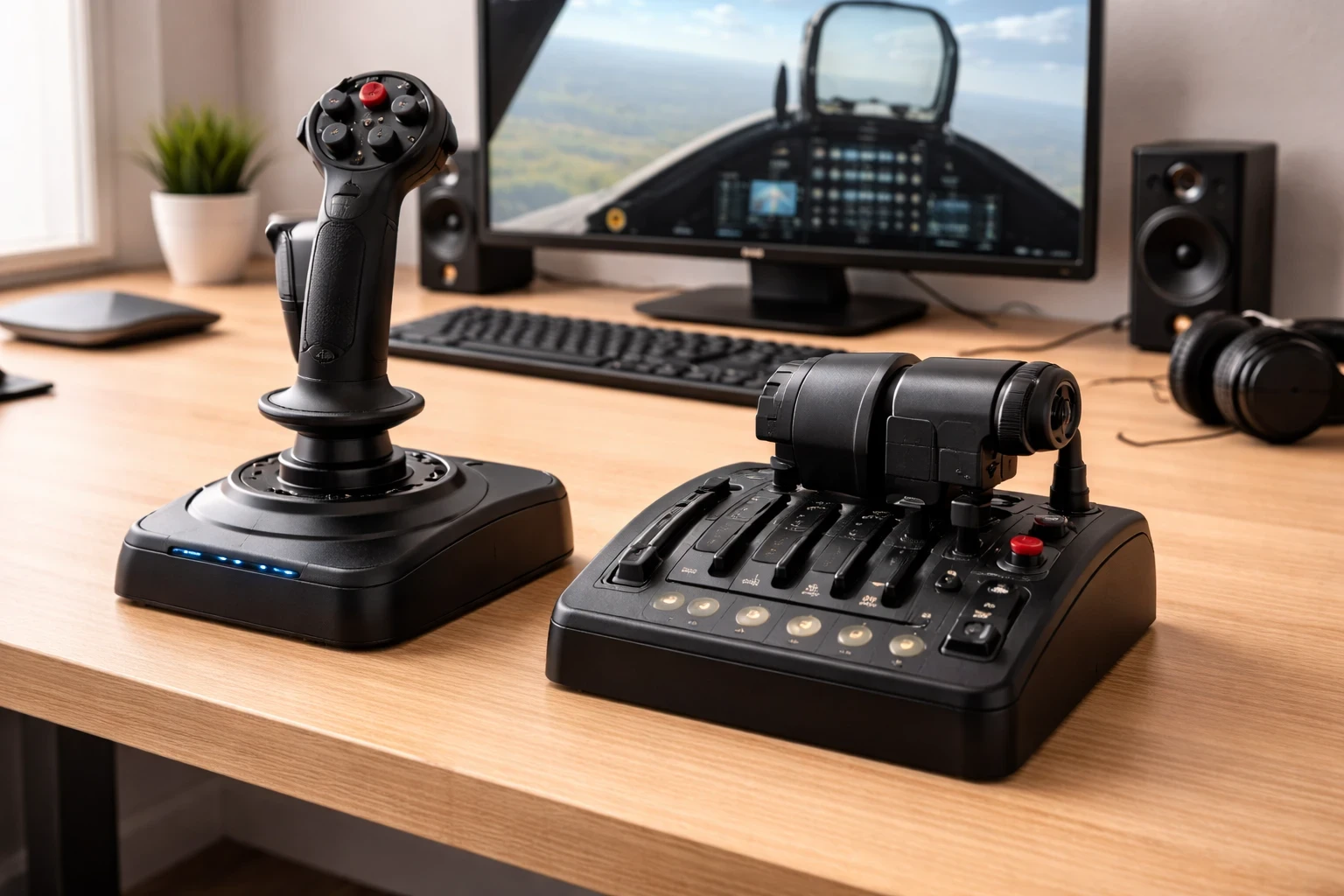
HOTAS, or Hands On Throttle and Stick, setups are favorites for aspiring pilots who want to feel like they’re actually flying jets or helicopters. They offer combined control of throttle and stick, giving you more direct command over your aircraft.
HOTAS systems make the most sense if you primarily fly jets, helicopters, or military-style aircraft — if you want to compare top beginner and intermediate HOTAS options in one place, see our HOTAS buying guide. If your focus is strictly General Aviation, a yoke setup often feels more natural. Choosing between the two really depends on what aircraft you fly most often.
Entry-level HOTAS systems are ideal for any sim pilot wanting to experience more complete physical control without dropping serious cash. Expect to pay around $60 to $150 USD for a decent new model from brands Thrustmaster T.16000M FCS HOTAS or the Logitech G X52 Flight Control System are commonly recommended for jet-focused sim pilots. These provide good functionality with acceptable build quality.
Compatibility’s a key consideration. Most entry-level options work right out of the box with popular simulators like Microsoft Flight Simulator and X-Plane 12, though you might need to tweak a setting here and there for perfect integration.
While these budget-friendly systems do a decent job, they don’t have the bells and whistles of high-tier setups like force feedback or additional LED displays. But what they lack in luxury features, they often make up for with intuitive control and easy setup, which is a big win for newcomers.
Buying used is an option here too. Pre-owned HOTAS setups can come with slight cosmetic marks, but they often retain much of their original functionality. Just be sure to check the reviews on the models and the seller ratings for a successful purchase.
Also, consider bundles that pair HOTAS with rudder pedals or throttle quadrants. These packages might offer a more comprehensive setup at a price that’s still on the friendlier side.
Budget Rudder Pedals: When You Need Realistic Ground Control
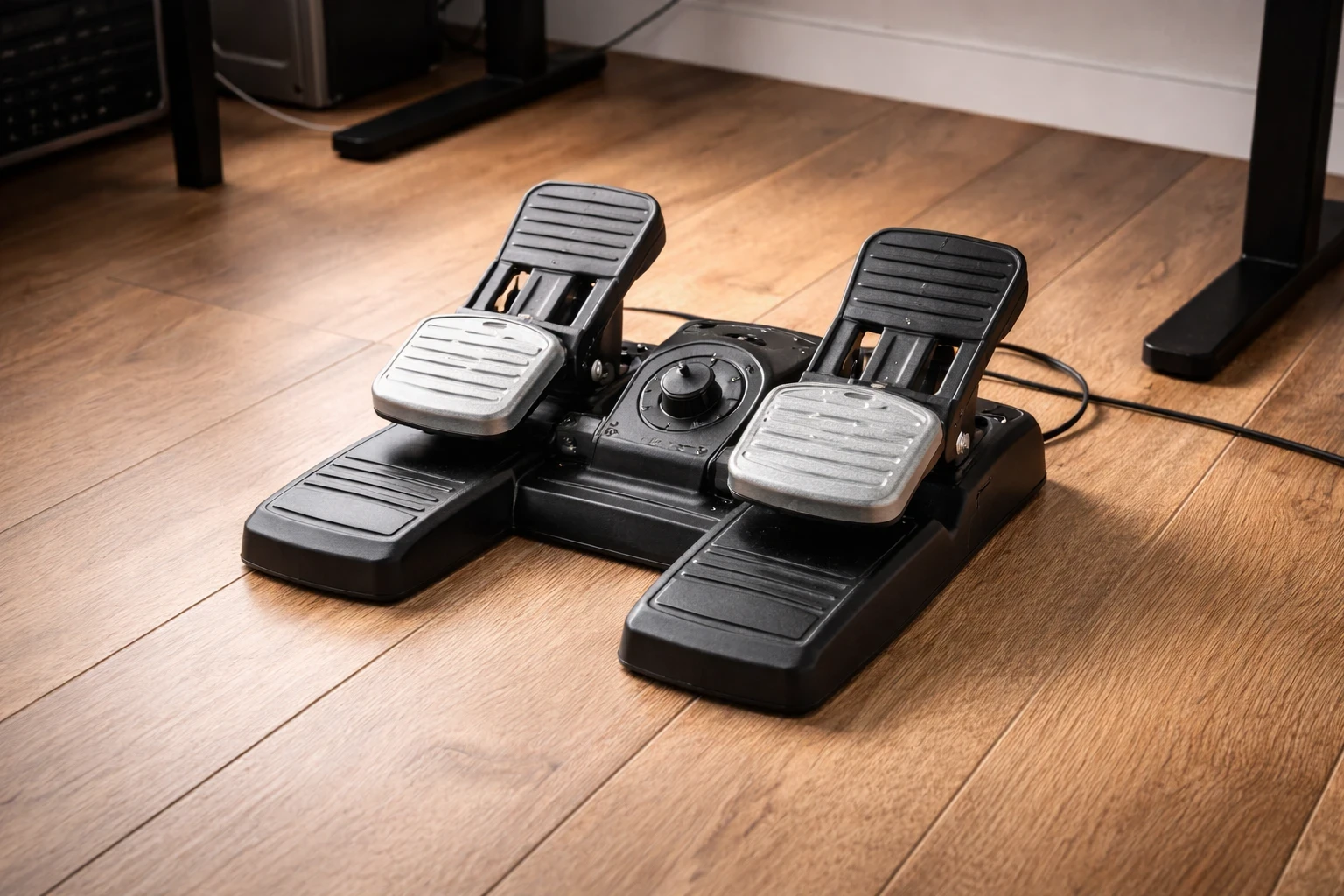
Rudder pedals are often the upgrade that completes a basic flight simulator setup. They’re all about bringing realism to your takeoff, landing, and ground control, key actions for any pilot seeking an authentic simulation experience.
For those on a budget, rudder pedals can generally be found in the $70 to $179 USD range. Even with a tighter budget, you can find products from respected brands like CH Products and Saitek that deliver quality control and build, providing a stable platform under your feet. Popular entry-level options include the Thrustmaster TFRP Rudder Pedals and the Logitech G Pro Flight Rudder Pedals, both widely compatible with major simulators.
When looking at compatibility, you’ll want to ensure these pedals work seamlessly with the simulator you’re using. Microsoft Flight Simulator and X-Plane 12 remain popular, and most affordable pedals cater to these systems.
On the cons side, budget pedals may lack the robust materials or advanced resistance features found in their premium counterparts. But they still provide a good basic introduction to what pedals can bring to your simulated flights.
Used pedals can be a real bargain if you’re looking to stretch your dollars even further. Just keep an eye out for wear and tear, particularly on parts like the footrests and connectors. Bundles often present value opportunities by packaging pedals with other controls, so consider your options carefully.
From a practical standpoint, there are two common limitations to be aware of:
- Budget pedals may slide on smooth floors unless secured with a mat.
- Resistance tension is usually lighter than premium models.
Navigating Online Marketplaces: Finding and Buying Affordable Flight Sim Gear
Buying flight simulator hardware online is straightforward, but careless purchases can quickly waste your budget. The online marketplace scene is vast, with spots like Amazon, eBay, and specialized sim gear shops offering a variety of deals. Whether you’re just starting out or rounding out your setup, these platforms offer plenty of opportunities to snag reliable gear without overspending.
Before you hit ‘buy,’ check compatibility with your chosen simulator, particularly Microsoft Flight Simulator and X-Plane 12. It’s essential to confirm that your new gear will integrate smoothly into your current setup. Reading user reviews can also shed light on real-world functionality and durability, so don’t skip that part.
Bundles can be a smart way to go, often offering several pieces of gear at a savings over buying individually. These packages can sometimes be a steal, giving you all the essentials to jumpstart an entry-level flight simulator setup. Just make sure every component fits the bill when it comes to quality and compatibility.
When it comes to avoiding scams or overpricing, always buy from reputable sellers. Check seller ratings and read through customer feedback to ensure you’re getting the best value. Steer clear of offers that seem too good to be true, and consider warranty options or return policies as part of your decision-making process.
Finally, buying used equipment is a great way to make your budget stretch further. Many sellers offer lightly used gear that’s still in excellent condition. Just be sure you’re comfortable with any wear on the pieces and verify their operational status before finalizing the purchase. With these tips, finding affordable flight sim gear online can be straightforward and satisfying.
What Should You Upgrade First?
If you’re flying with a basic joystick and keyboard right now, the biggest improvement usually comes from adding either a proper throttle quadrant or rudder pedals.
Ask yourself:
- Do I fly mostly GA or jets?
- Am I struggling with smooth landings?
- Do I need better engine control?
Answering those questions will point you toward the most impactful upgrade.
And if you’re unsure where to begin, our beginner-friendly flight simulator setup guide walks through each component in practical order so you can build your setup confidently.
Take your time. Choose intentionally. And enjoy the process of improving your simulator one piece at a time.